People look for a calendar app for different reasons.
Some want to remember family birthdays; others need customer visits and the work to do that day. What belongs in an event depends on its purpose. Our focus is keeping the appointment date and the work connected to it together. Here is a comparison of five calendar apps.
Start With the Events You Need to Manage
- Service: Google; Main use to consider: Account-based sharing and permissions
- Service: Naver; Main use to consider: Lunar birthdays, tasks and countdowns
- Service: Samsung; Main use to consider: Events from different accounts on Galaxy devices
- Service: Apple; Main use to consider: Sharing iCloud calendars
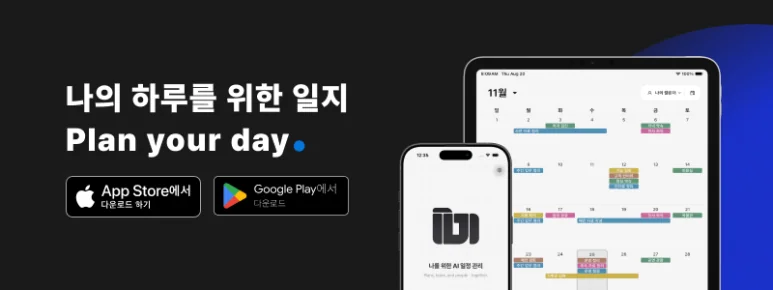
- Service: ILJI; Main use to consider: Personal appointments, work events and work details
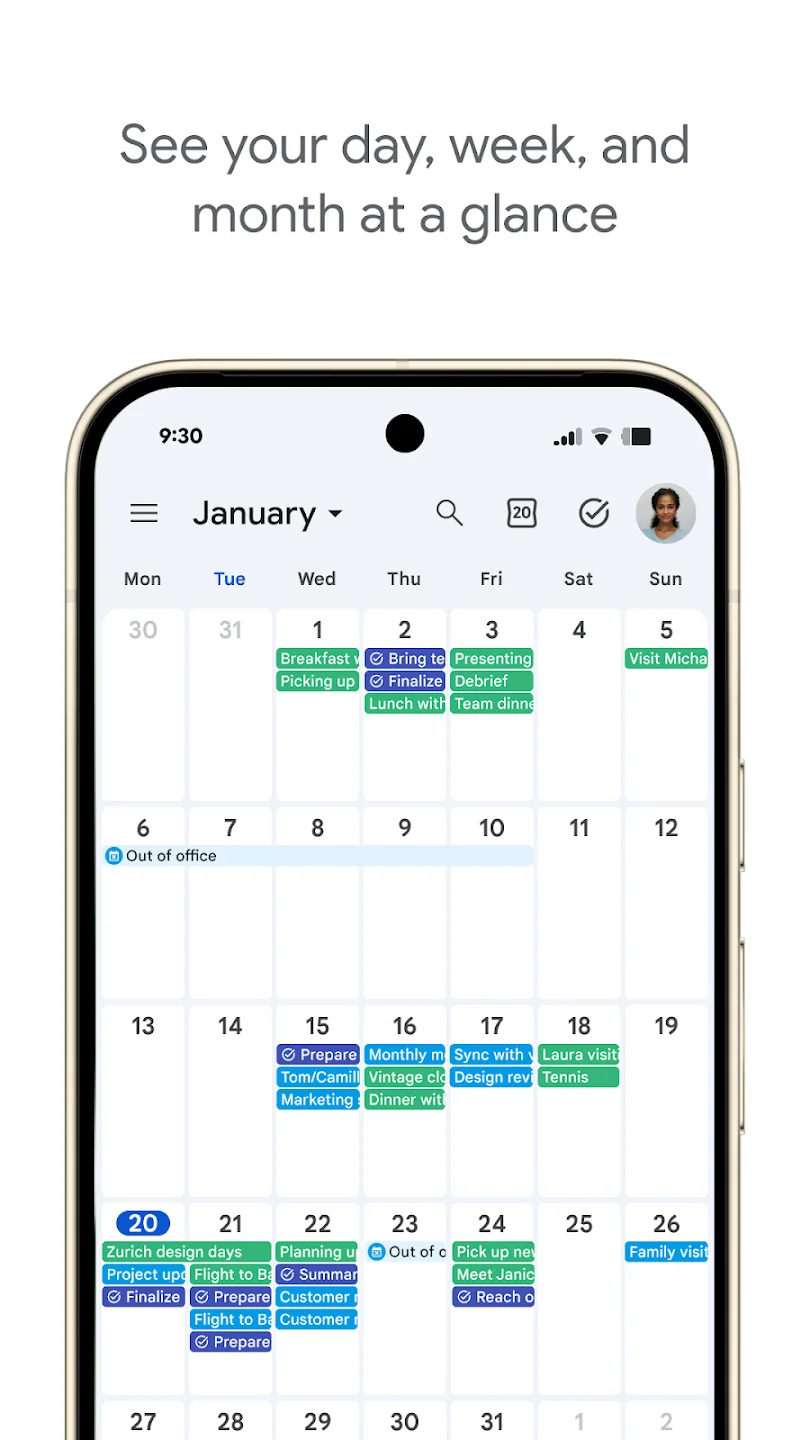
Google Calendar lets you control what other people see and who may edit. An administrator may restrict sharing on a work account, so check the actual accounts you will use together.
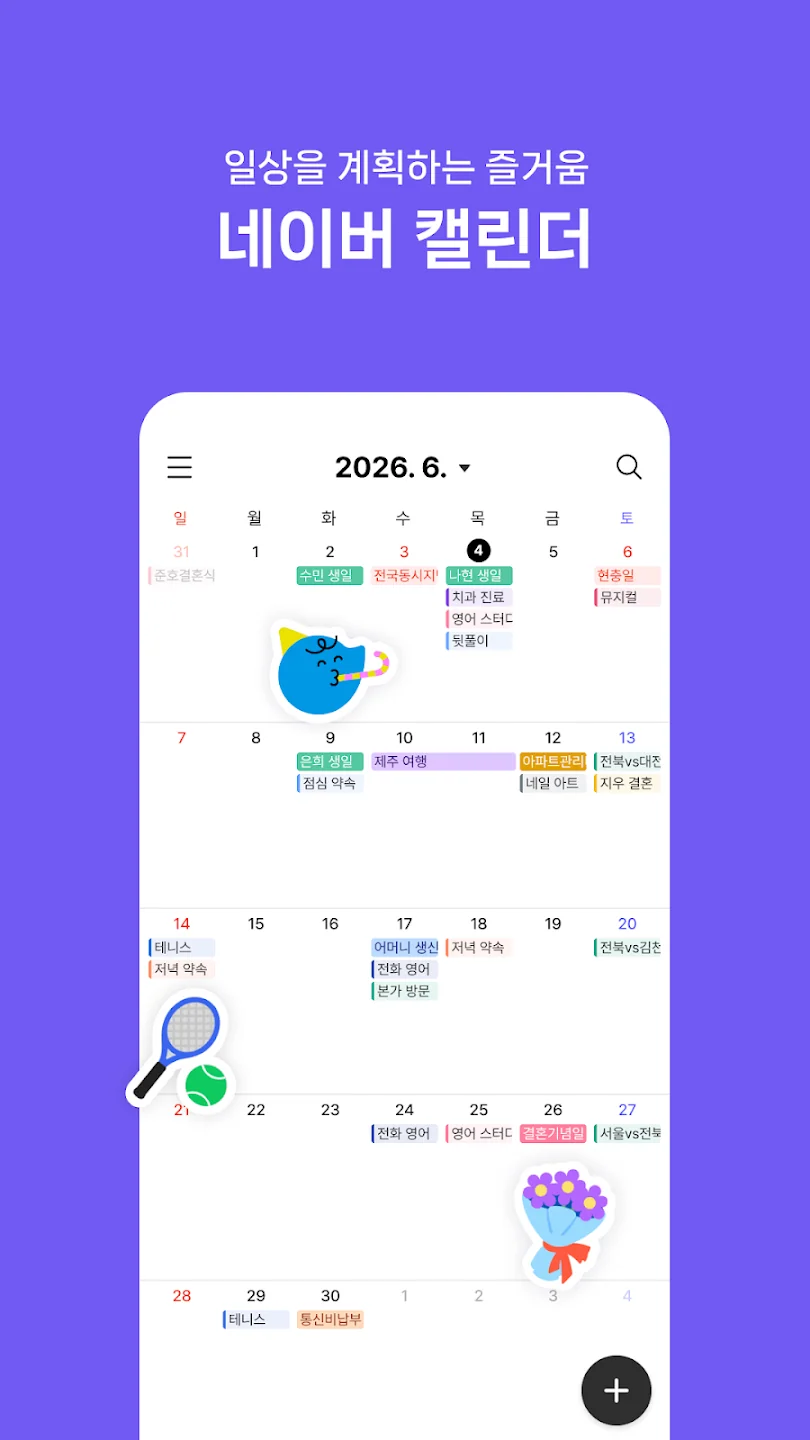
Naver Calendar offers features for everyday plans, including lunar anniversaries, tasks and countdowns. If family birthdays or a frequently used widget matter to you, check how those features work on your device.
Check the Storage Account When Switching Devices
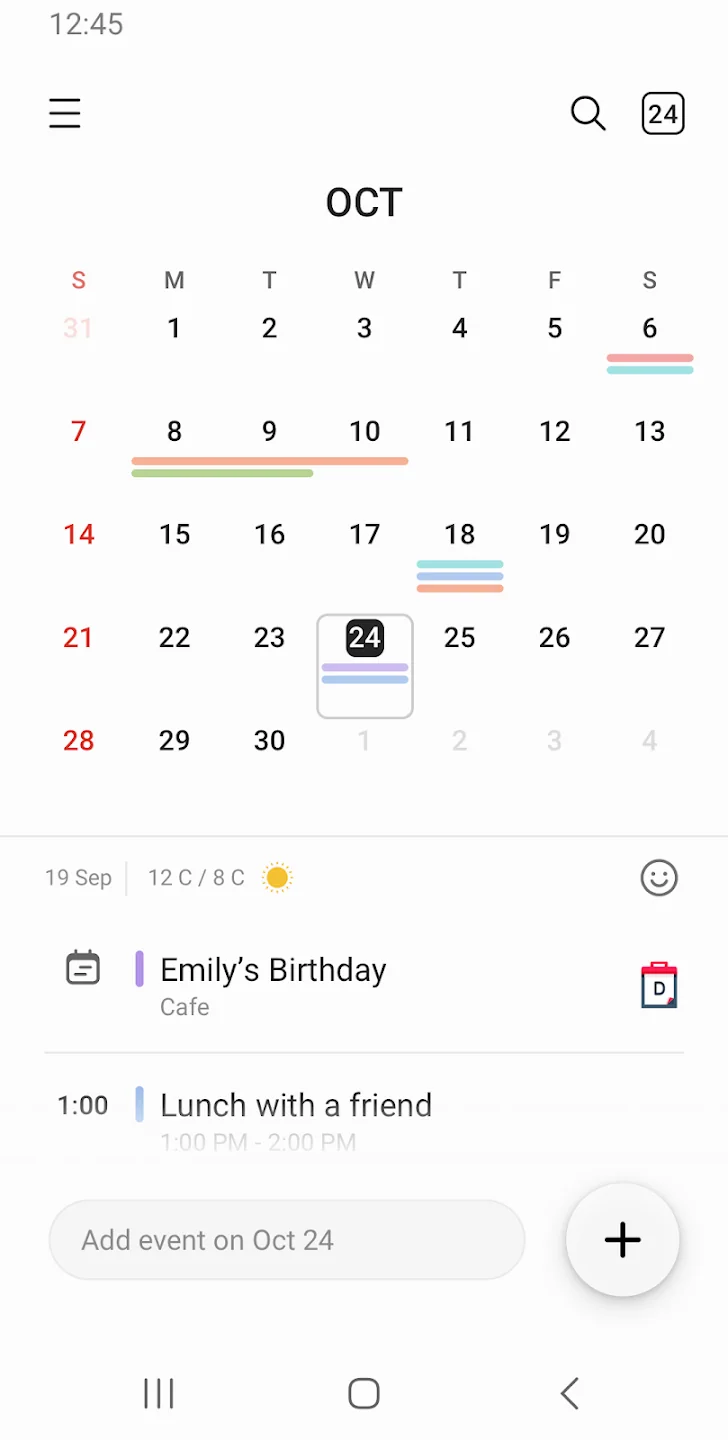
On a Galaxy device, distinguish the Samsung Calendar app from the account where an event is stored. Syncing events saved to a Samsung account differs from backing up events stored only on the device. Check this before relying on an appointment from another device.
To edit an iCloud calendar together, the other person also needs an Apple Account and iCloud. If family members use different kinds of phones, decide whether they need shared editing or view-only access.
ILJI Keeps Work Details With the Appointment
“Thursday at 2 p.m.” is only part of preparing for a customer visit. You also need the address, requested work and checks to make before leaving.
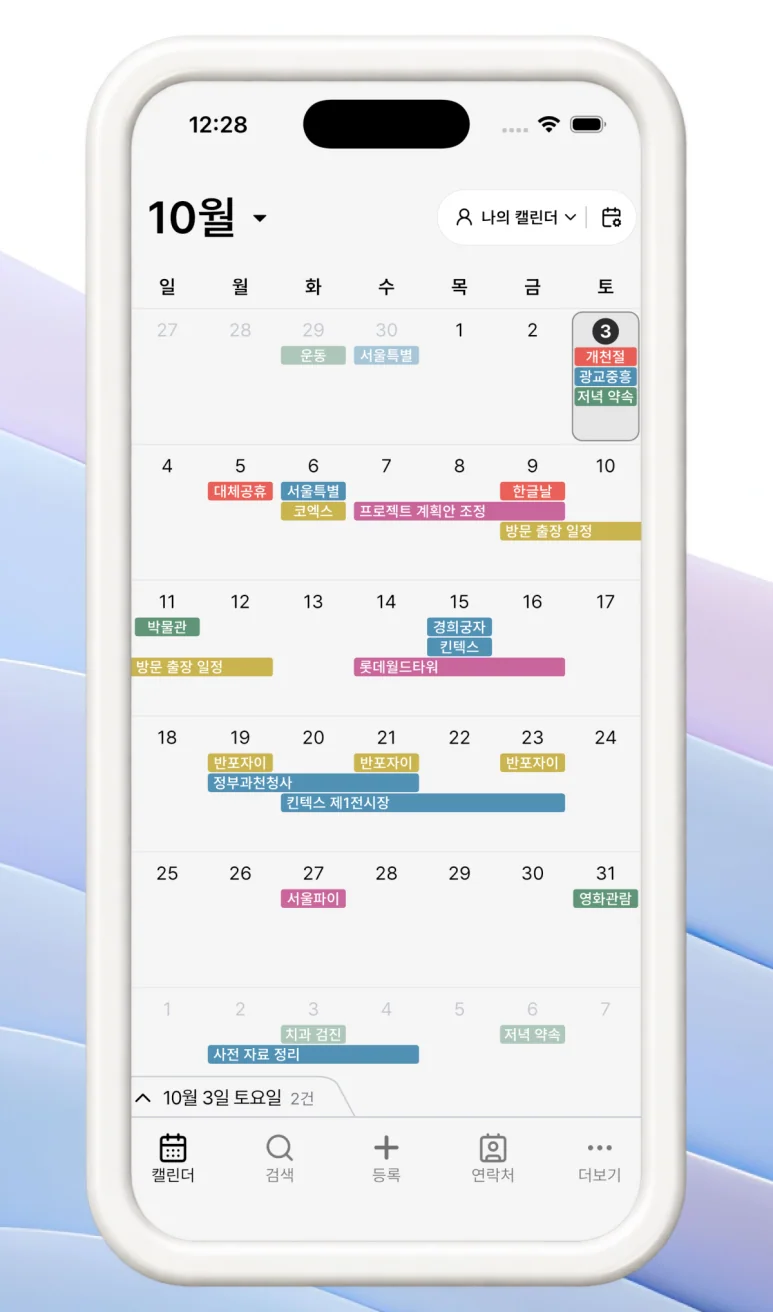
Write those details in the work event in ILJI. Review the request and preparation before the visit, then update what was completed and what remains afterward. When you reopen the appointment, its work details are available alongside the date. This also applies to meeting agendas, decisions and follow-up after an external meeting. Choose a form suited to the work.

Keep personal appointments and work you handle alone in your own calendar. Put work that others need to see in a team calendar, choosing the appropriate scope for each event.

Use the Features Your Work Needs
Start with appointments, then use photos, timers and customer documents when your work needs them.

Visits do not all require the same procedure. Complete fields you made required in your form, and choose the other features according to the job. Read the customer’s request when checking the visit time, and refer to completed work when responding later.
This is the kind of schedule management ILJI supports. If preparing for an appointment involves more than knowing its date, consider how that connection would fit your work.