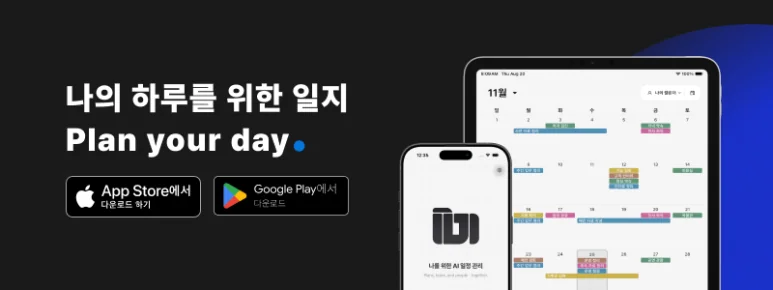
A cleaning or repair visit needs preparation beyond its time and address.
The customer’s requested scope, checks on site and information to send afterward all belong to the work. In ILJI, keep those details with the appointment, then review the outcome and next steps. An individual who takes bookings and visits customers can start with their own calendar.
Start With Your Own Customer Visits
Managing installation, repair and inspection visits is often called field service management, or FSM. Start by identifying what to check for today’s job. A cleaning visit may need work areas and customer requests; a repair call needs equipment condition and reported symptoms; a regular inspection may need the inspected item and a follow-up visit. Different jobs need different information.
- Work: Cleaning; Examples to prepare before a visit: Work area, access and requests
- Work: Installation and repair; Examples to prepare before a visit: Equipment, symptoms, address and supplies
- Work: Regular inspection; Examples to prepare before a visit: Inspection target, site contact and access conditions
Use these examples to choose relevant information, then adapt it to the actual work and customer request.
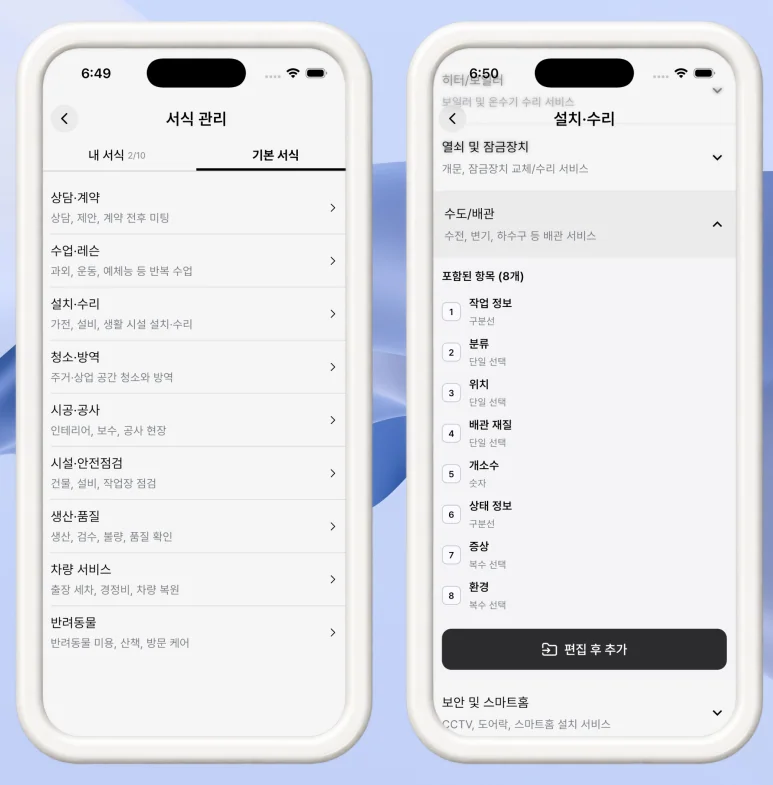
Add Work Details to the Appointment
Add the date agreed with the customer and the information to review before leaving. After the visit, write what you completed and what still needs confirmation.
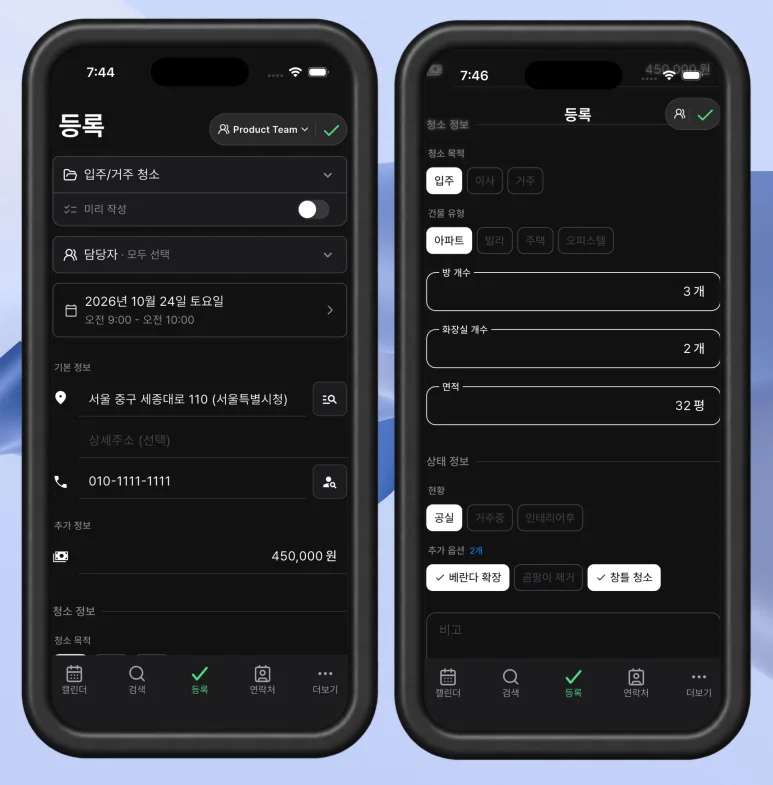
Choose a form for recurring jobs or create your own structure. Focus on what you will need to review for the next visit. If a visit is not confirmed, create a separate next action such as “Call to agree a visit time.” Keeping appointments and preparation distinct helps clarify what to do next.
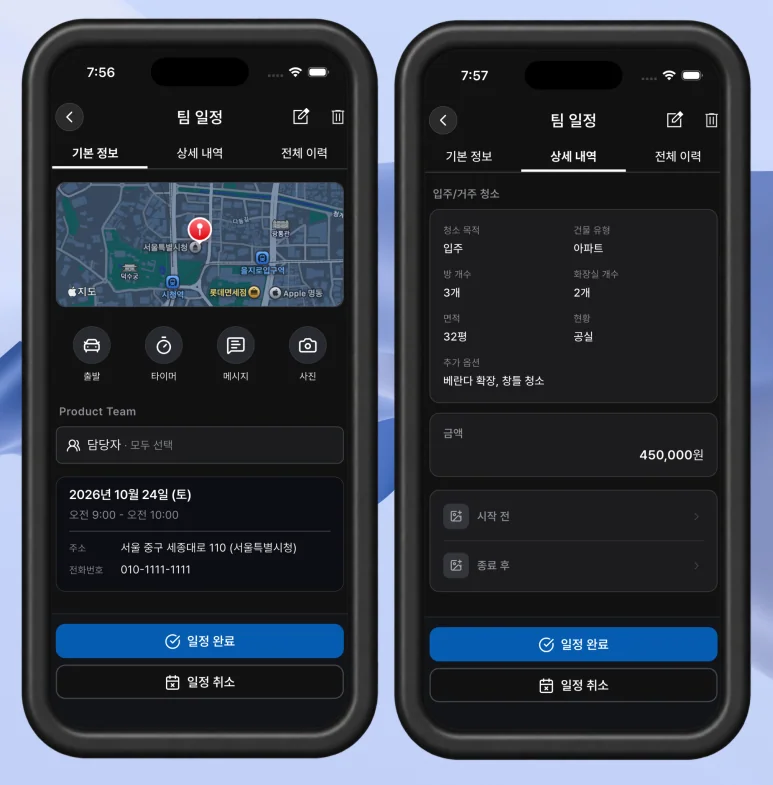
Even within one trade, operating practices differ. A regular business customer may pay through month-end settlement; a new household customer may need same-day payment information. Choose features accordingly: use a timer when duration matters, and photos or documents when you need to show the result.
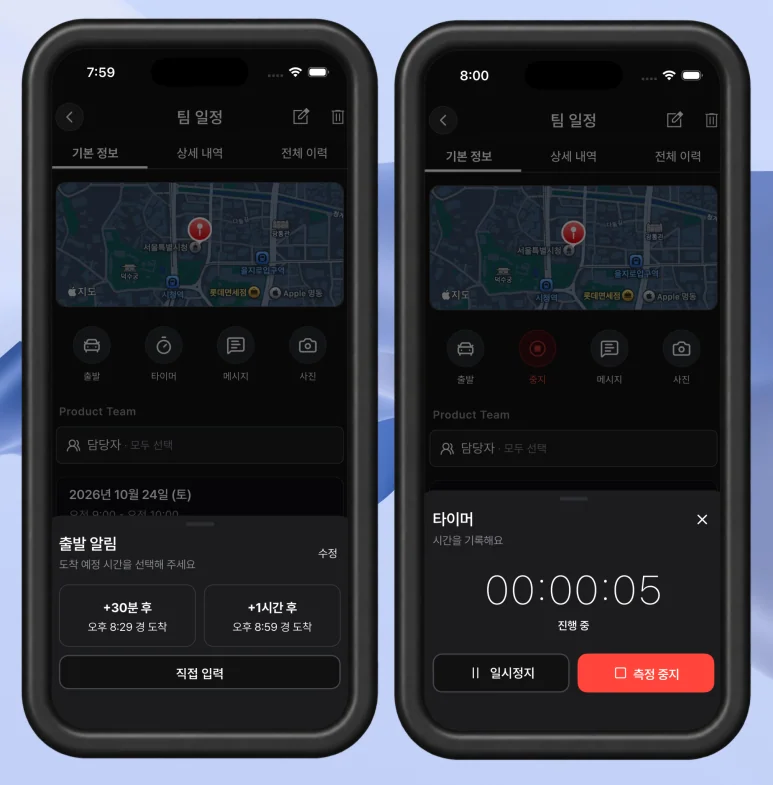
A regular visit may only need the appointment and completed action. Another customer may need a document with fees and bank-account instructions. Choose what the transaction requires.

Begin with information you need to review: address, customer request, completed scope and remaining work. Add features as the job requires them.
Choose Features for Each Job
Use scheduling for time-based work, photos when the job needs them, messages for customer communication and supported documents for results. You do not need to start a timer or send a document at every visit. Complete any fields your form requires before marking work complete. When sharing a customer document, set its title and business and payment details. Keep your usual settlement arrangement and send information to the customers who need it.
Begin Alone or With the People You Work With
If you handle customers yourself, start with work events in your own calendar. For shared work, consider a team calendar and assignees. Check that the agreed time and address are correct, the customer’s request is accessible before departure, and you can add the next action afterward. Basic scheduling is available on the free plan; photos, contacts, AI and other features have plan-specific availability or limits. Check the current plan information for your needs.
You can start from familiar customer appointments even if the term field service management is new to you. ILJI connects those appointments with work details and lets you choose features for your own operating practices.