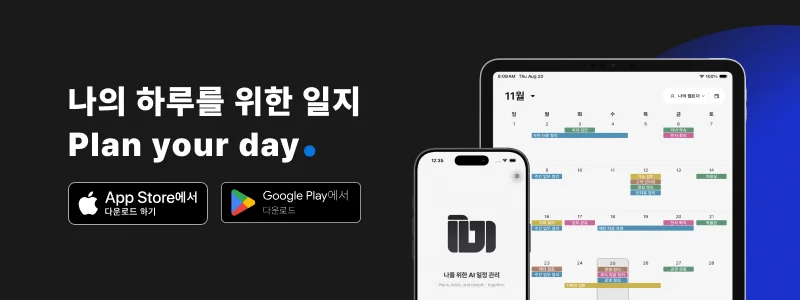
Everyone has seen the visit on the calendar. Has anyone been assigned to prepare for it?
A shared date does not automatically divide the work. The assignee may be known while the address stays in a chat and the checklist lives in another note. Seeing an appointment and carrying out a job are different needs.

1. Clear Boundaries Between Personal and Team Schedules
Check what is not shared as carefully as what is. Personal appointments should remain separate from work that the team manages together.
ILJI does not automatically publish personal schedules to a team. Shared work is registered in a team calendar. Viewing team schedules alongside your personal calendar is different from sharing personal schedules with teammates.
2. A Clear Assignee for Each Schedule
A schedule everyone has seen can still be a task nobody prepares for. Duplicate work is also possible. Check whether the calendar distinguishes joint assignments from work that has not yet been assigned.
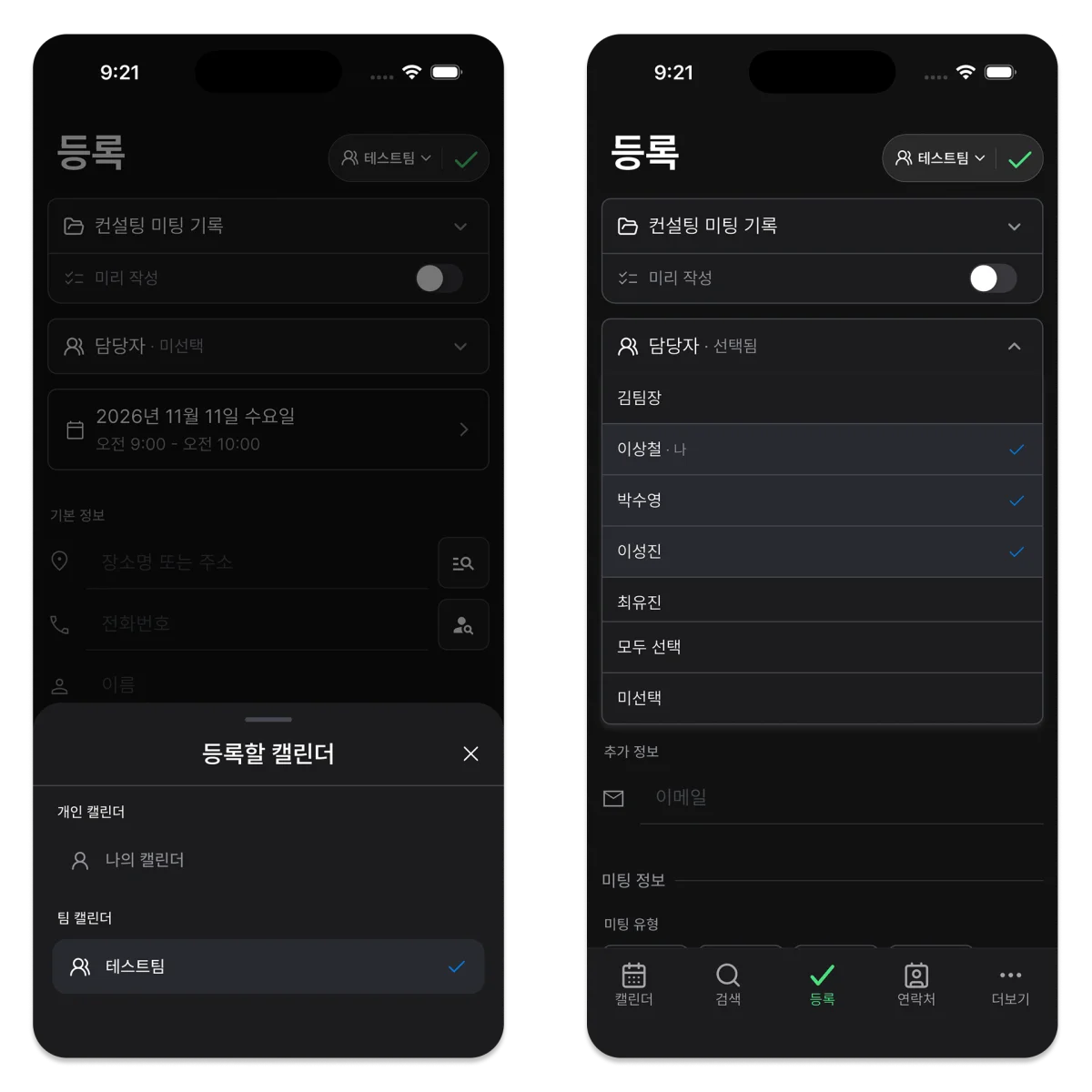
ILJI team schedules support assignees. After agreeing on the time, confirm who is responsible and what must be prepared. Being able to see a schedule is not the same as being assigned to it.
3. Work Details Alongside the Date
A visit or inspection usually needs more than a title and time. Keeping the customer, location, contact information, preparation, and checks with the schedule reduces the need to search through separate conversations.
ILJI work forms let you configure fields for the job. Repeated checks can follow the same structure without forcing identical information into every type of work.
4. Completed Work You Can Find Again
A past date may still lead to customer questions or a handover. Record the result, unresolved items, and follow-up actions, not just a completion status. Check whether you can find previous work by date or customer.
An automatic change history does not write the actual work result for you. The context another person needs still belongs in the work fields or notes.
5. The Right Scope for Planning Your Day
Personal and team schedules can stay separate while being viewed together for planning. You may need to check overlapping appointments and travel gaps, then focus on a single team’s schedule.
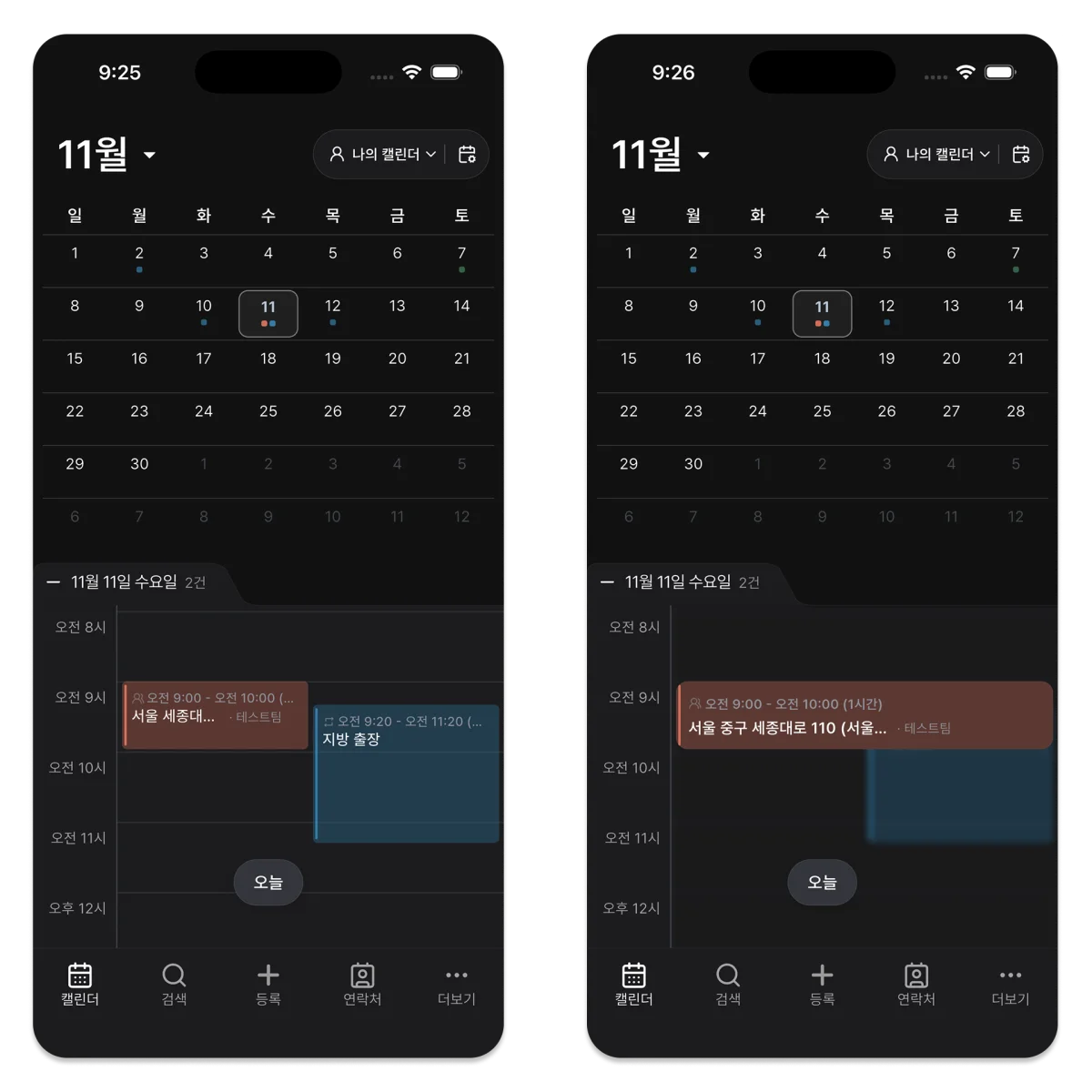
ILJI lets you choose teams to display alongside your personal calendar or open a specific team calendar. The My assignments filter requires the Team plan. Displaying a team’s schedules and filtering to your own assignments are separate options.
Sometimes Sharing Dates Is Enough
A simple shared calendar may be sufficient for family plans or meetups where the time and place are all that matter. Choose according to the work you need to coordinate, not the number of features.
- Does a visit or field task need a named assignee?
- Are there repeatable checks to record?
- Do photos or work results need to stay with the appointment?
- Will someone else continue the work from previous records?
- Do personal appointments and team work need to be reviewed together?
How ILJI Team Calendars Fit
A shared calendar describes the general goal of seeing schedules together. ILJI calls its feature Team Calendars, connecting that goal with separate personal and team scopes, assignments, and work records.
Before adopting a tool, try one real shared task. Add its date, assignee, preparation, and the record you expect after completion. That makes it easier to decide whether sharing dates is enough or whether the work needs to stay connected too.
Look beyond a shared date. Check who will do the work and what record they will leave.