You wrote “Client visit completed.” But what does that tell you when it is time to prepare for the next visit?
A useful work log template does not demand a longer essay. It prompts you to record the subject, the result, and the next action so that someone can pick up the work later.

1. Date and Time
Start with when the work happened. Some tasks need only a visit date; others need start and end times. Recurring inspections need dates that can be compared. If planned and actual work times differ, label them separately.
2. Customer or Subject
Identify the customer, company, project, or item involved. If names overlap, add an appropriate clue such as a company or location. Avoid creating fields that collect more personal information than the task requires.
3. Location or Address
For visits, installations, and on-site consultations, give the address its own field instead of burying it in a long note. This helps distinguish multiple locations for one customer. For online work, record the access details needed to begin.
4. Tasks and Check Items
Replace a broad label such as “Inspection” with the things to check: power, consumables, or unusual noise. A checklist helps with repeated checks. Choose items whose absence would make the next task harder, rather than maximizing the number of fields.
5. Status and Result
Record what was done, not only whether it is complete. If work remains, include the reason and next step: “Replacement part not received; return visit planned for September 25.” A status label and a result description serve different purposes.
6. Photos, Amounts, and Other Relevant Details
Fieldwork may need before-and-after photos; an estimate may need an amount. A lesson may need progress and assignments, while a consultation may need agreed actions. Include what must be checked or communicated, not the same extras in every log.
7. Next Action and Follow-Up Date
Record the next call, materials to prepare, or checks for the next visit. If nothing remains, “No further action” distinguishes that from an overlooked field. When another task is needed, schedule it rather than leaving it only in a note.
A Work Log Outline You Can Copy
- Work title:
- Date and time:
- Customer or subject:
- Location or address:
- Tasks and check items:
- Result:
- Photos, amounts, or other details:
- Next action and planned date:
Remove anything you do not need. Try the outline on one real task, add details you repeatedly miss, and make unused fields optional. If filling in the form makes you postpone recording the work, simplify it.
Build Your Work Log Structure with ILJI Forms
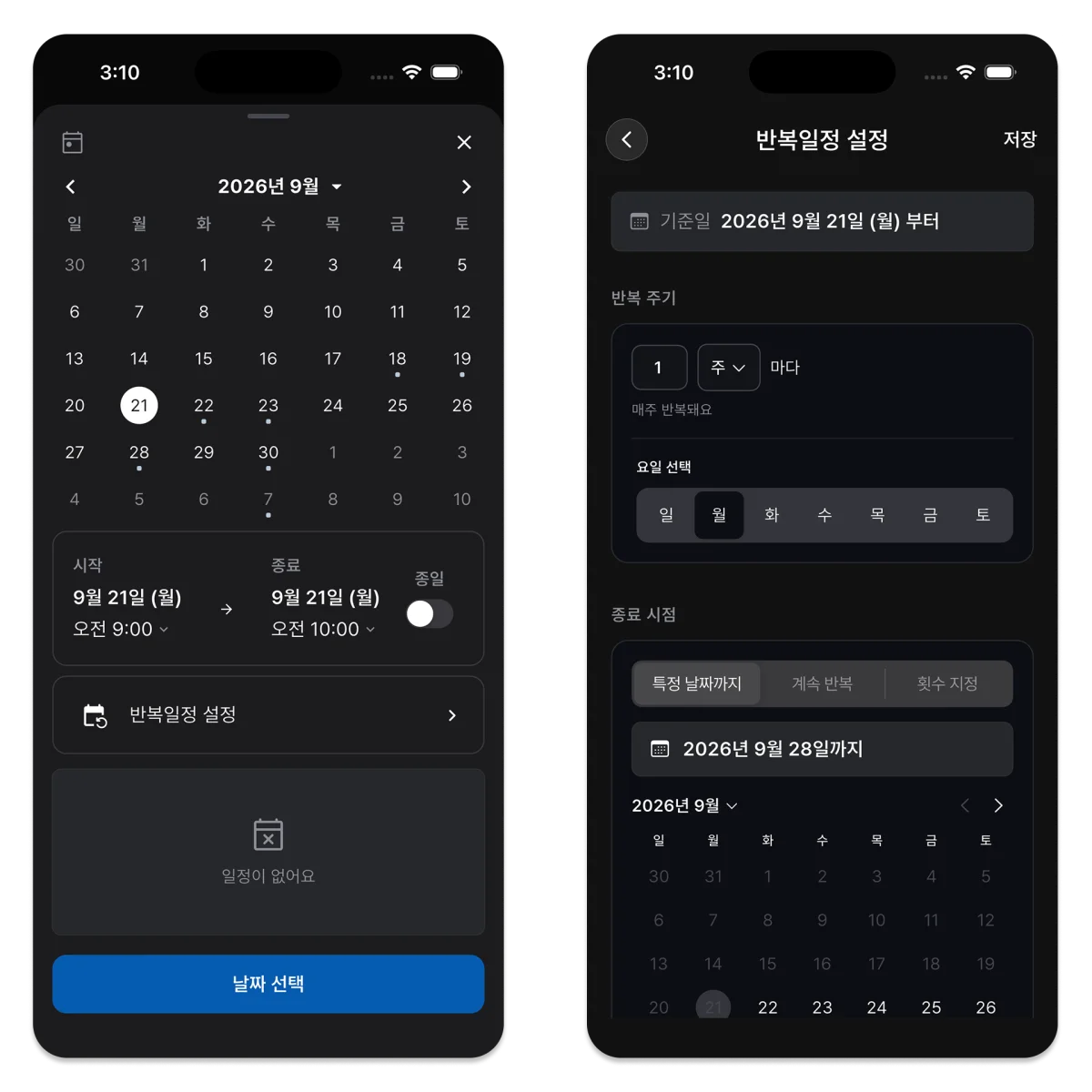
A work log template is a structure for recording information. In ILJI, reusable input structures are called Forms. They let you keep that structure with a schedule rather than using a separate document for every task.
Choose whether to show name, contact, address, and amount fields, then add text, number, selection, or checklist fields. Work that uses field mode can also use a timer and before-and-after photos.
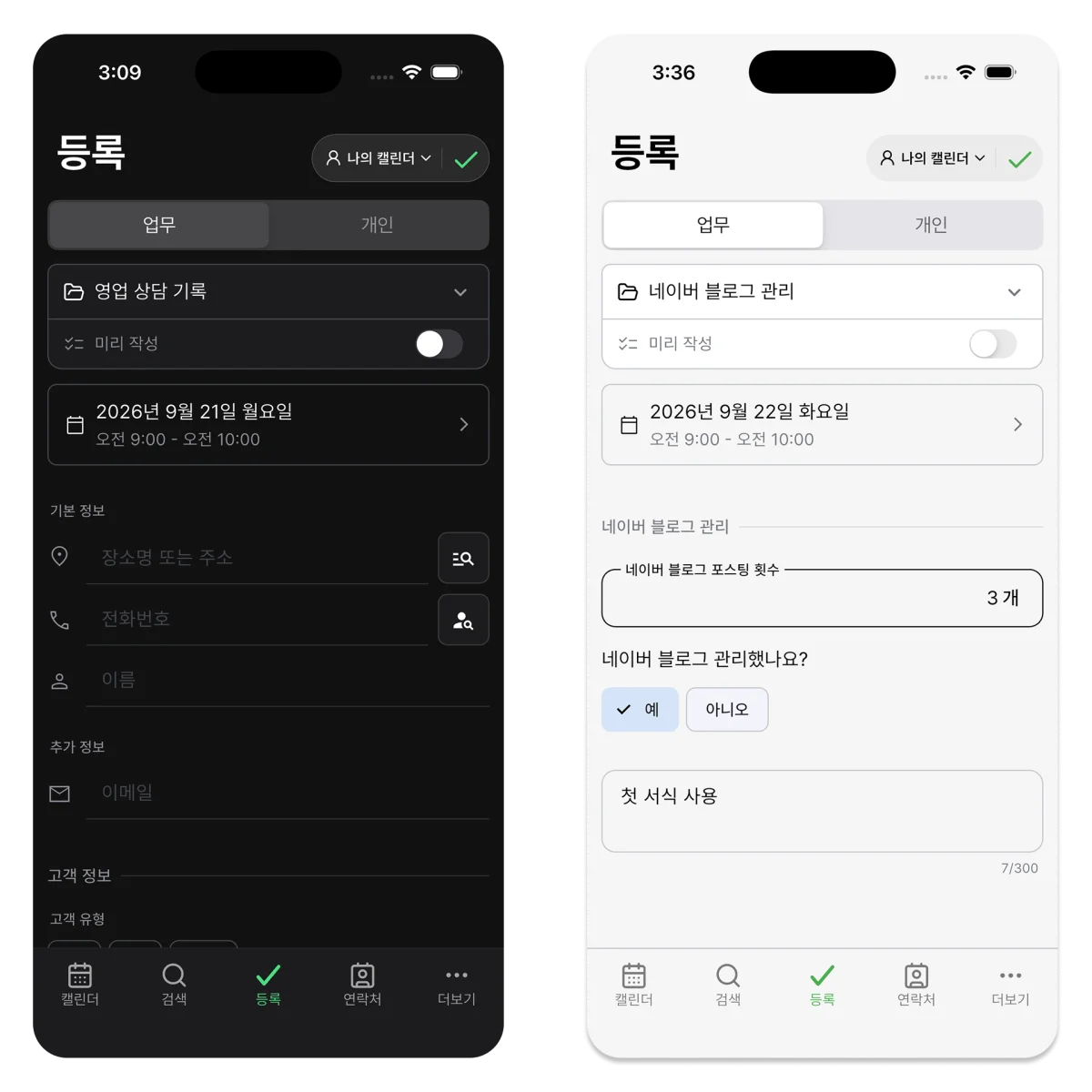
Start with a ready-made form, create your own, or review and edit an AI-generated form before saving it. Check that suggested fields fit the work rather than accepting them automatically. Records created with a form stay connected to their dates in the calendar.
What will the next person reading this record actually need? Start with the fields that answer that question.