Three people each receive four visits for the coming week.
One has nearby recurring visits; another has unfamiliar sites and long consultations back to back. The numbers match, but the burden does not.

Look at Three Things Together
Visit count is easy to compare, but add estimated duration and travel between locations. Briefly note whether the work is unfamiliar or requires extra preparation. You do not need an elaborate scoring system—just a way to ask, “Can this person realistically get through Tuesday?”
If A has four recurring visits while B has two new sites and two long inspections, A may be better placed for the next inquiry. Customer relationships or specialist skills may prevent a reassignment; another colleague might instead help with preparation or admin.
Review the Situation After Assigning Work
Monday’s balanced plan may look different by Wednesday. Visits are canceled and jobs run longer than expected. Check each person’s remaining work and progress during the week instead of treating the first assignment as final.
Why Can the Same Four Visits Feel So Different?
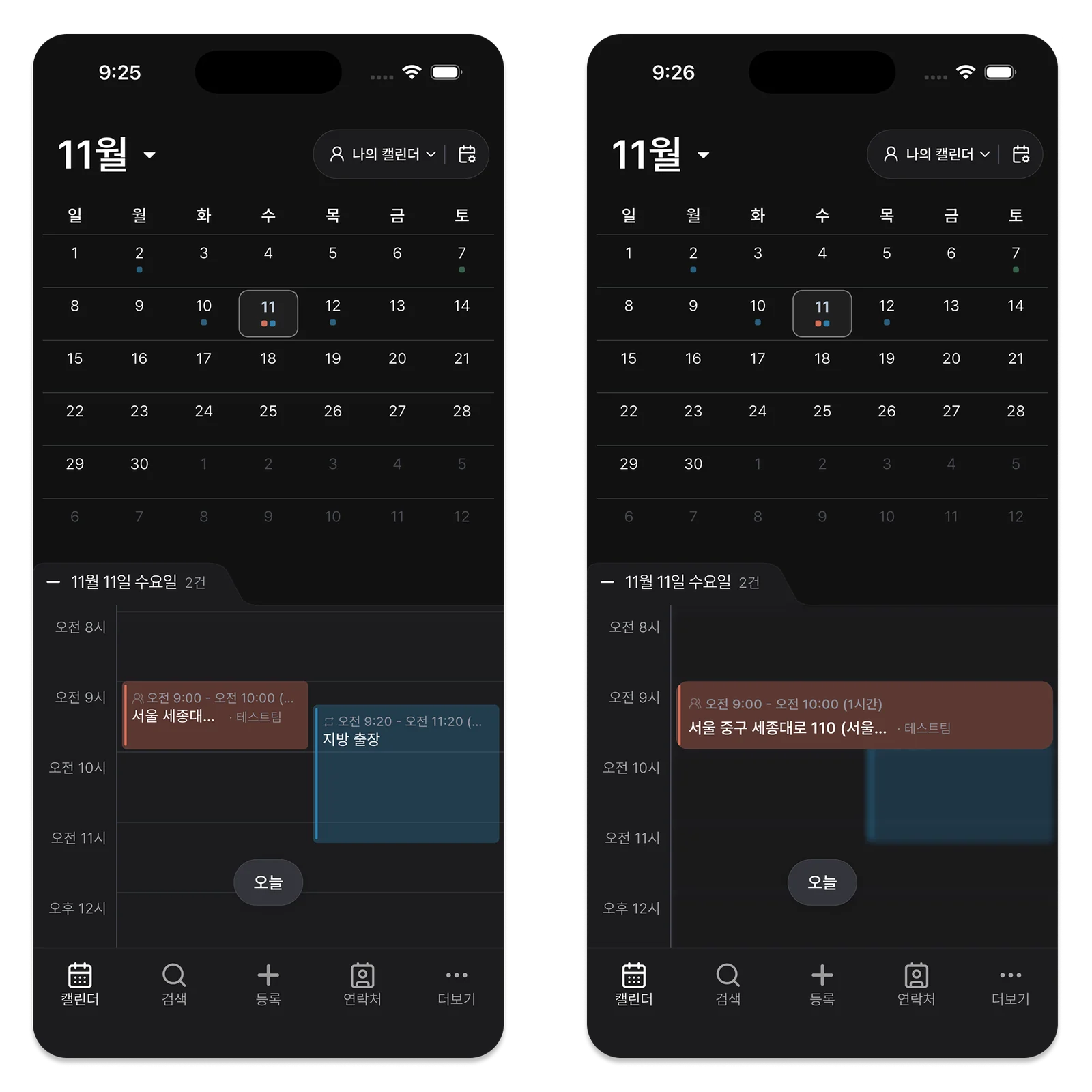
Suppose A has four nearby recurring visits of 40 minutes each, while B has two two-hour first visits and two distant consultations. Counting entries alone hides B’s preparation and travel. Look at duration, location changes, and familiarity with the work.
Simple types such as recurring, first visit, and follow-up, together with estimated time, make the conversation more useful. Instead of “I’m too busy,” someone can explain, “If the new morning site runs late, I’ll miss the distant afternoon visit.”
When the Customer Needs the Same Person
Equal assignment is not always the best choice. A worker may know a site well and have a long relationship with the customer. Share separable tasks such as preparing information, checking parts, or writing the visit report when the visit itself cannot move.
A visit needing two people affects both schedules. Check who has the necessary skills or qualifications before assigning an opening. Fairness means making the burden visible and helping the team keep its promises, not forcing identical visit counts.
Rebalance the Work That Remains
If A’s visit is canceled and B’s job needs another day, review the plan midweek. Compare unfinished follow-ups and remaining visits, not completed counts alone. Distinguish movable work from promises already made to customers.
A two-hour gap after a distant job may provide little real capacity. If you reassign work the same day, give the new worker the customer history and visit purpose, and tell the customer about the change.
Ask the Team Three Questions
Keep the weekly check-in short: Which day has the greatest risk of delay? Is the assigned person prepared? What can someone else help with? A manager’s estimate may differ from the worker’s experience.
Revise the estimate when actual time repeatedly disagrees. If one person always finishes late despite equal counts, look at work type, travel, customer requests, and time for notes before blaming their pace.
Check Customer Promises When Changing an Assignment
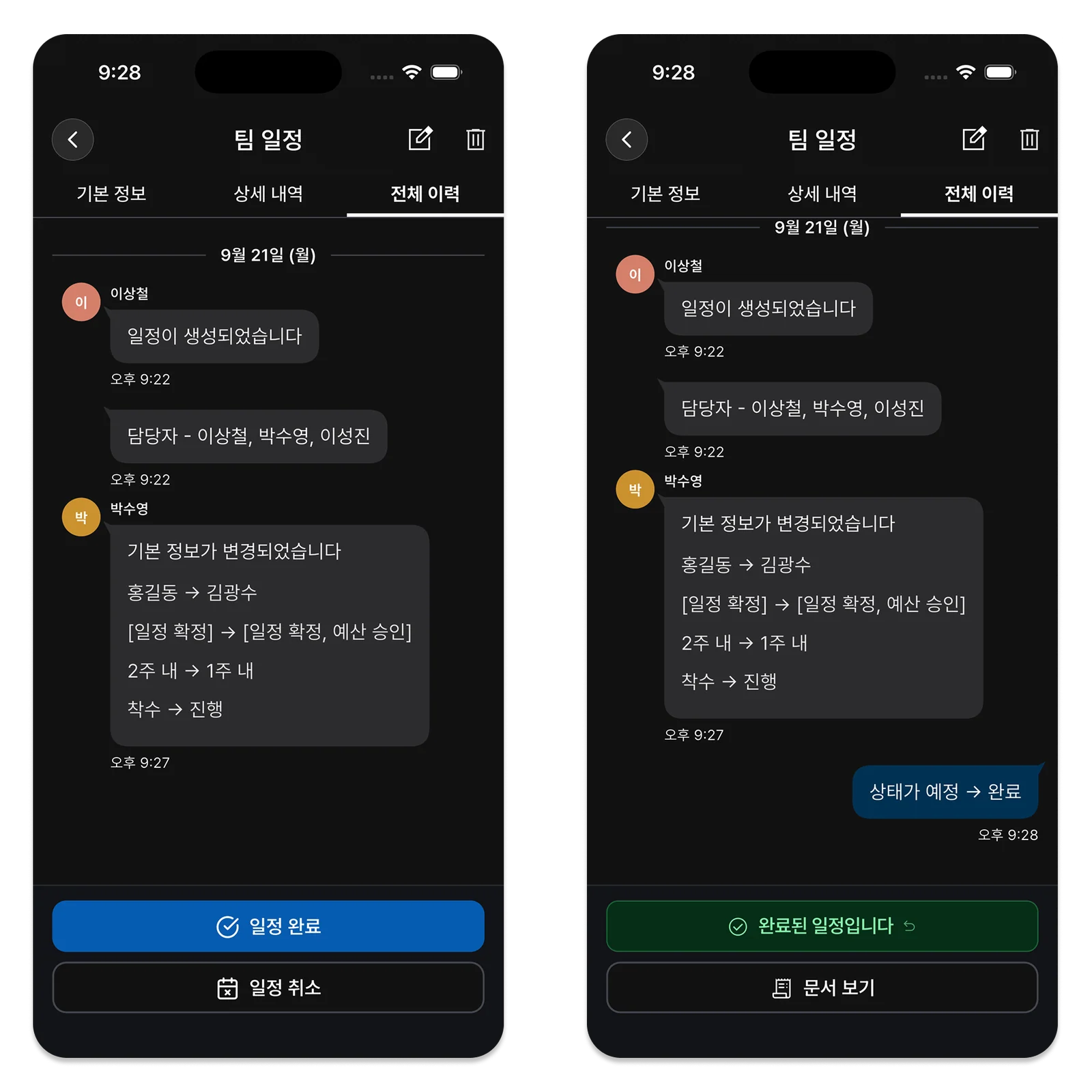
Moving work on Wednesday involves more than changing a name. Check whether the customer expects the original worker and whether the replacement has the site details. Update related preparation, materials, or joint visits too. A change made for internal balance can create more work if nobody has explained it to the customer. Frequent reassignments are a reason to revisit the original estimates.
Look for work that repeatedly exceeds estimates or inquiries that arrive on particular days, then allow time accordingly next week. The goal is a plan each person can actually finish. People may find it hard to say an assignment is unrealistic.
Ask where delays are likely rather than only asking “Can you do it?” Improve mistaken estimates instead of blaming the worker. The person doing the site visit often has the clearest information for the next plan.
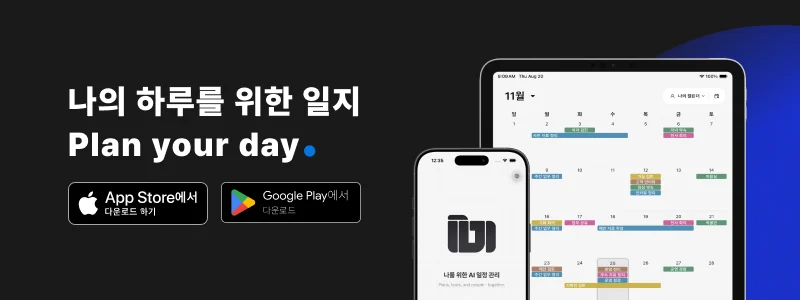
Reviewing Team Assignments in ILJI
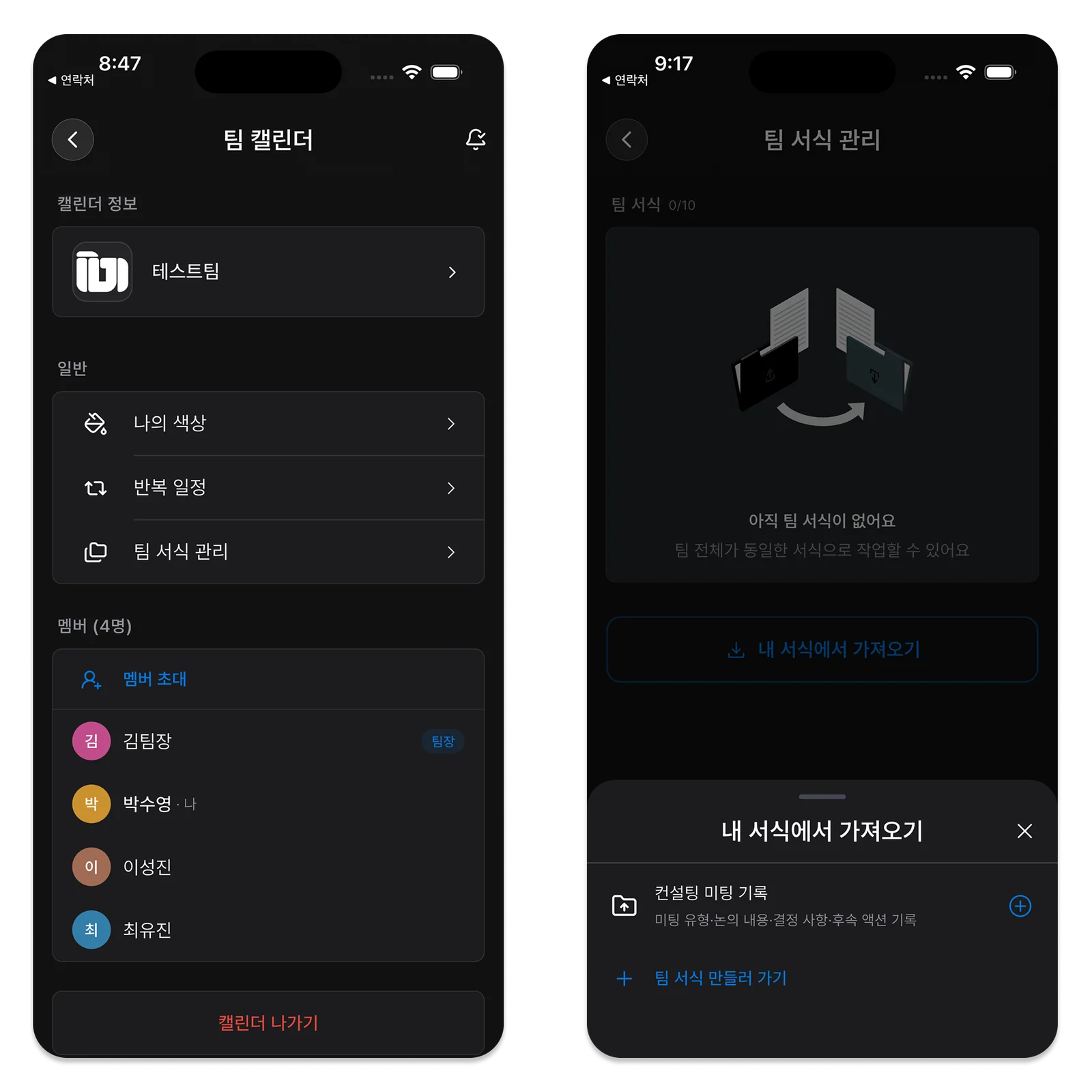
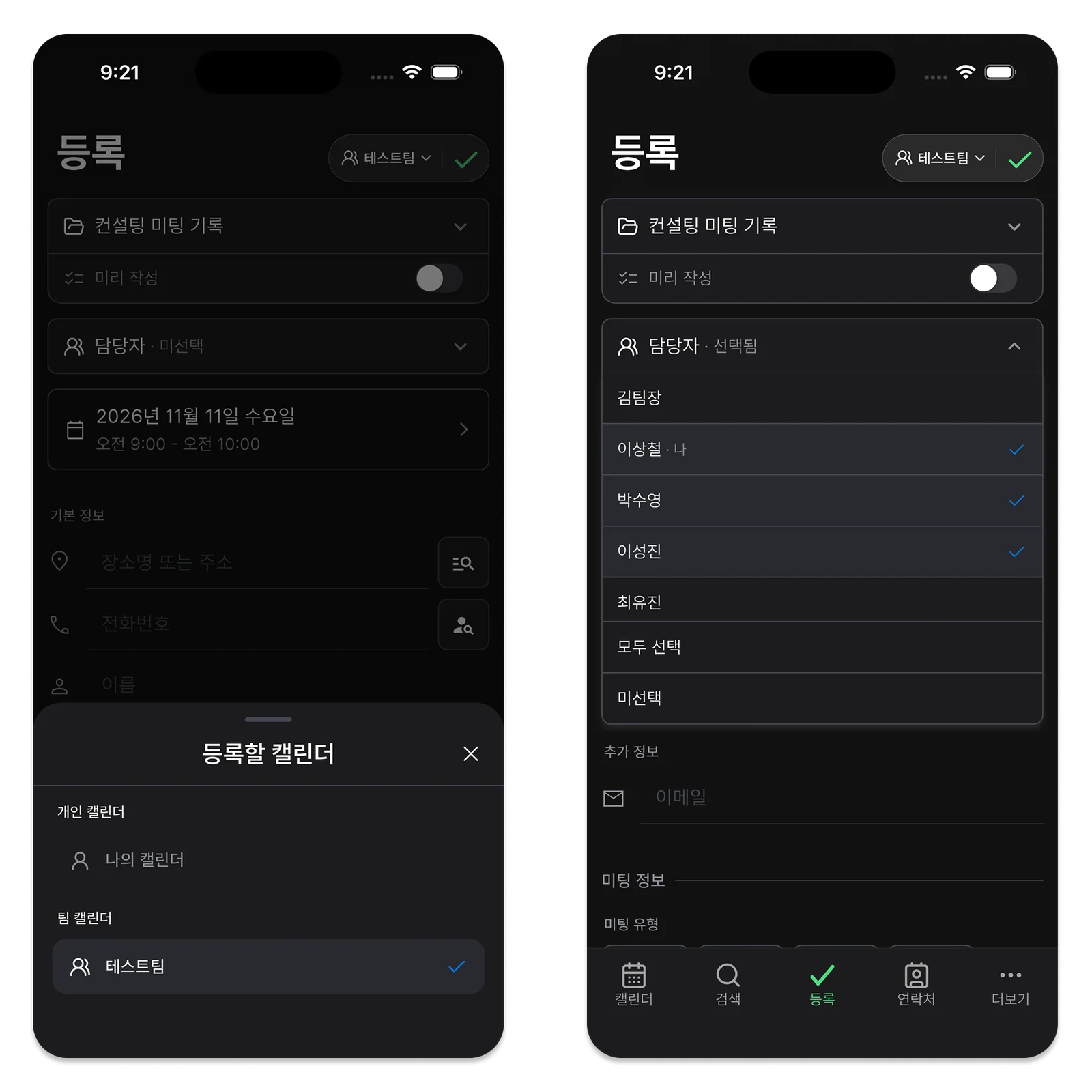
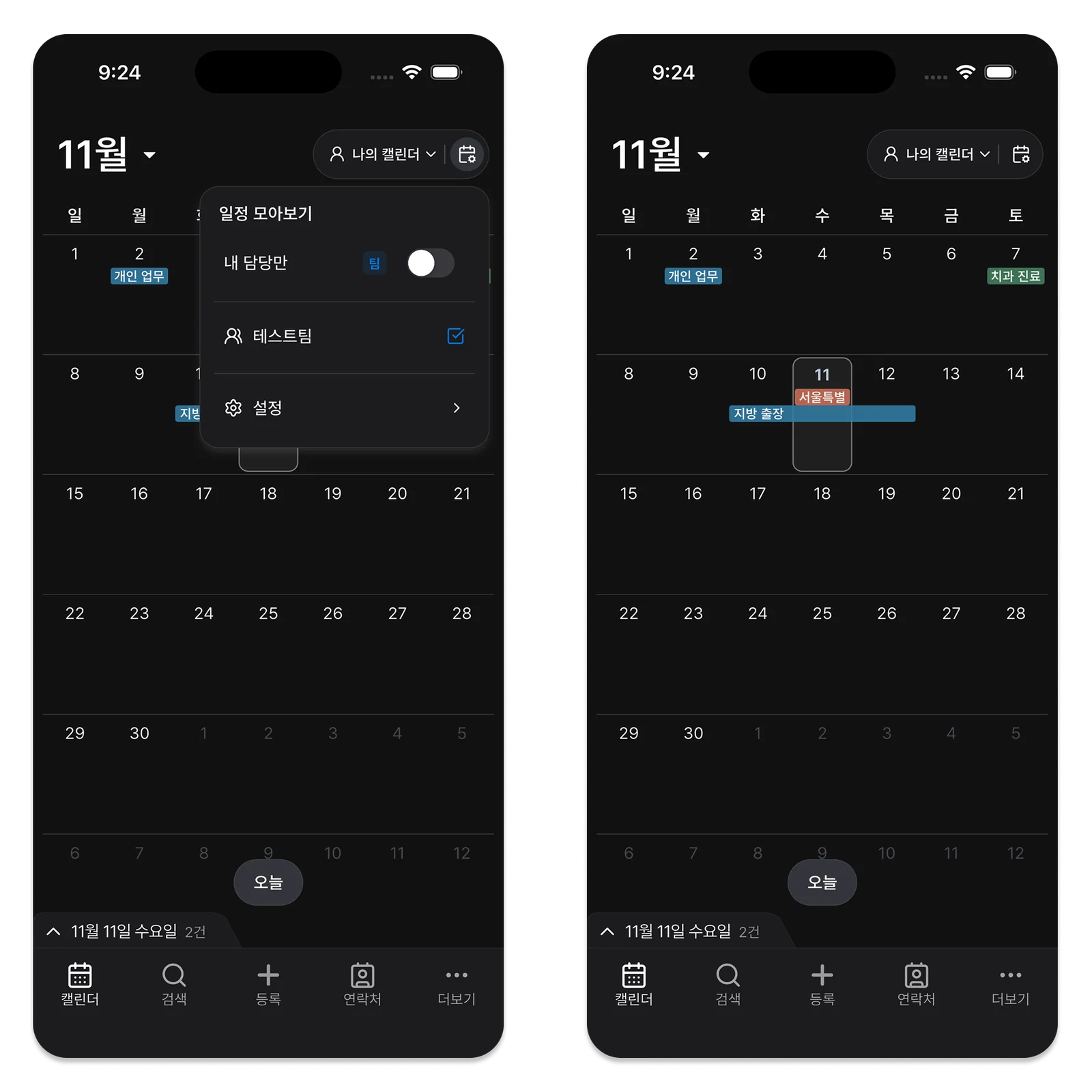
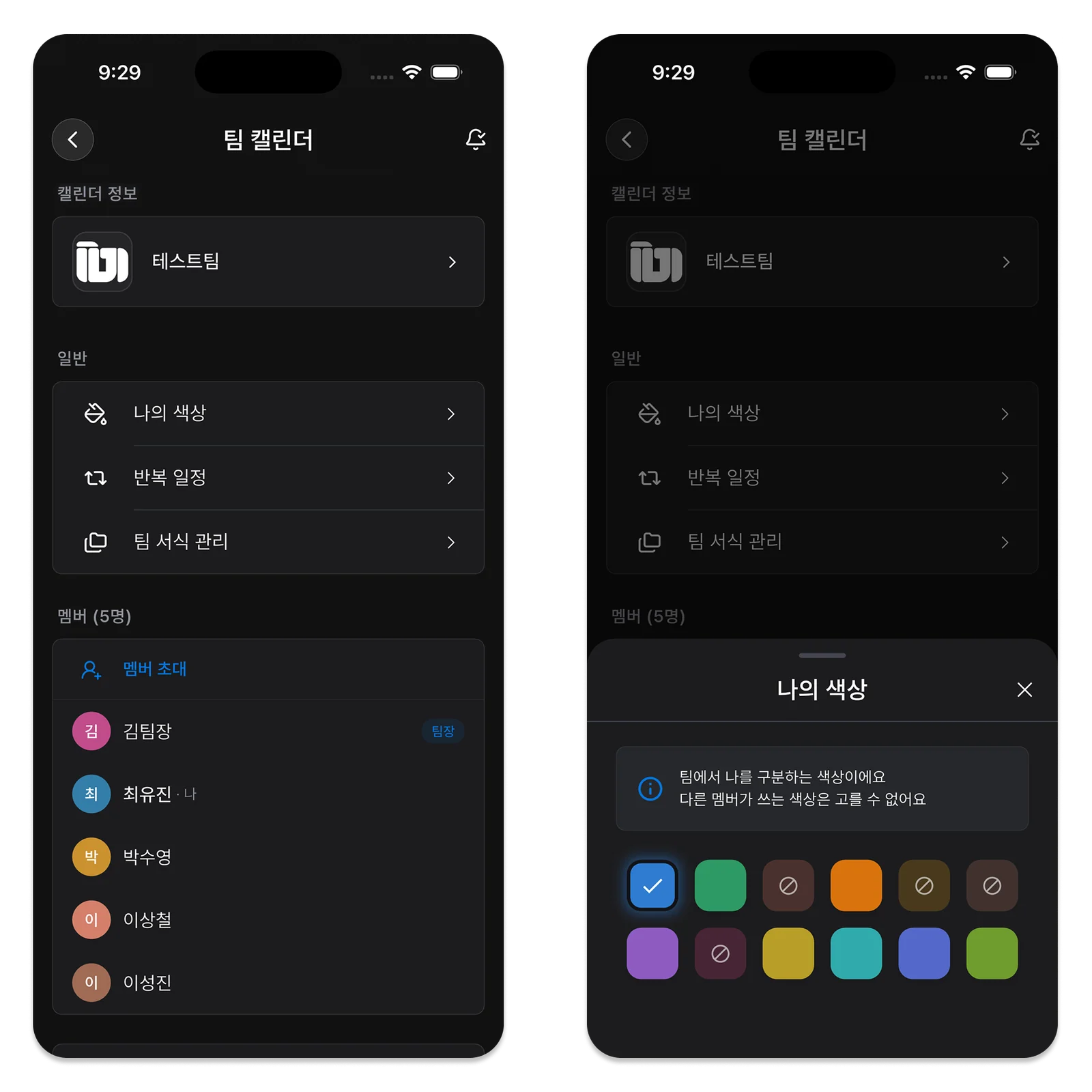
Assign people to team-calendar events from the Free plan. View the whole team’s events, then use the Team plan’s “Assigned to me” filter to focus on your assignments.

Other team members cannot see your personal events, so confirm actual availability with the person concerned. ILJI does not judge task difficulty or assign work automatically. Start with a shared view that supports a conversation about the workload.