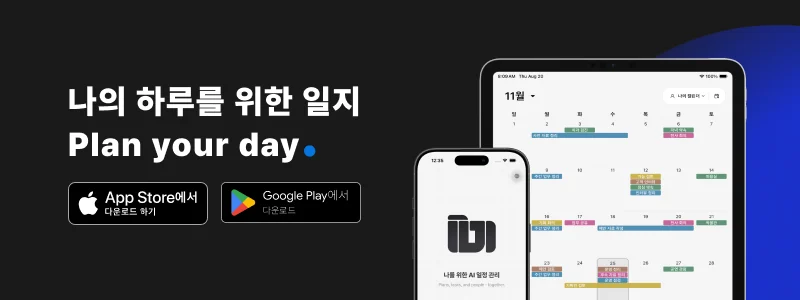
Your phone’s home screen is a place you return to many times a day.
You choose the wallpaper, arrange familiar apps, and adjust their colors. A widget that stands out too much or packs in too much information can upset that arrangement. ILJI’s calendar widgets are designed to show the schedule you need without taking over the look of your home screen.
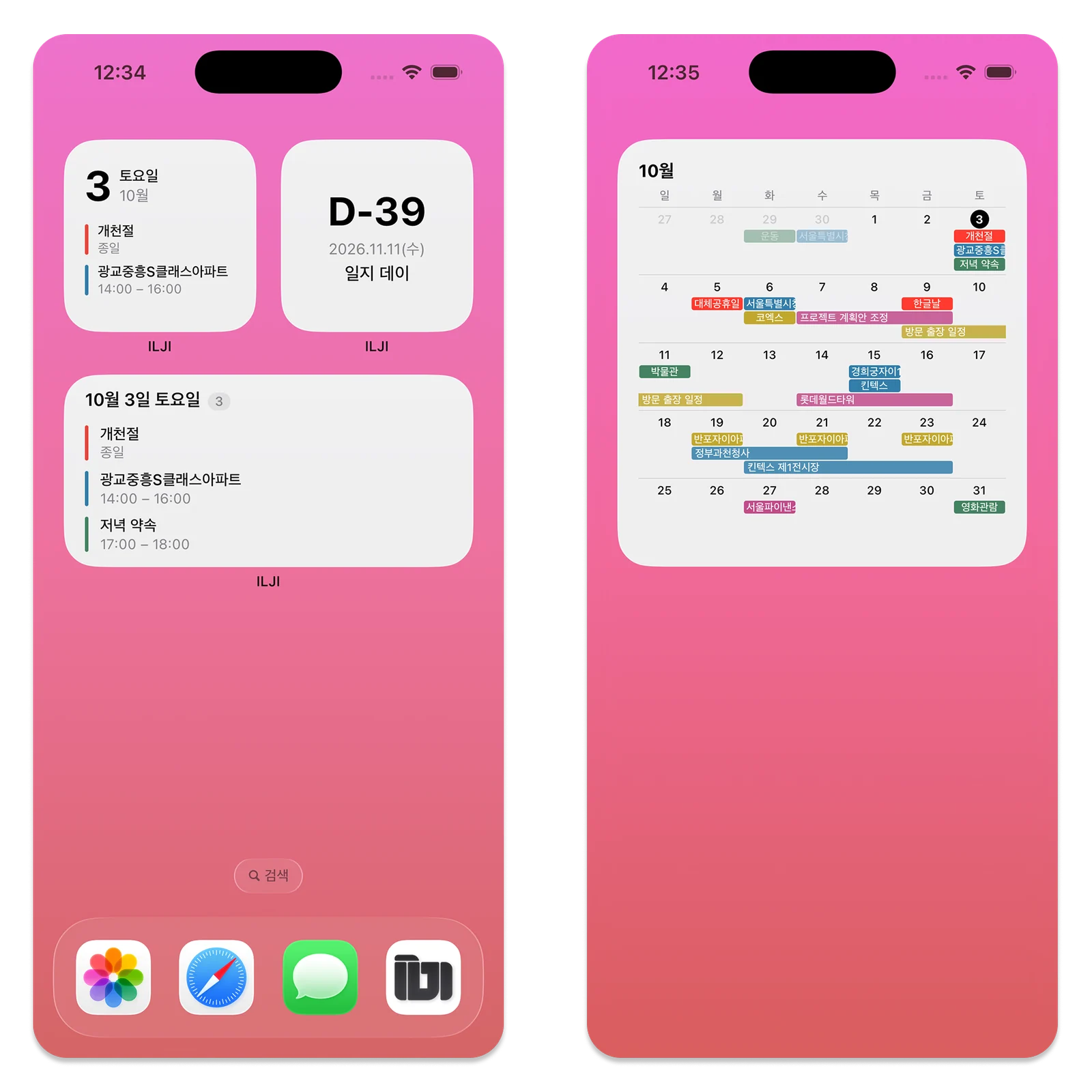
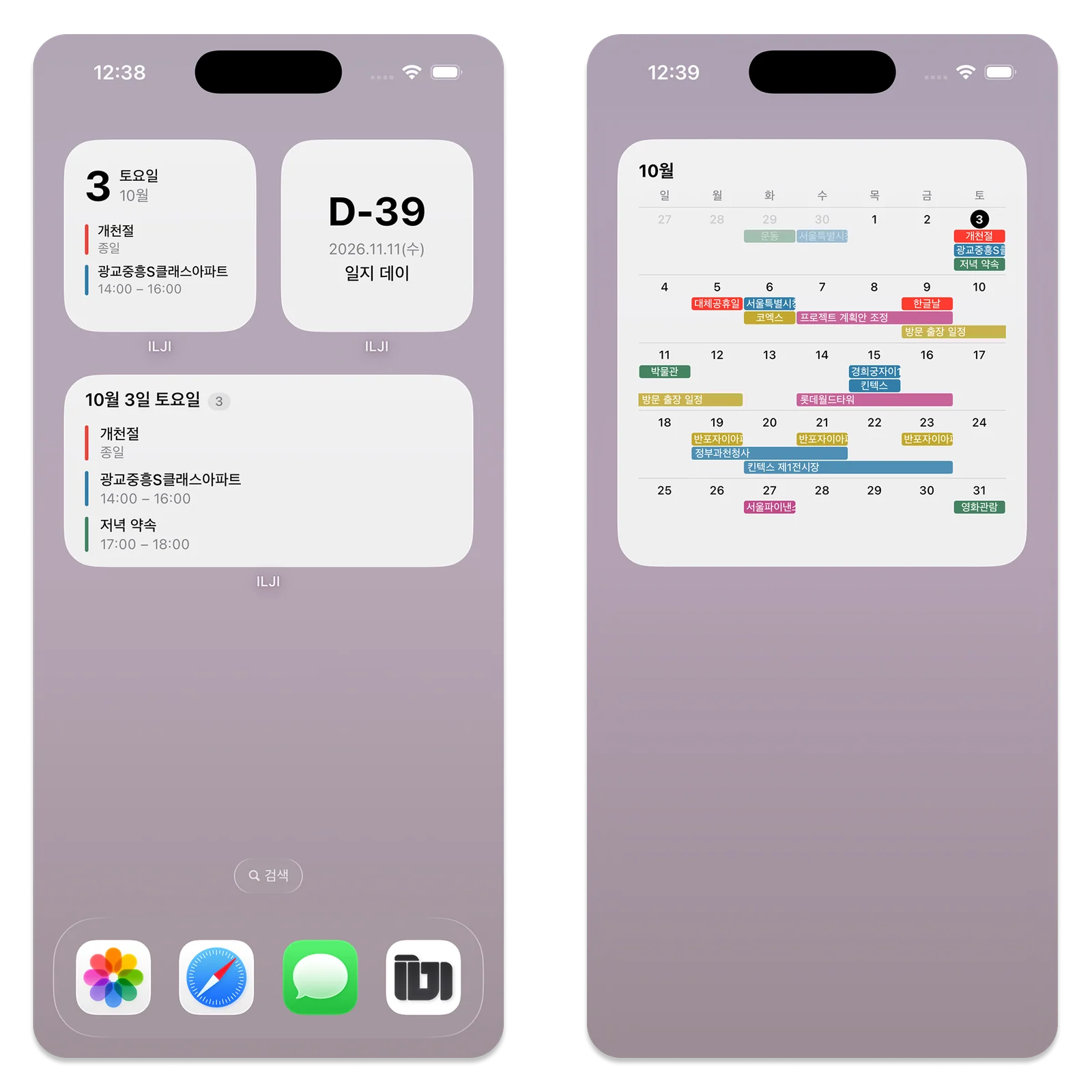
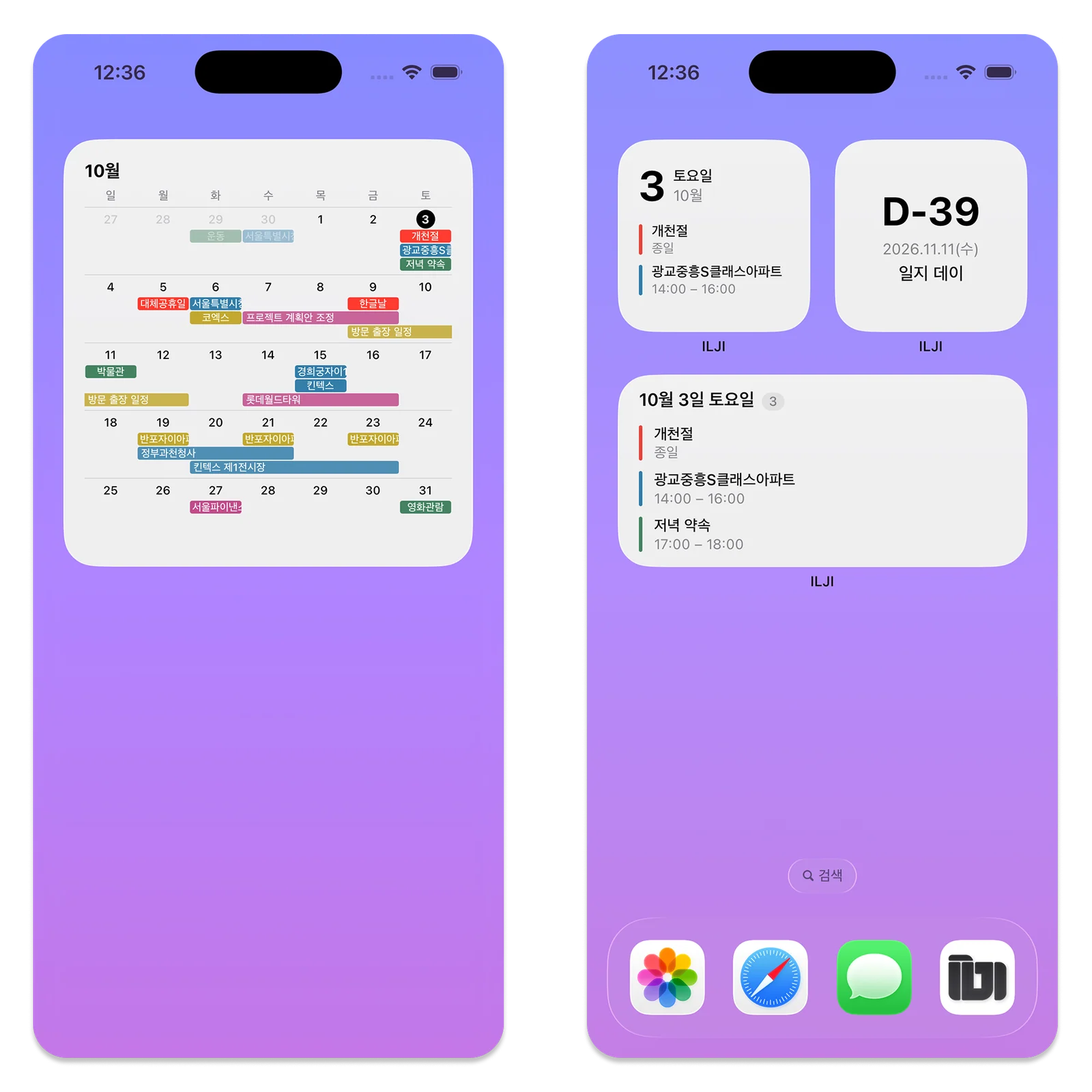
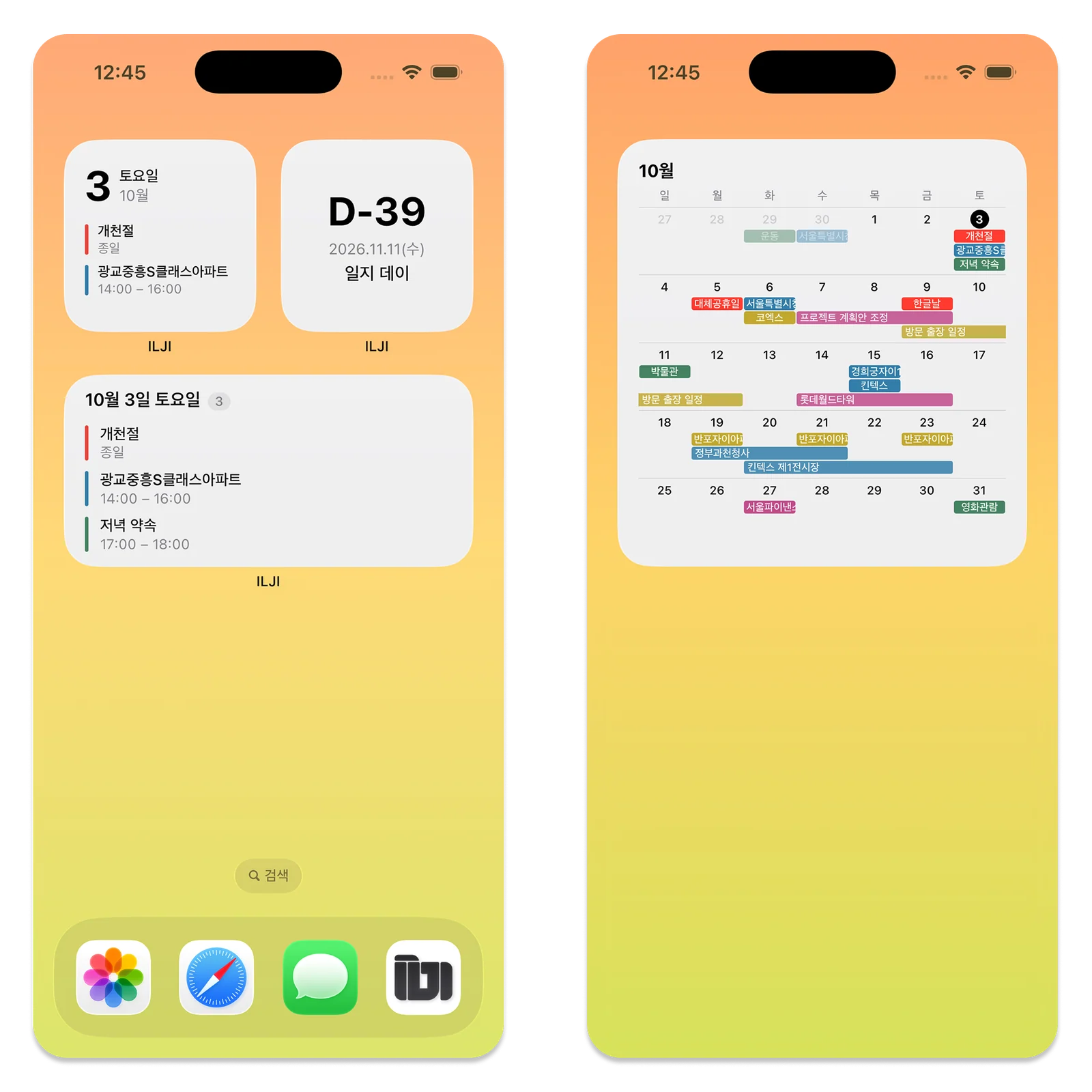
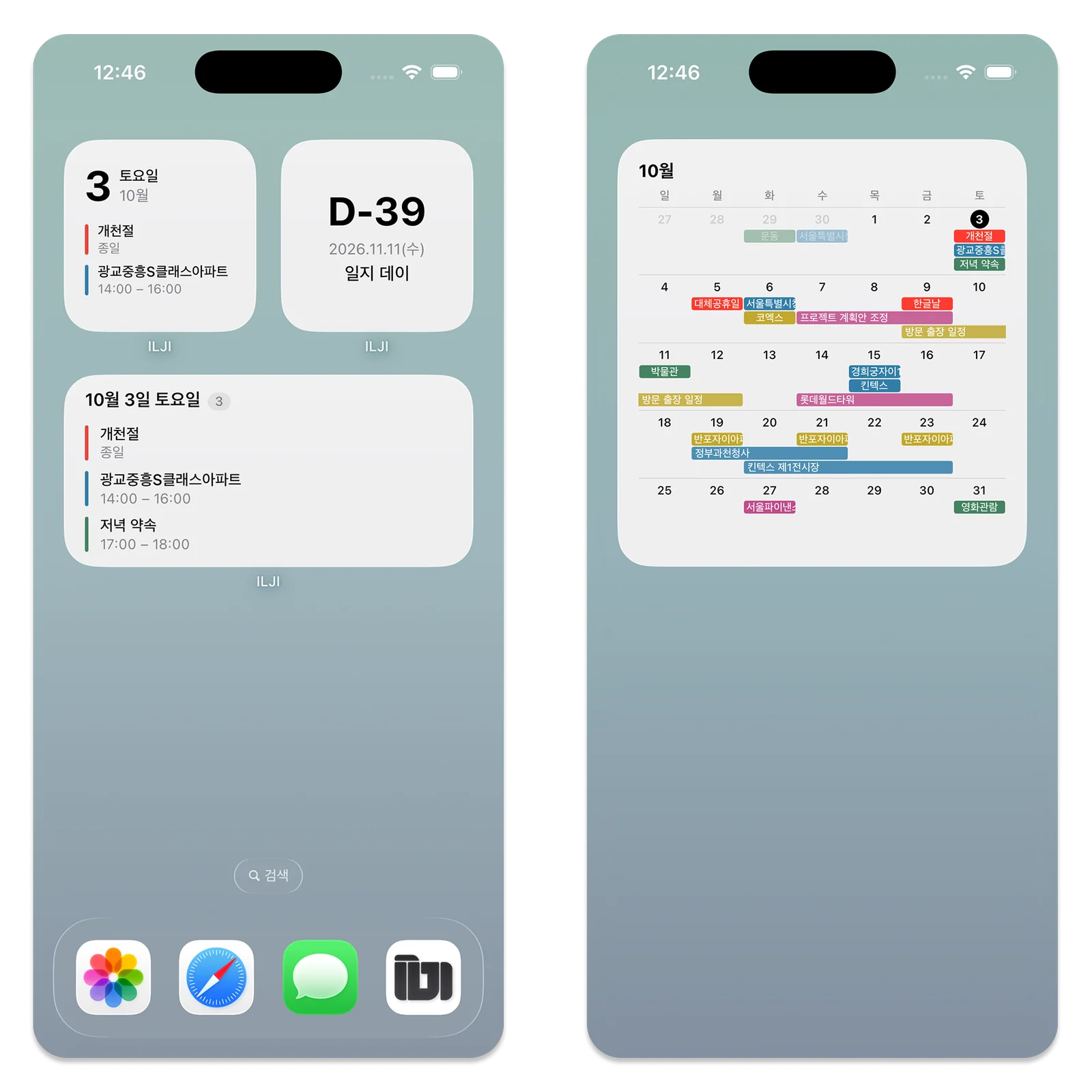
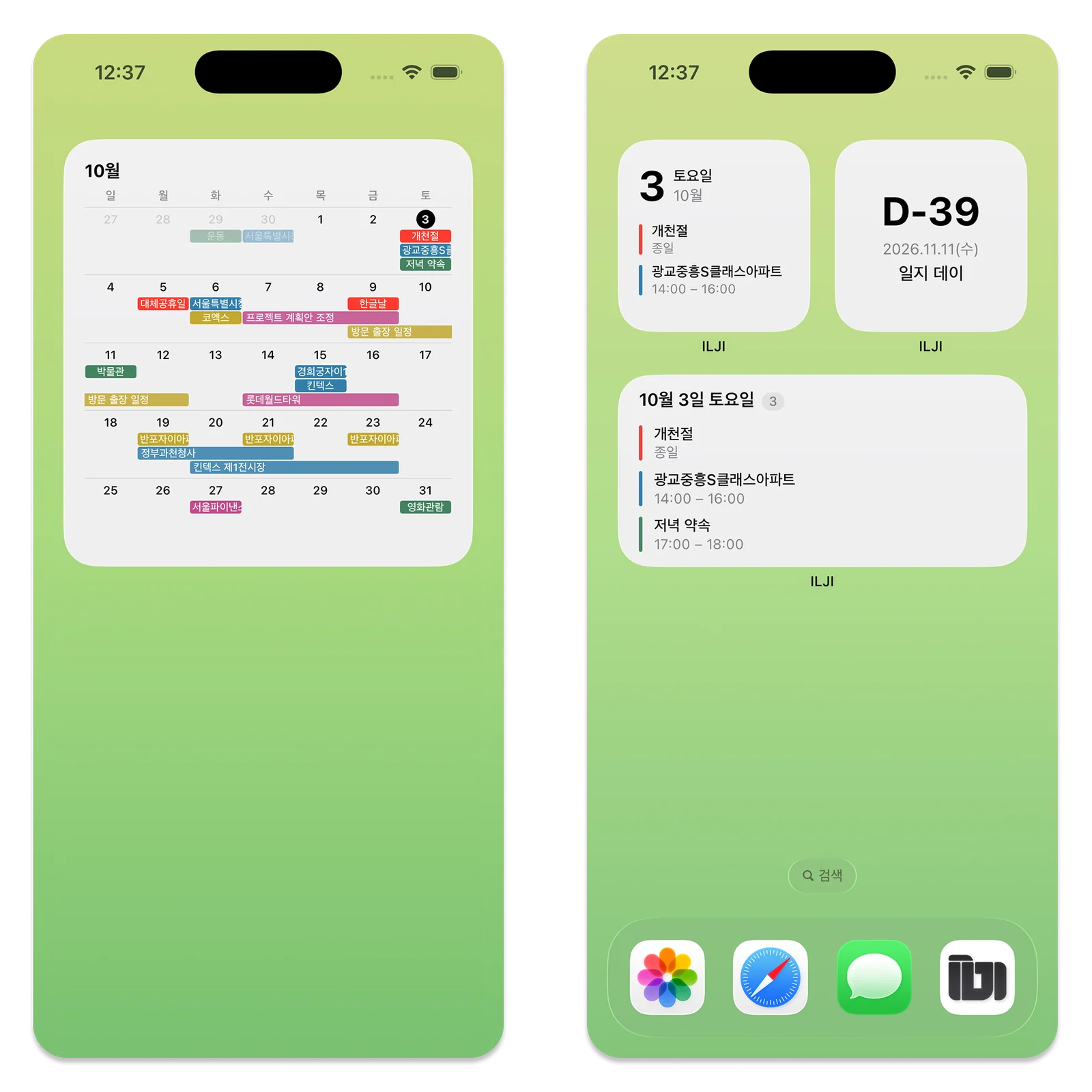
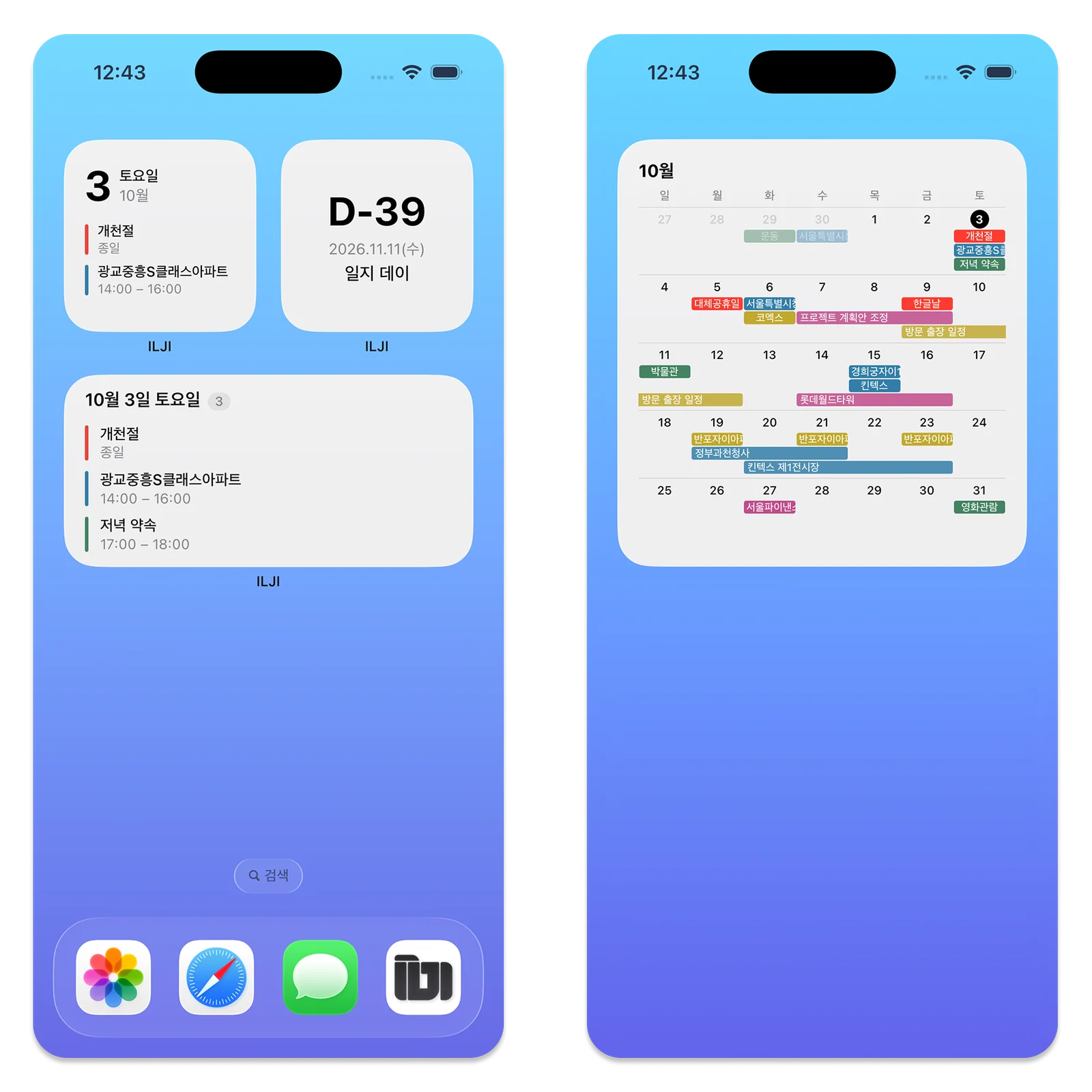
A Quiet Layout for Different Wallpapers
A widget’s fit with the home screen matters as well as its features. ILJI focuses on readable dates and events rather than large logos or decoration.
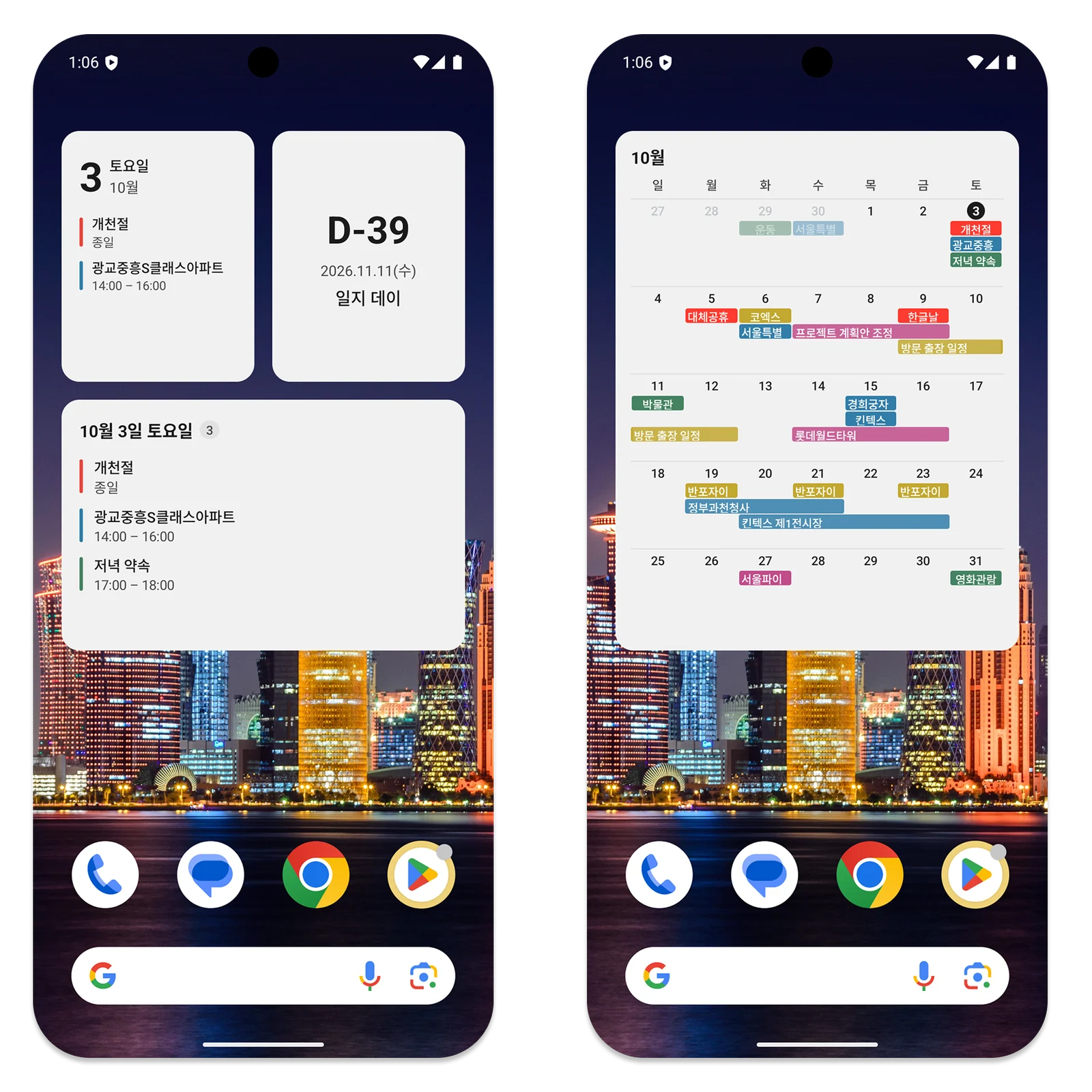
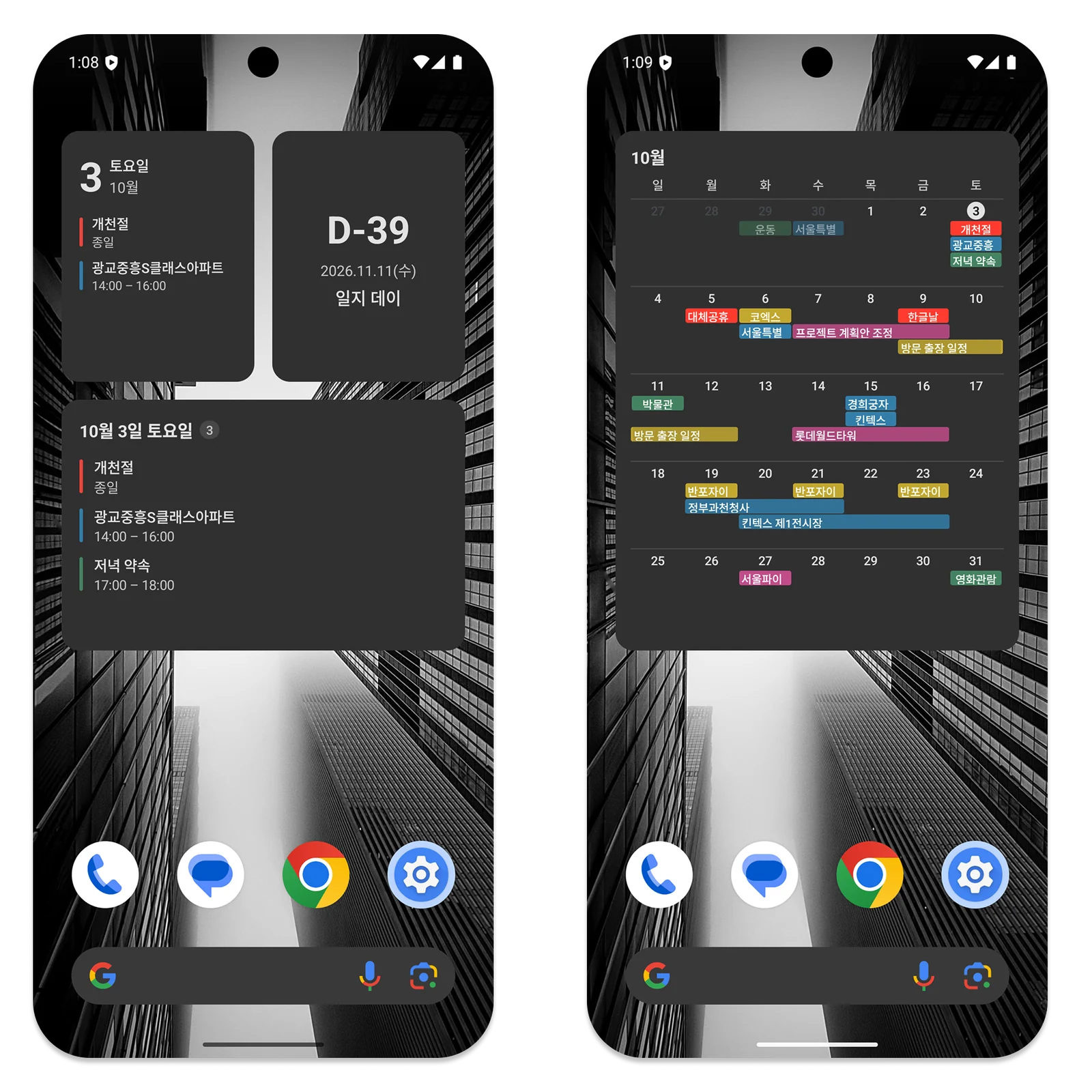
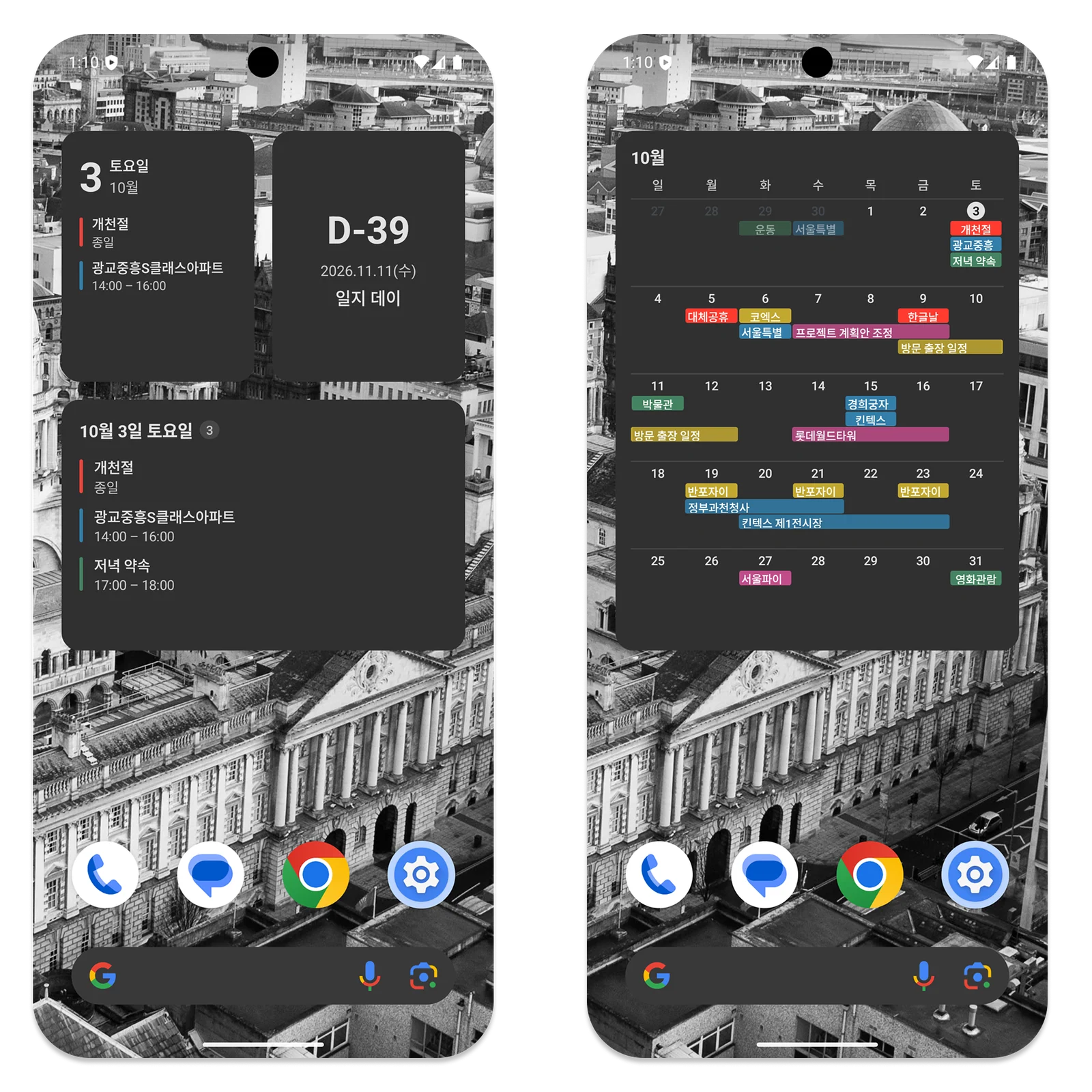
Simple backgrounds leave the spacing and type clear; photo wallpapers still have room to show through the surrounding screen. Small color markers distinguish events without making the layout visually heavy.
Wallpapers vary from pastel colors to skies and bold graphics, so the widget uses the operating system’s card style instead of trying to become a whole new screen.
Light and dark mode follow the phone’s appearance, changing the widget background and text together. Event colors remain distinguishable in the dark theme, and you do not need to set up the widget again when changing appearance.
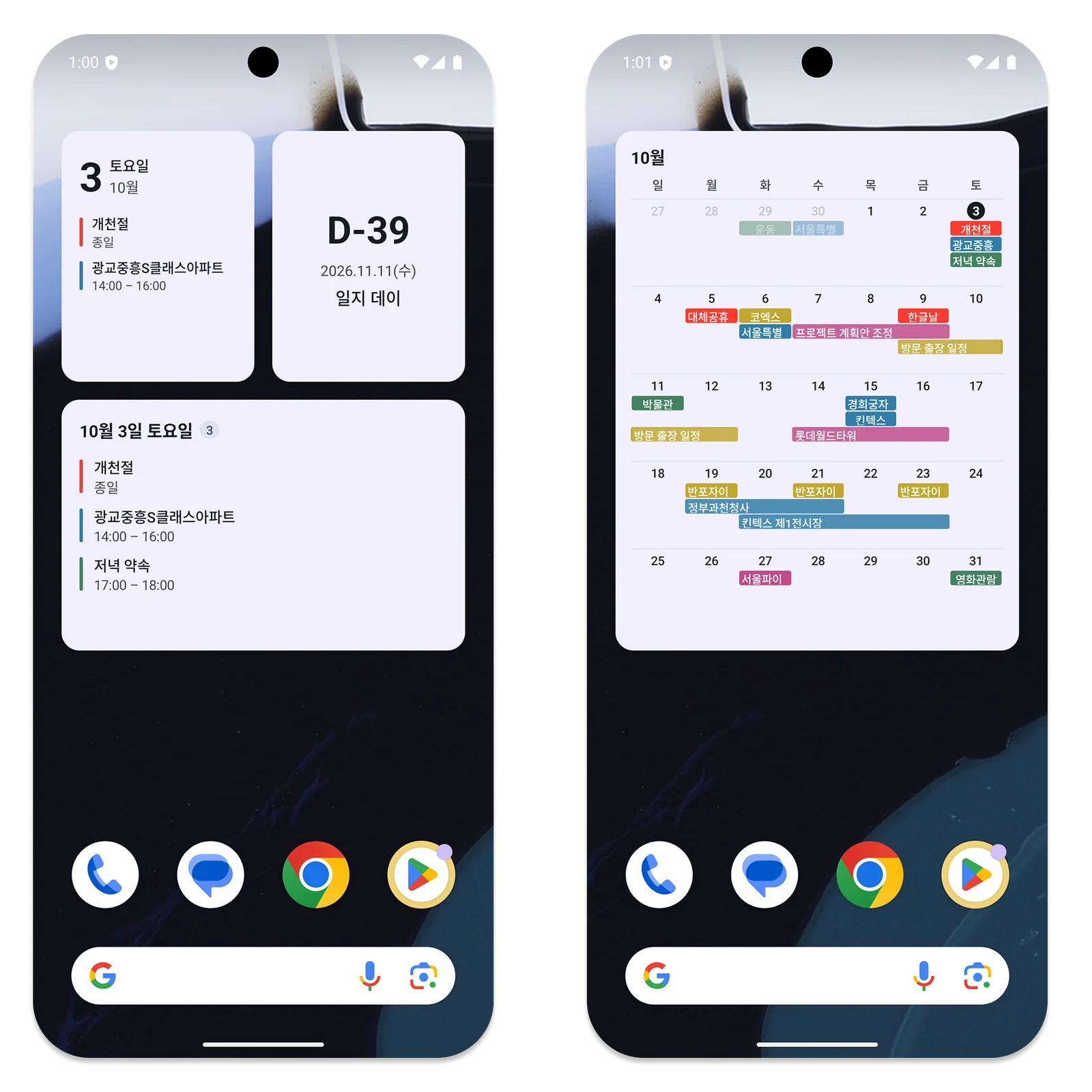
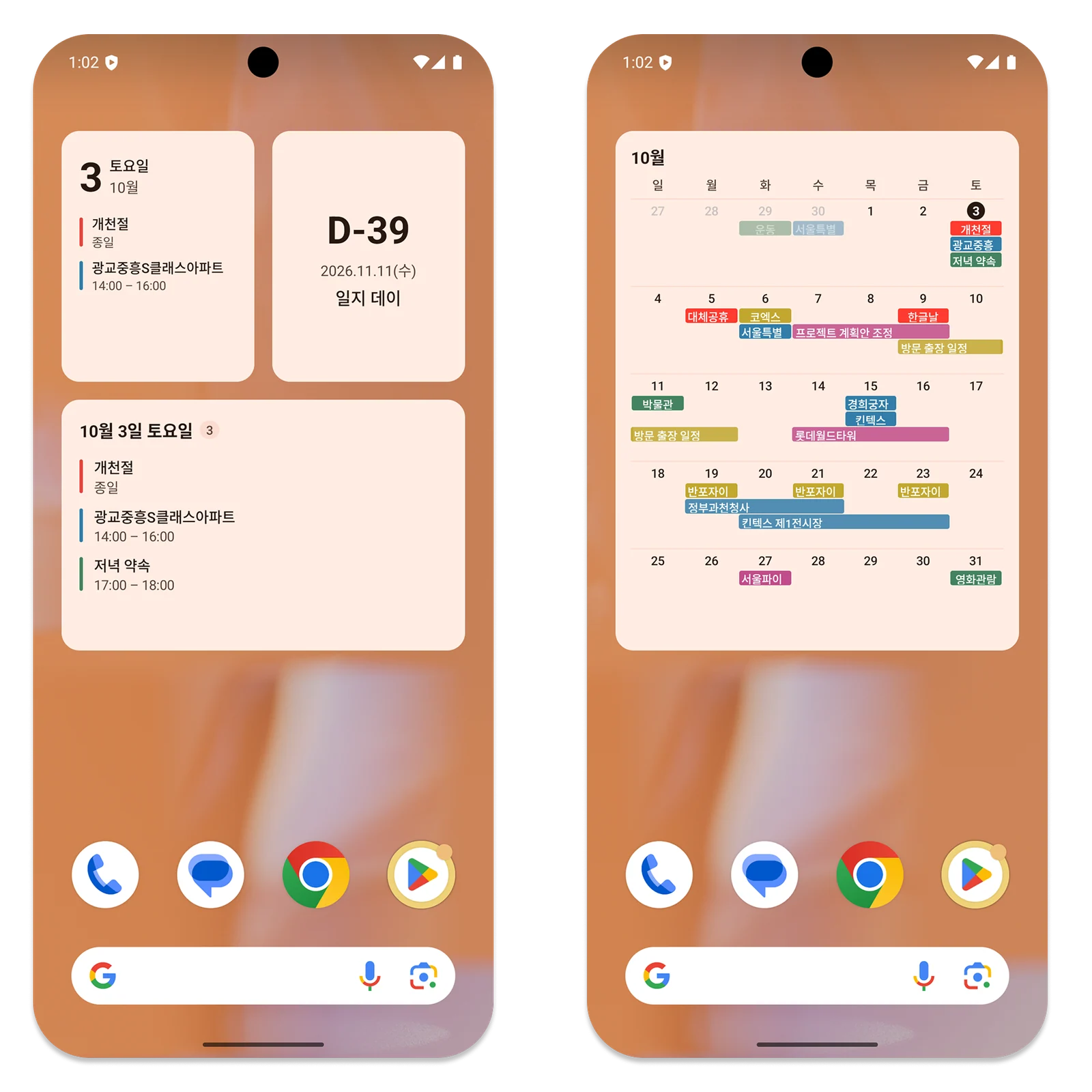
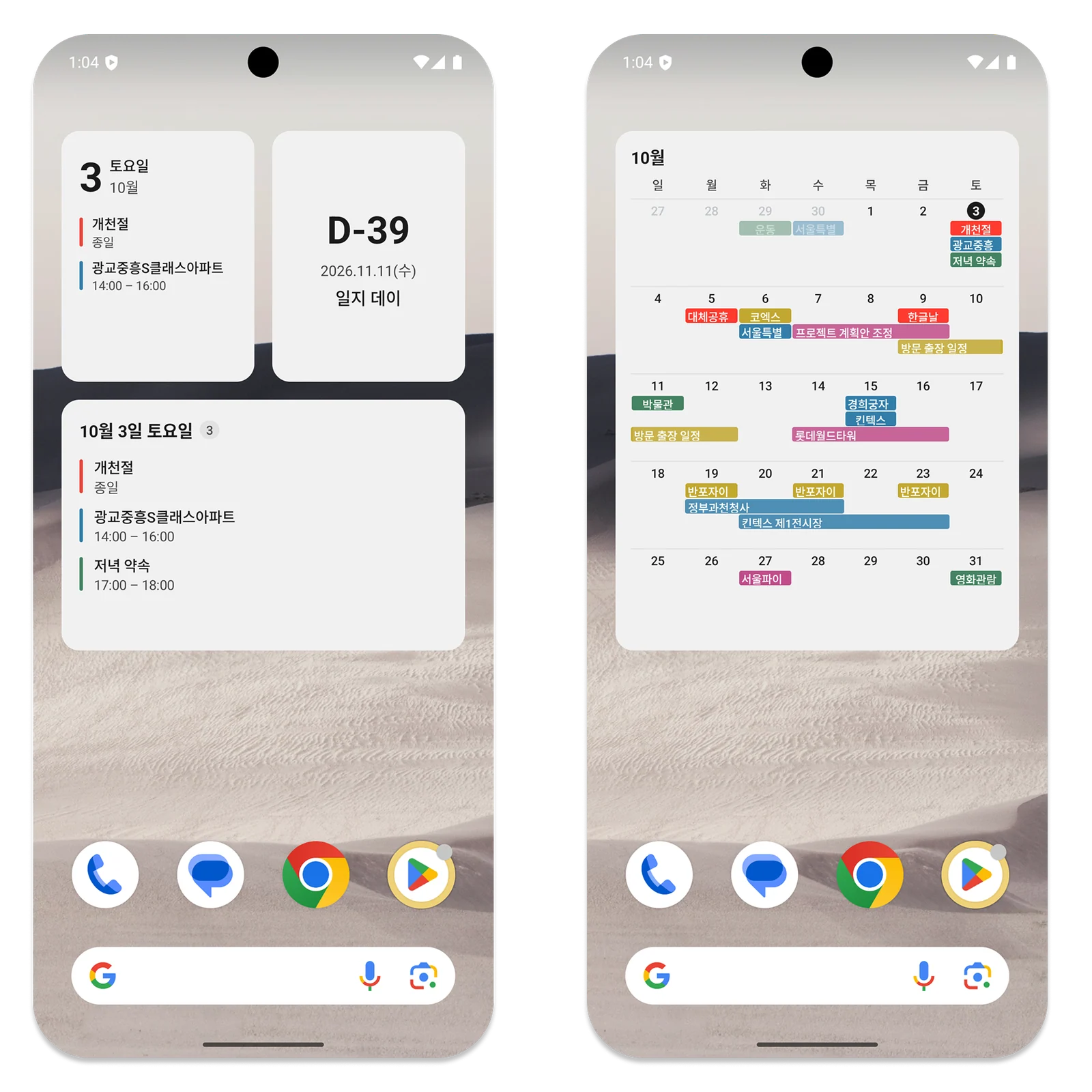
Choose the Size That Suits Your Home Screen
A small Today widget is useful if you want a clear date and two nearby events while leaving room for the wallpaper. The medium Today widget shows up to three events and the total count for the day. The monthly calendar brings dates and events into a wider view; consecutive recurring events can appear as connected color bars, and completed or canceled events have distinct styling.
A countdown widget keeps one important date and its title visible; on iPhone it requires iOS 17 or later. Small layouts put the date first, followed by event names and times. Medium layouts spread the same information across more room, and the monthly layout emphasizes today while softening adjacent months. When there are no events, the widget shows the date and a short message rather than filling the space unnecessarily.
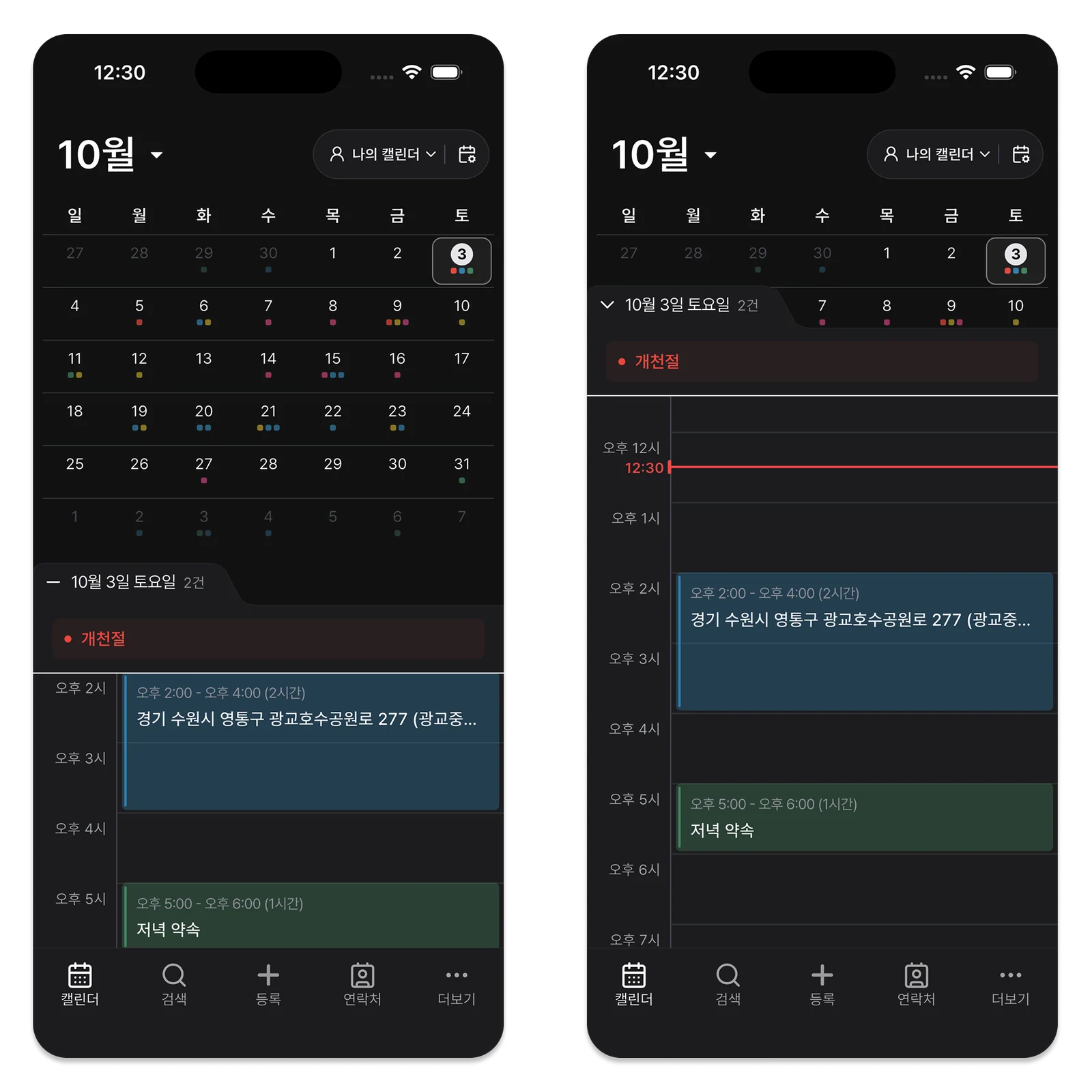
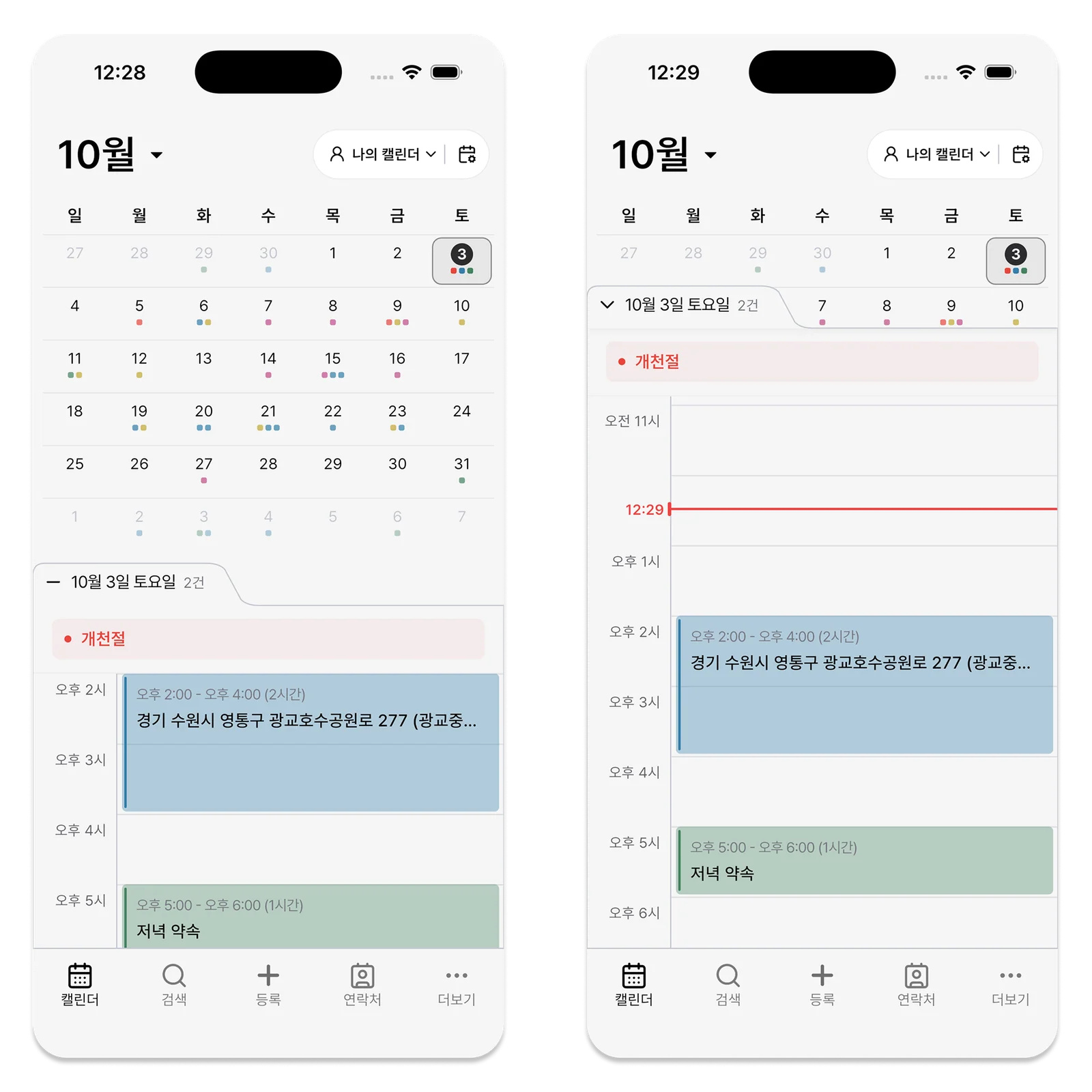
A Familiar Look on iPhone and Android
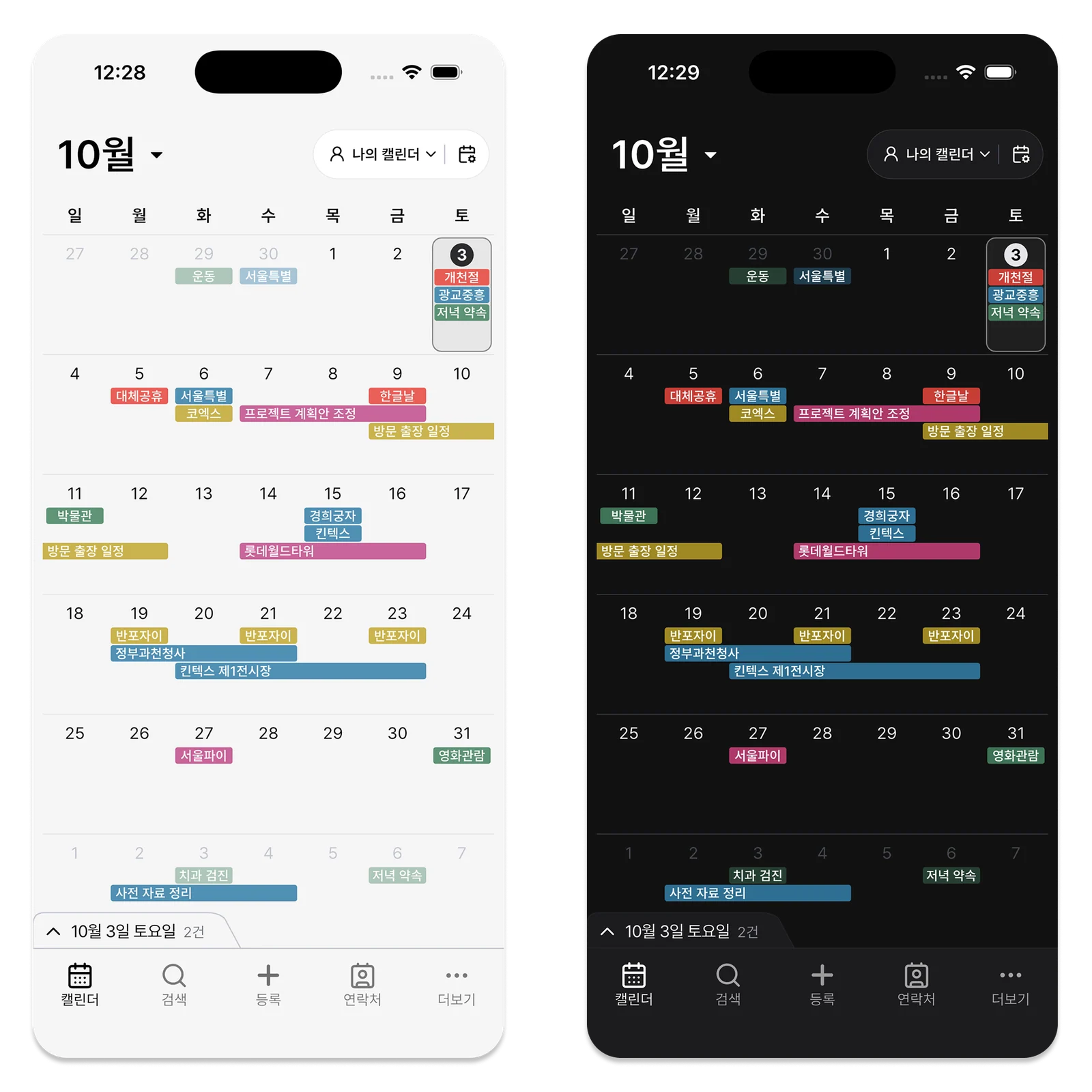
The iPhone and Android widgets follow each platform’s own visual conventions. Corners and typography differ, but both keep dates and events simple. Android widgets also follow system light and dark mode, with Today, monthly calendar, and countdown options. The familiar arrangement remains recognizable when changing devices.
Your own wallpaper and icon layout still have room around the information you use most. The clean appearance does not remove useful actions: tap a linked event or date to open the relevant ILJI screen. For standard work events, choose whether the widget label shows the location or form name. Quick form events use their title.
The home screen is one of the phone screens you see most often.
If you want a calendar widget without replacing the wallpaper and icon arrangement you like, try the ILJI size that fits. Your dates and events can stay nearby in both light and dark mode.