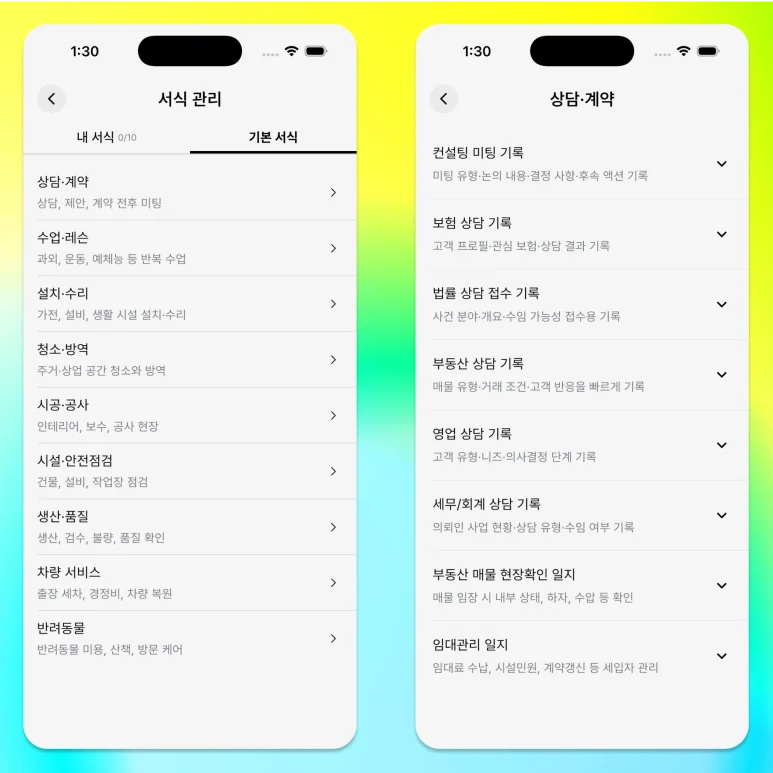
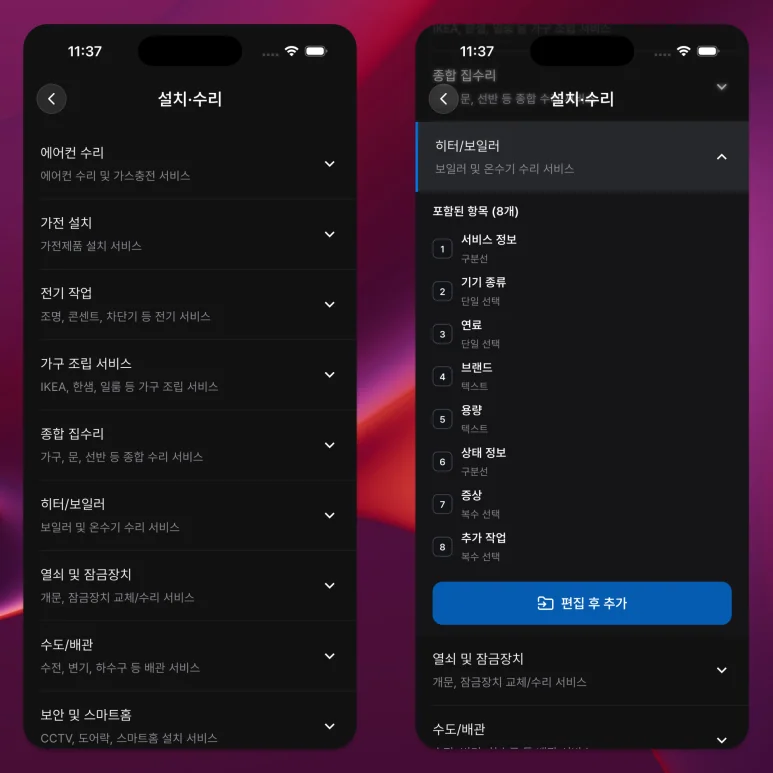
A work schedule does not always need a long form.
For short outings, only the title and location may be sufficient, while repeated inspections or consultations may require items to check each time.
Choose between Quick form and a work form by the information you need to keep, not by how important the work feels.

1. Use a Quick Form When the Details Change Each Time
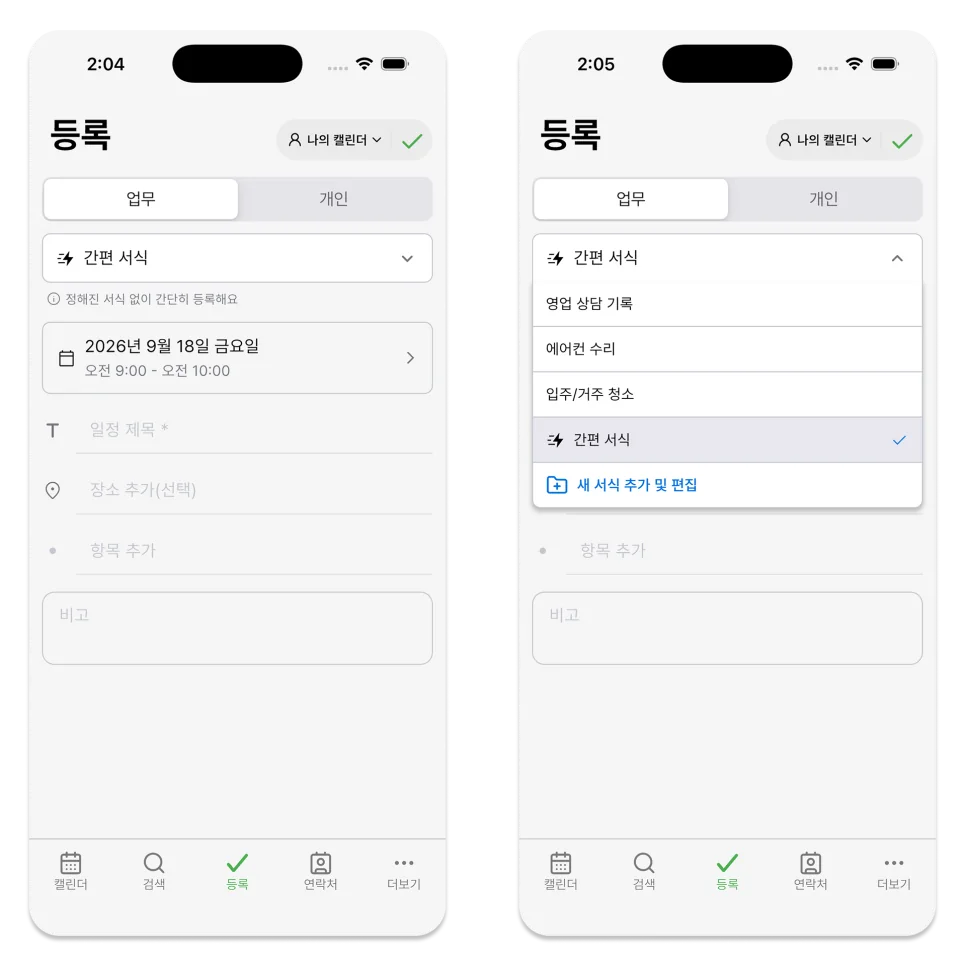
Use Quick form when a schedule belongs under Work but does not need structured fields.
What you can enter is as follows:
- Title
- Date and time
- Location
- To-do items
- Notes
It's suitable for simple outings, short meetings, document submissions, or basic tasks that the team can check together.
In a team calendar, a Quick form schedule can also have an assignee.
2. Use a Work Form When You Reuse the Same Information
If you need to record your name, contact information, address, amount, inspection results, or selection items in the same order every time you work, it is better to use a work form.
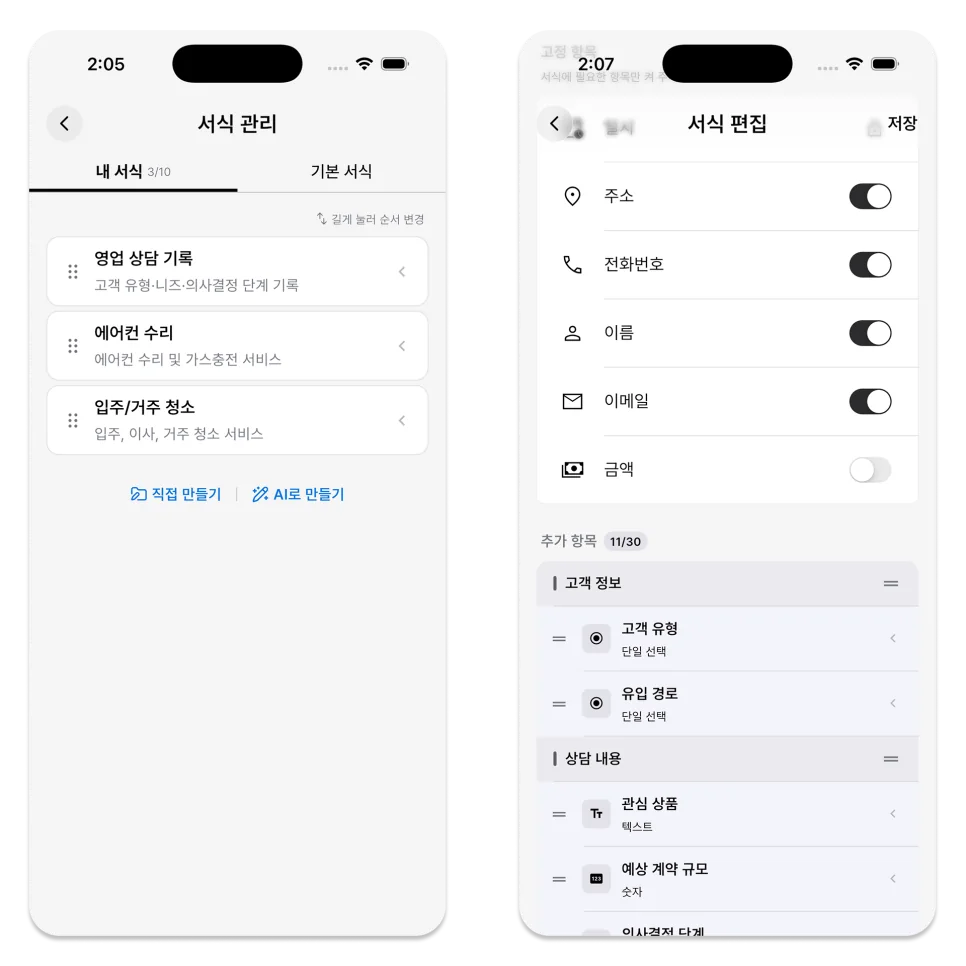
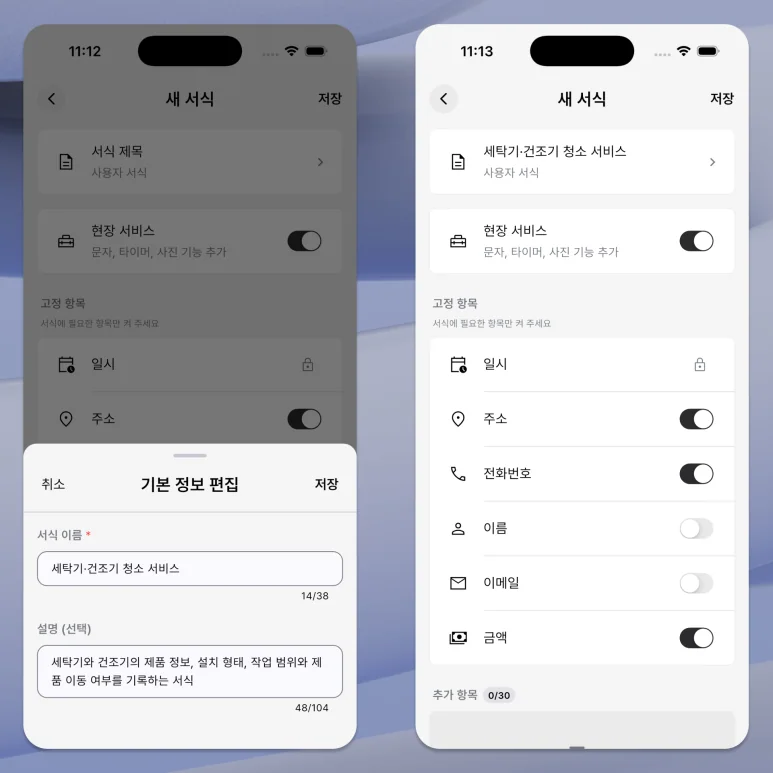
Enable only the basic details you need, then add text, number, choice, or checklist fields.
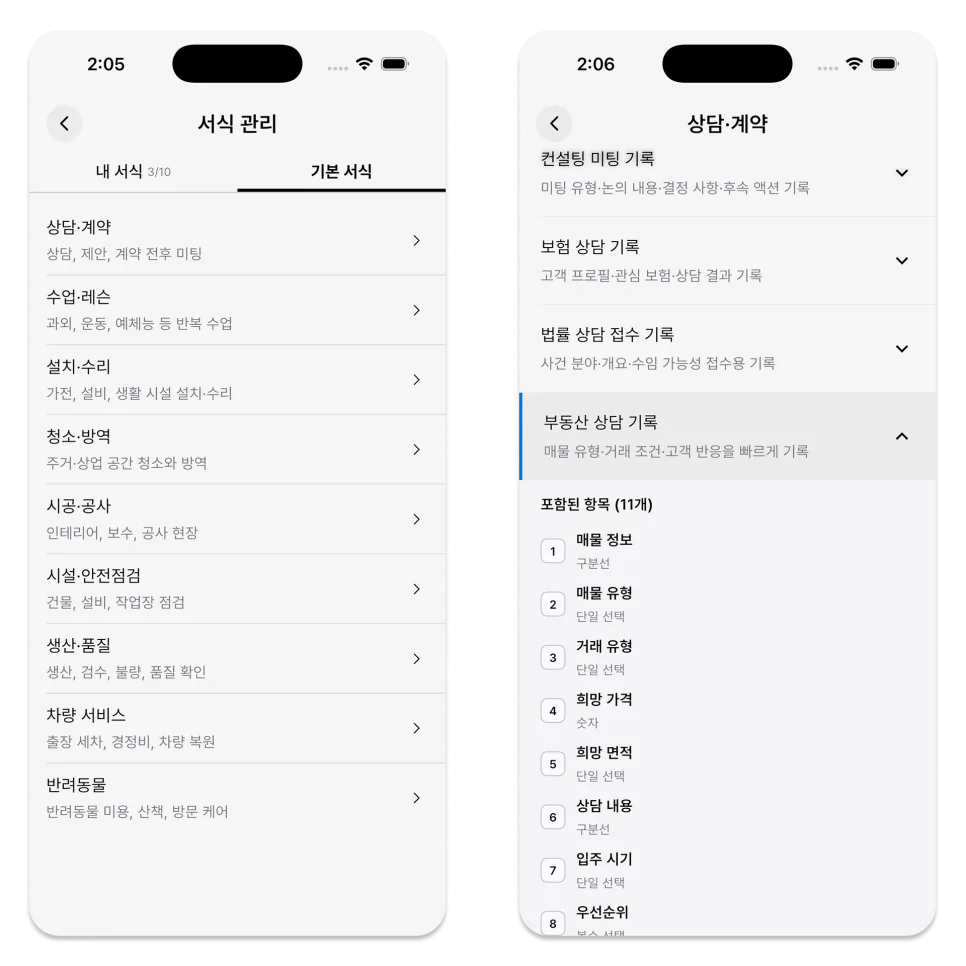
You can use the same basic items to suit your work, such as writing students in a class form and participants in an event form.
3. Check Field Mode When You Need a Timer and Photos
Field Service in a work form lets you record a work timer and before-and-after photos.
These tools do not appear automatically in every work schedule. When creating or editing a form, check whether Field Service is turned on.
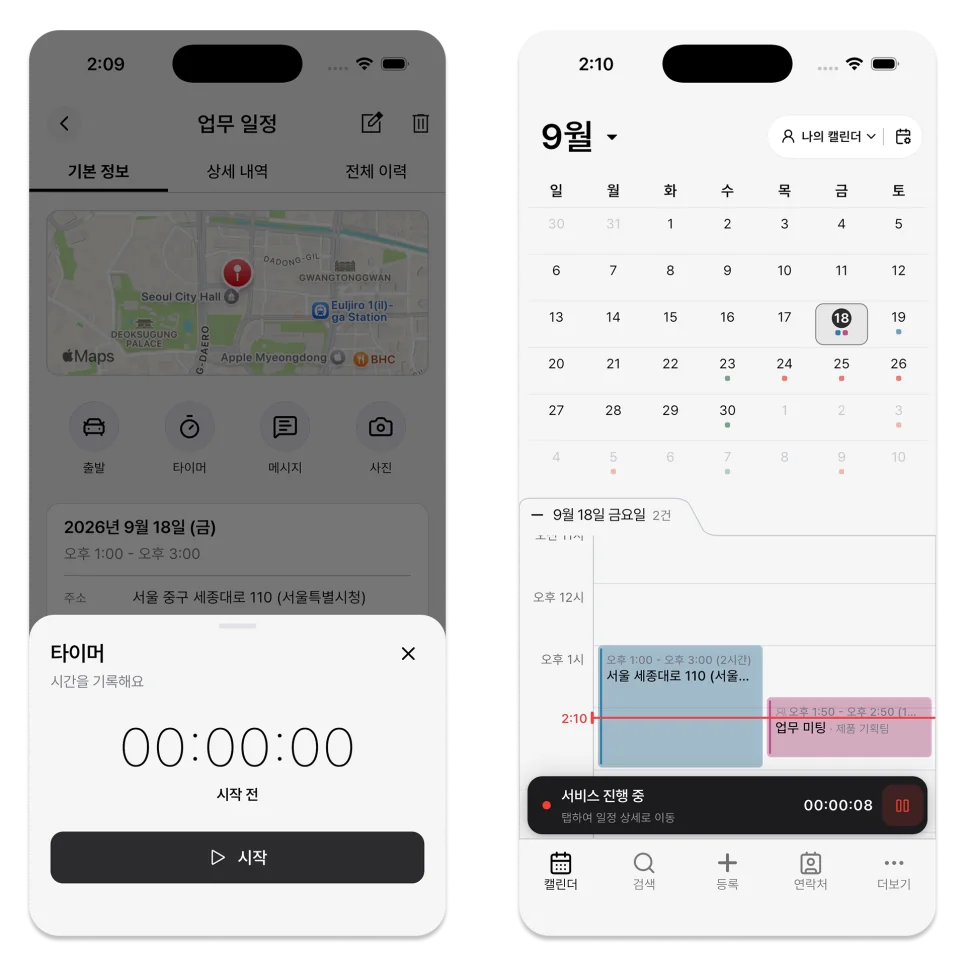
If the work does not need time tracking or photos, use a simple work form with Field Service turned off.
4. Distinguish Quick Forms from Document-Enabled Forms
Quick form is designed for fast work schedule entry.

If you want to check your work as a document or share it as a PDF, you must use the work form, not the Quick form.
The result you need after completion is another reason to choose one form over the other.
5. Start with a Simple Form
For unfamiliar work, try recording a few schedules with Quick form first.
If you see content that is written repeatedly or items that are frequently omitted, you can organize them into a work form.
Conversely, making rarely used items mandatory may only lengthen the schedule registration and completion process.
A form gives the work a consistent structure.
Choose Quick form when a title and location are enough, or a work form when you need to check the same fields repeatedly.
ILJI allows you to create new forms and adjust your entries as your business practices change.
Think about the next job and count the details that must be kept. That tells you whether Quick form is enough or a work form will be more useful.