A booking that says only “one front-loading washer” may leave out information needed to prepare for the visit.
Is a dryer stacked on top? Is it a WashTower or TwinWash? Will equipment have to be lowered and separated? These conditions change the work sequence. Even front-loading washers require different preparation depending on their capacity, model, and whether partial or full disassembly is included. Keep the installation arrangement and agreed scope with the cleaning appointment.

Five Things to Confirm When Taking a Booking
Before adding a washer or dryer cleaning appointment, confirm the product type: top-loading washer, front-loading washer, dryer, or WashTower; manufacturer, model and capacity; installation arrangement: standalone, side by side, stacked or built in; partial or full disassembly; and whether the dryer must be lowered or a built-in unit removed. These details help you assess the time and preparation needed before the visit.
Why Keep Washers and Dryers in the Same Form?
Washers and dryers may be booked separately, but both are sometimes cleaned during the same visit.
- Work combination: Washer only; Share: 78.4%
- Work combination: Washer and dryer; Share: 20.3%
- Work combination: Dryer only; Share: 1.4%
Reference figures from 2026 laundry-appliance cleaning data, grouped by equipment combination for jobs containing laundry appliances only. These figures describe that dataset.
About one in five appointments in this sample involved both a washer and a dryer. Separate forms could mean entering the same visit twice. One form with multiple product selections, installation details and scope can cover both individual and combined jobs. In ILJI, use the built-in fields for customer name, phone number, address, date, time and amount. Put special requests in notes. Add custom fields only for information that changes with the equipment or site.
A Washer and Dryer Cleaning Form
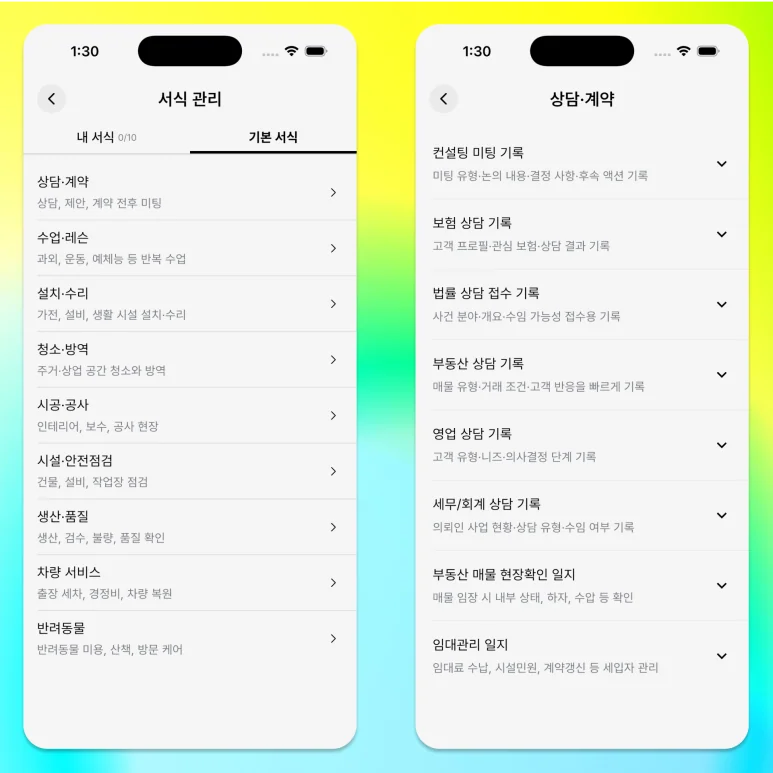
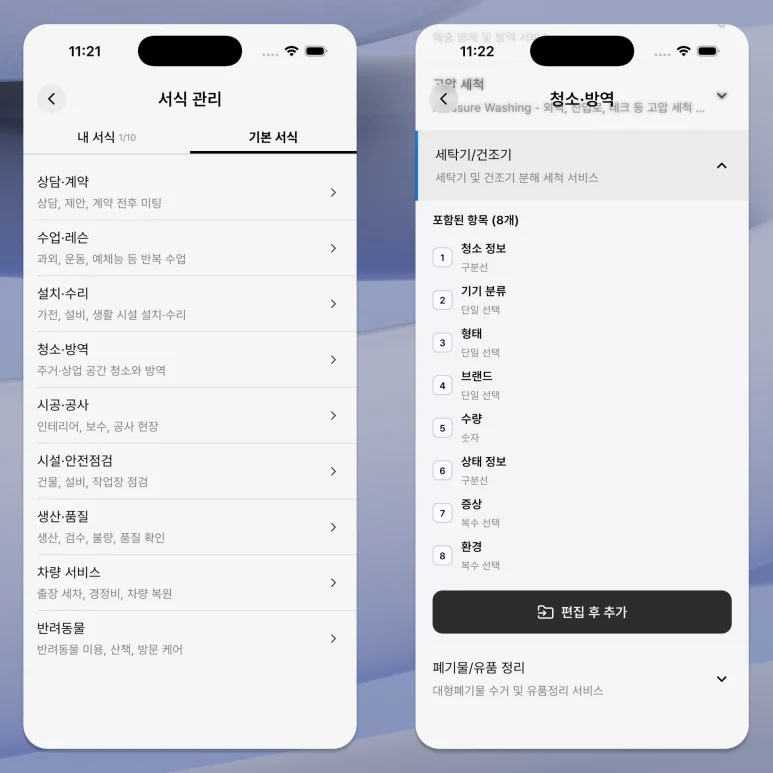
Form name: Washer and dryer cleaning service. Description: Equipment details, installation arrangement, agreed scope and required equipment movement. Enable customer name, phone, address, amount and field mode. Use email and checklist options when needed.
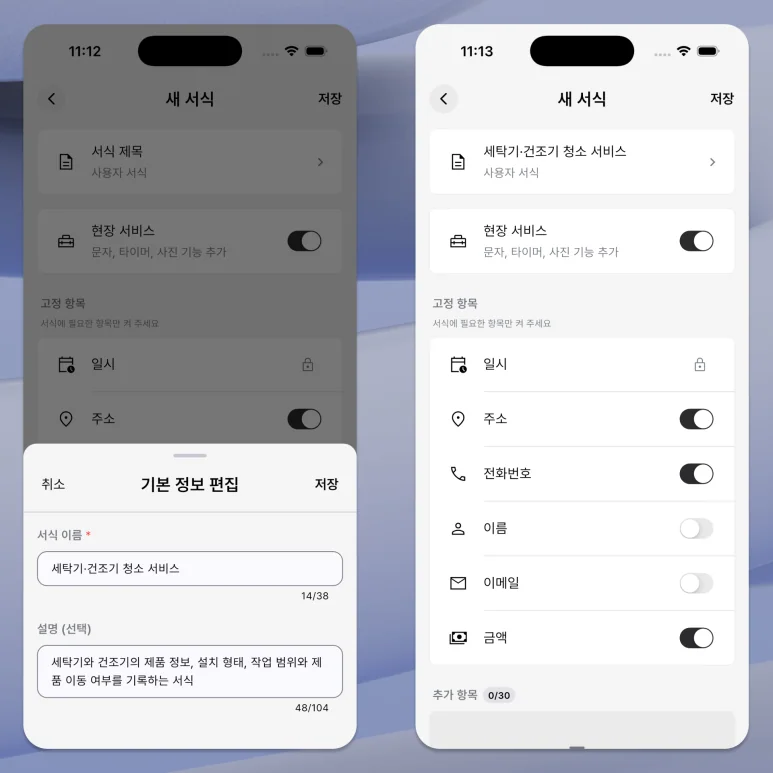
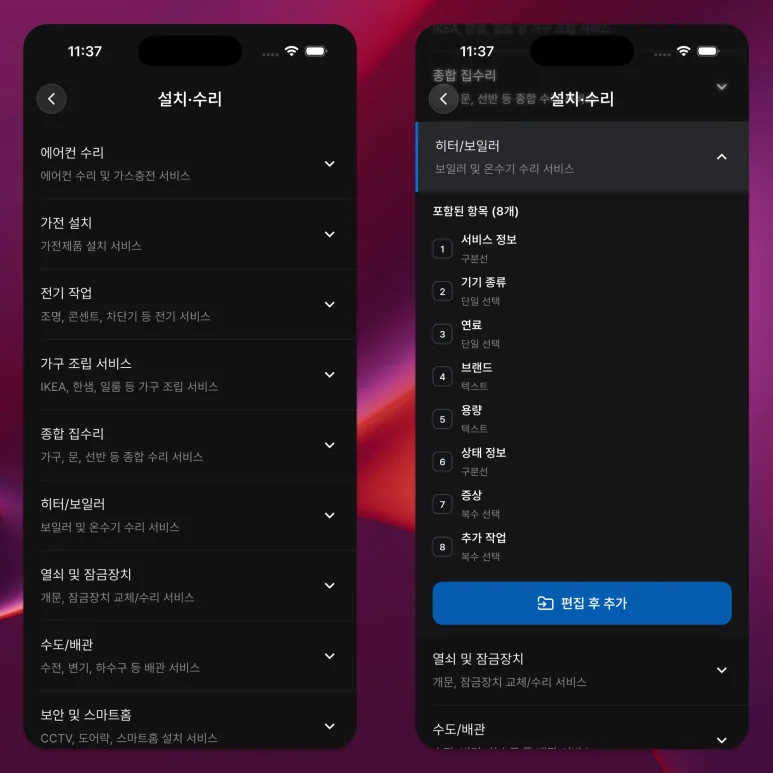
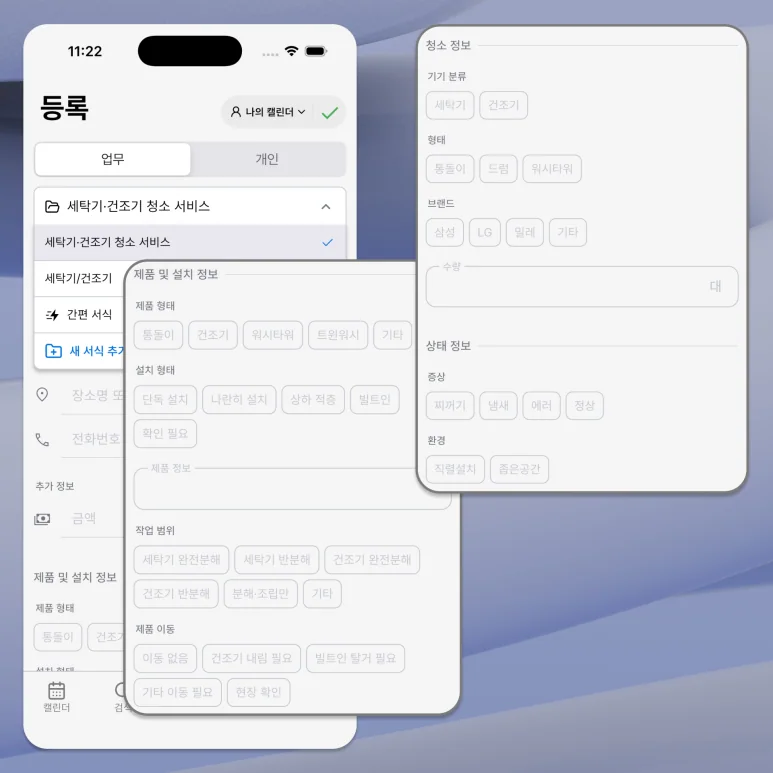
Equipment and installation: Add a multiple-choice Product type field with top-loading washer, front-loading washer, dryer, WashTower, TwinWash and Other. Multiple selections allow for combined jobs or several units. Add a single-choice Installation field with Standalone, Side by side, Stacked, Built in and Needs confirmation. Add a text Equipment details field, such as “Samsung washer 14 kg / dryer 9 kg,” using a separate line for each unit. Under Work scope, add multiple choices for full or partial disassembly of each appliance, disassembly and reassembly only, and Other. Add a single-choice Equipment movement field: None, Dryer must be lowered, Built-in unit must be removed, Other movement, or Check on site.
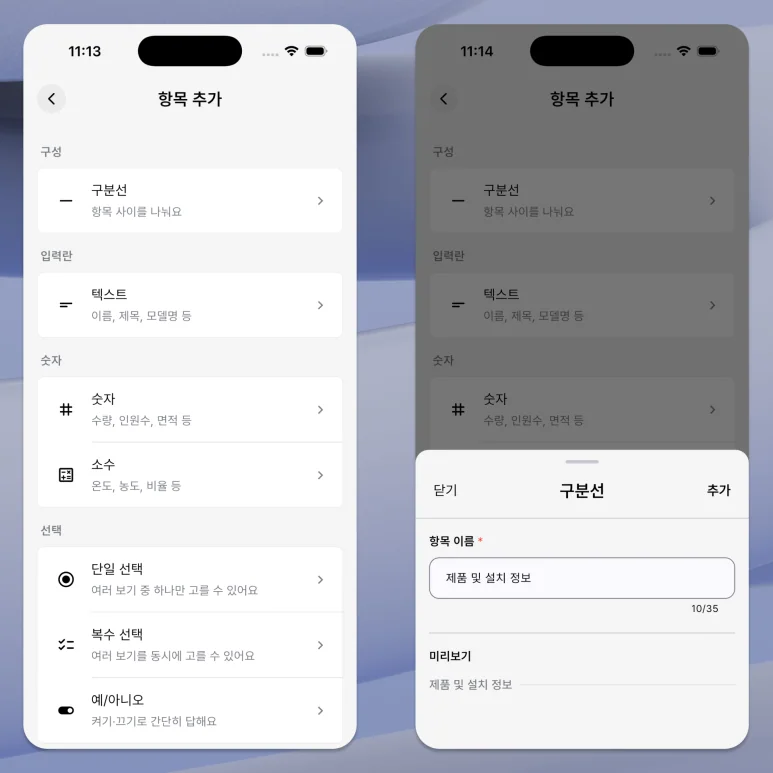
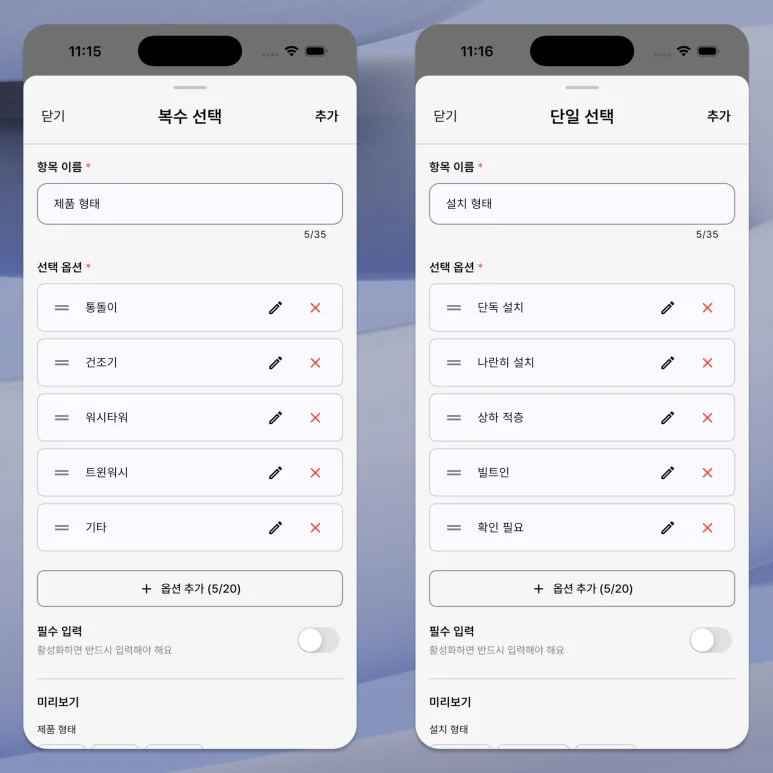
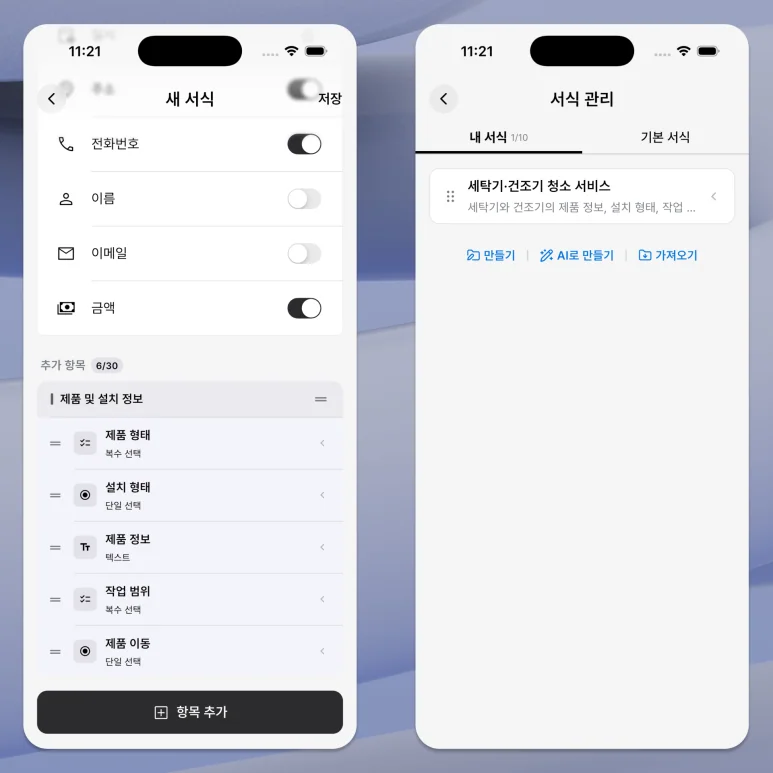
For a stacked Samsung washer and dryer, select Front-loading washer and Dryer; Stacked installation; “Samsung washer 14 kg / dryer 9 kg”; partial disassembly of both units; and Dryer must be lowered. Enter the customer, visit time, address and amount in the standard fields. For a standalone top-loading washer that does not need moving, choose Standalone and None. Field mode lets you attach photos of the equipment before work and after cleaning.
Keep custom fields focused on information collected at booking and reviewed before the visit. Use a checklist for established work procedures when appropriate. Equipment type, installation, scope and movement change between appointments; routine steps do not need to be entered again as equipment details. Keeping the form focused makes it easier to keep using for new bookings.
Confirm installation and scope as well as appliance type. Keep the equipment details and preparation conditions with the visit.