One customer expects a visit every Tuesday morning. Another prefers alternate Friday afternoons. A third asks for extra work only at the end of the month.
When there are only a few contracts, one person may remember them all. Add new customers and overlapping holidays, and relying on memory becomes less reliable.

Start by separating recurring rules from exceptions, rather than filling the month with identical entries labeled “cleaning.”
Set the Defaults for Each Recurring Visit
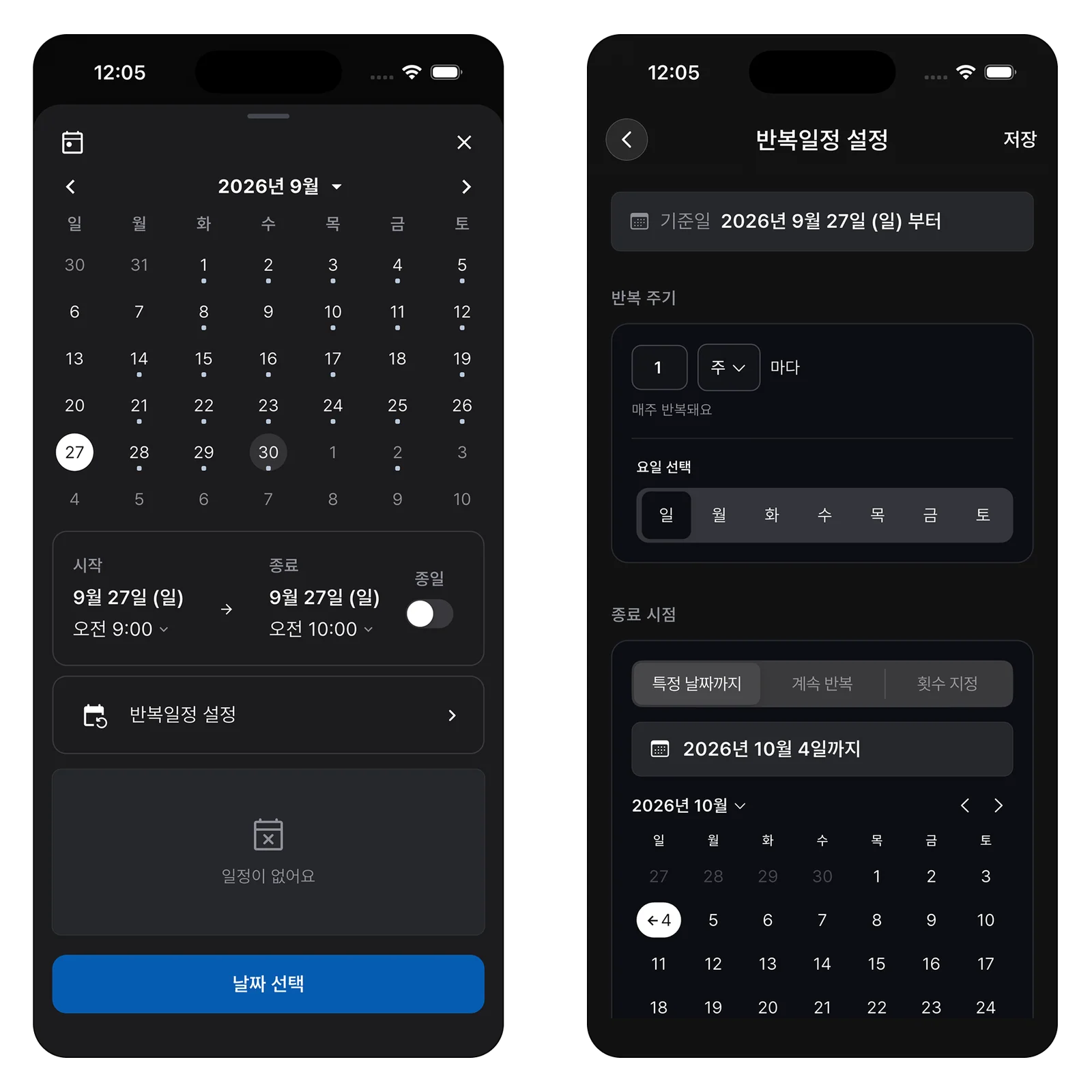
For each customer, note the day, time, person responsible, location, and usual scope of work. If these details stay much the same next month, use a recurring event. A recurring booking does not mean every visit is identical: put any additional request in the entry for that particular date.
Explain Exceptions on the Date They Happen
Skipping a week at the customer’s request, assigning a substitute during a holiday, and adding a deep clean all require different next steps.
Simply deleting a visit from the calendar makes it hard to explain a gap next month. Keep canceled or changed visits distinct from a newly agreed appointment.
Compare More Than the Number of Visits
Two short morning visits are not the same workload as one all-day deep clean. Review estimated duration, travel, and each person’s availability as well as visit counts. If long jobs keep falling to one person, use that information to adjust next week’s assignments.
Check Contract Conditions Before Filling the Month
Recurring cleaning involves more than a repeating date. Each customer may have different access arrangements, equipment, available hours, and agreed tasks.
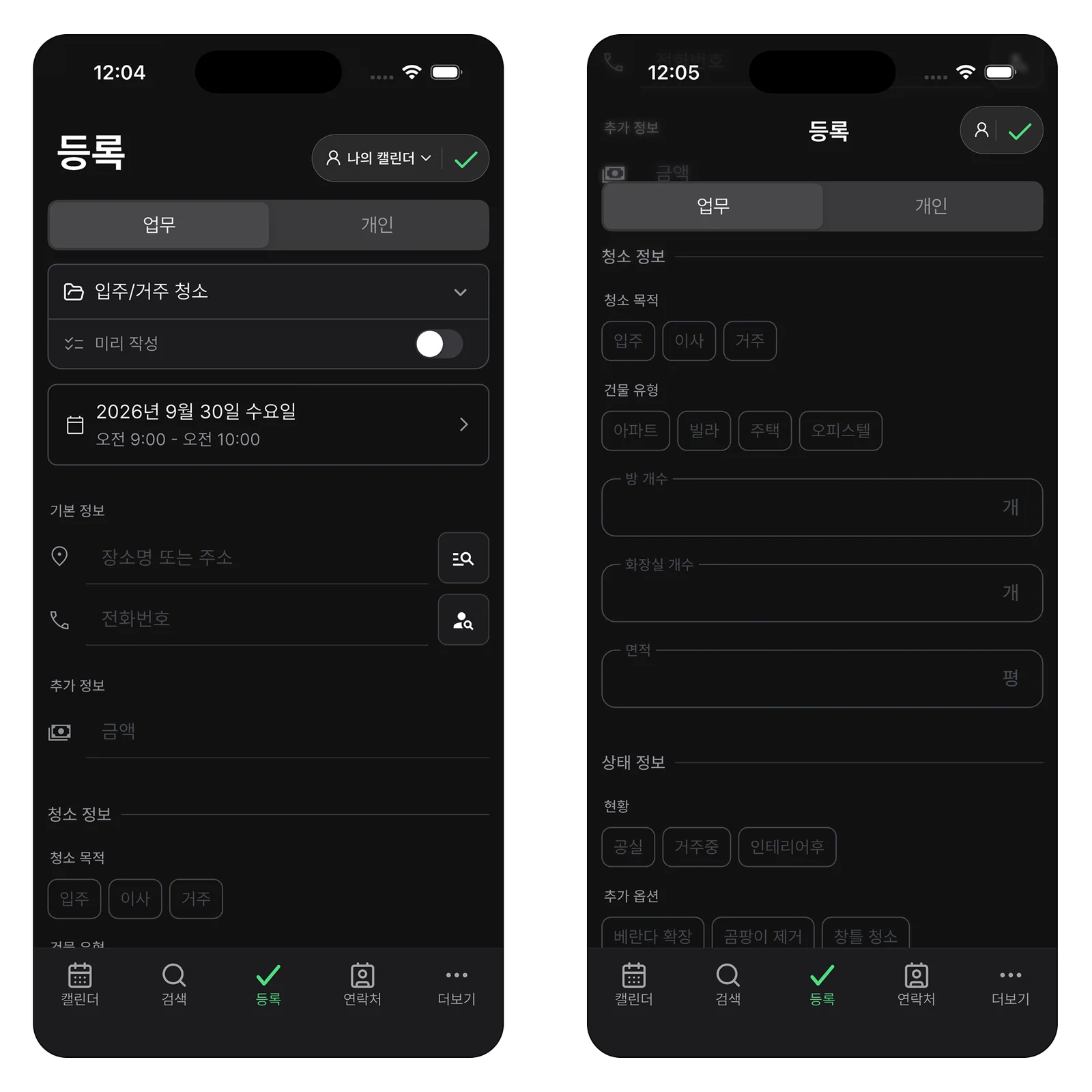
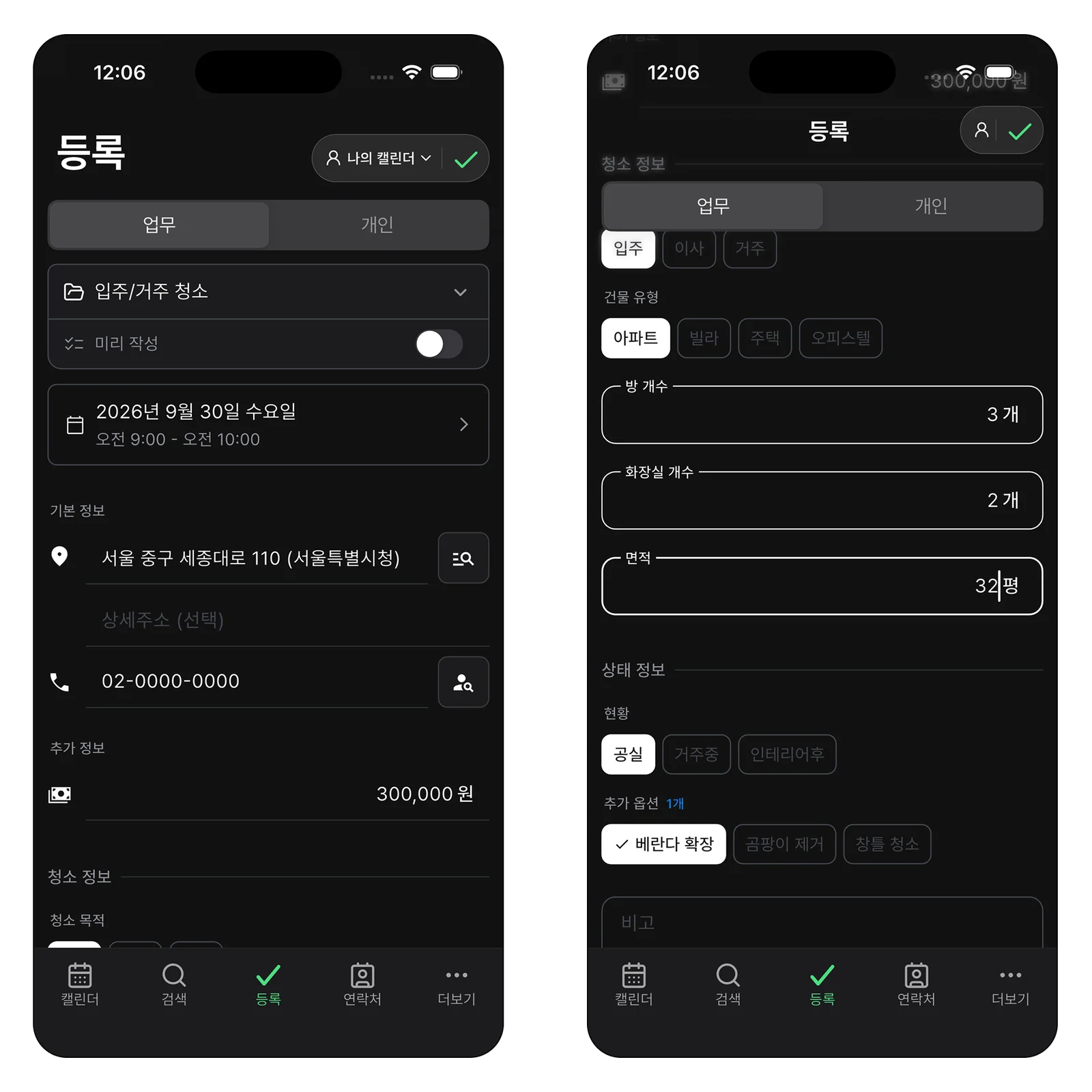
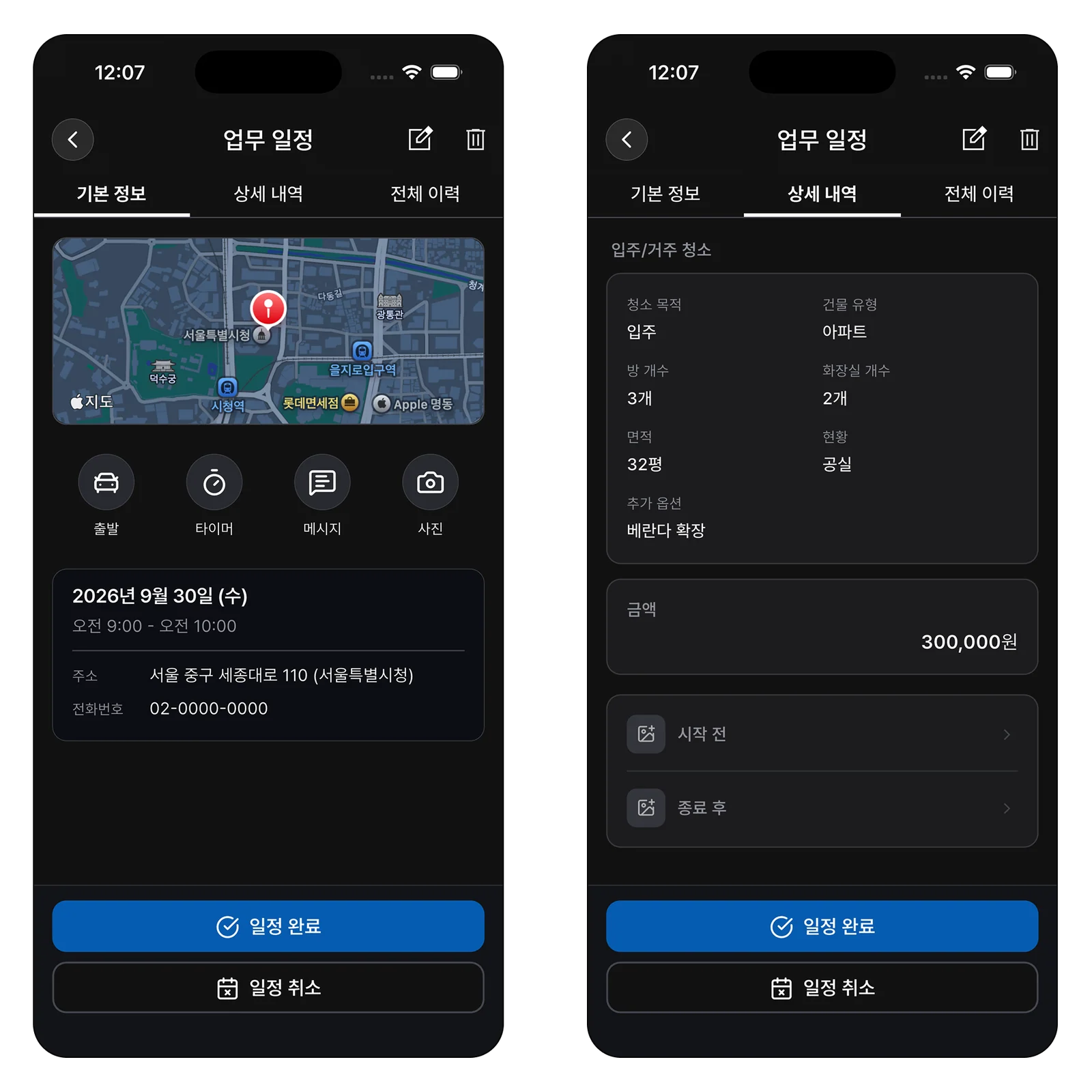
Instead of copying the whole contract into every event, include what the worker needs before arriving: for example, “Tuesday, 9 a.m.; call building management before entry; meeting-room glass included.” Keep the agreed scope separate from new requests made on site.
After creating recurring events, check the actual dates in the first month. Public holidays, building closures, or customer events may make the usual day impossible. Confirm exceptions at the start of the month, and make sure both the customer and the assigned worker know any revised date.
Keep Each Site’s Checklist Short
A single “cleaning complete” note may not explain which areas were checked when a customer asks later. Dozens of compulsory checks can also become a formality on a busy site. Start with three groups: usual tasks, special requests, and final checks. For an office, these might include floors, shared areas, and waste removal, with an extra meeting-room task kept as a note for that week.

Decide which photos will be useful. Rather than photographing every area on every visit, focus on unusual starting conditions or places the customer asked you to check. Note the location and purpose of each photo so a substitute worker or later inquiry does not depend on guessing from the file alone.
Hand Over the Work Before Changing the Assignee
When the usual worker is away, changing the name on the calendar is not enough. Pass on entry arrangements, parking, equipment locations, the customer’s priorities, and anything left unresolved last time. A handoff is ready when the substitute has enough information to arrive and start the work.
If two workers become one, or the available time is reduced, check whether the same scope is still realistic. Agree on priorities with the customer and keep that agreement with the visit rather than assuming the original promise remains achievable.
Use the Month’s Results to Improve the Next Recurrence
At the end of the month, compare planned visits with what actually happened. Look for customers whose visits repeatedly overran, days that often needed substitutes, and sites with recurring extra requests. A repeated extra may call for a new agreement about the usual scope.
Make these changes before copying the same plan into next month. A useful schedule is not one with every space filled: promised visits happen, exceptions reach the next worker, and the team can manage the workload. Each visit’s result helps make the recurring plan more realistic.
Check Existing Recurring Visits Before Accepting a New Customer
Do not confirm a new request from an empty calendar space alone. Check where existing visits are that day, whether travel between sites is realistic, and how the new scope differs. A recurring contract must fit future weeks, not just its first visit.
Leave time on the first visit to check actual duration and special requests. If it takes longer than expected, revise later visit times or reconfirm the scope. Adding contracts should not undermine existing customer promises or the team’s schedule.
Managing Recurring Visits in ILJI
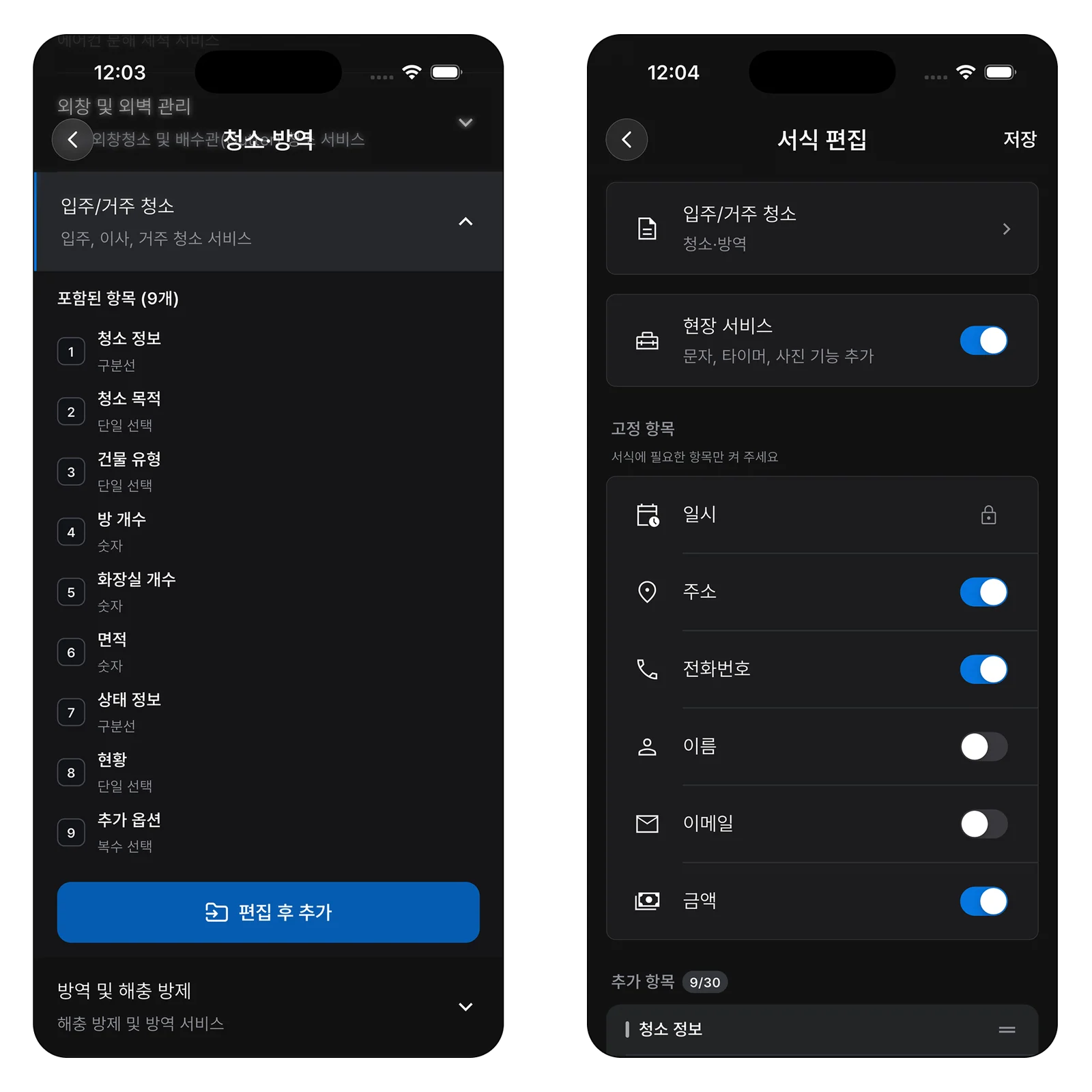
ILJI supports recurring events and team calendars, and you can put site-specific checks in a form. Enable Field Service in the form when you need before-and-after photos linked to the event.
A monthly cleaning schedule is not about filling every space with a worker. It is about keeping promised visits and passing the visit details and reasons for changes to the next person.