The hardest question when building a work form is not “What features should it have?” It is “What information must I check every time?”
More fields do not make a better form. A useful form asks for information people will actually enter and reuse.
1. Start with a Similar Ready-Made Form
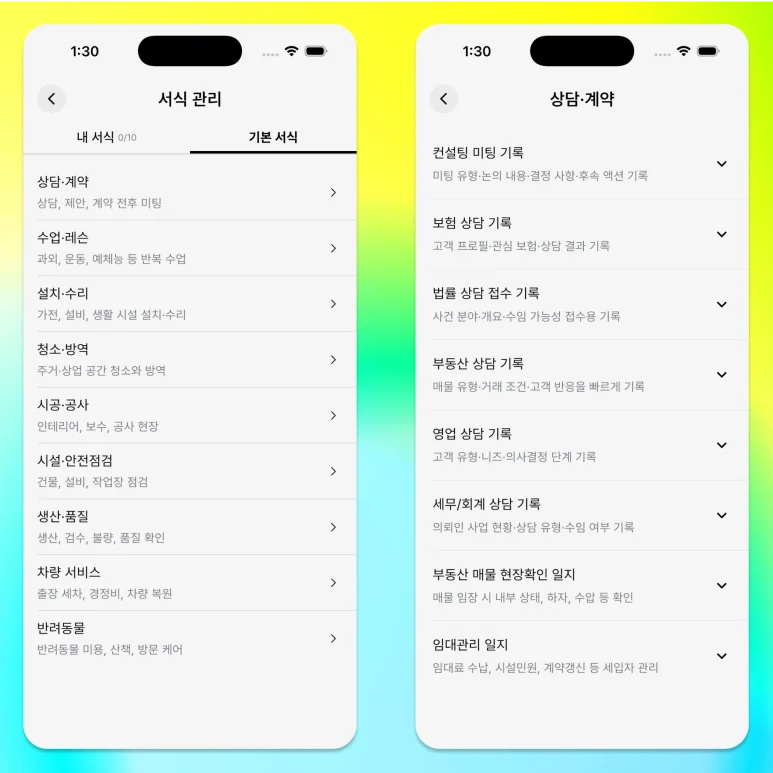
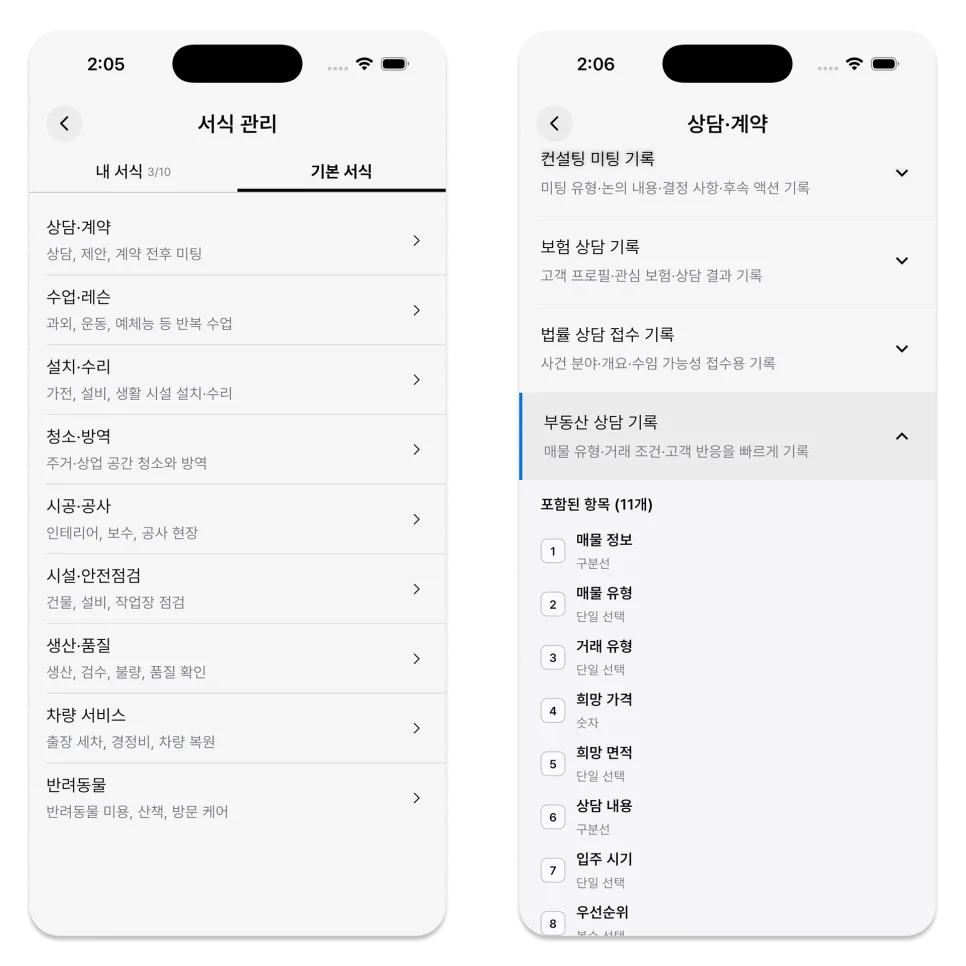
If a blank screen feels difficult, start with one of ILJI’s built-in work forms.
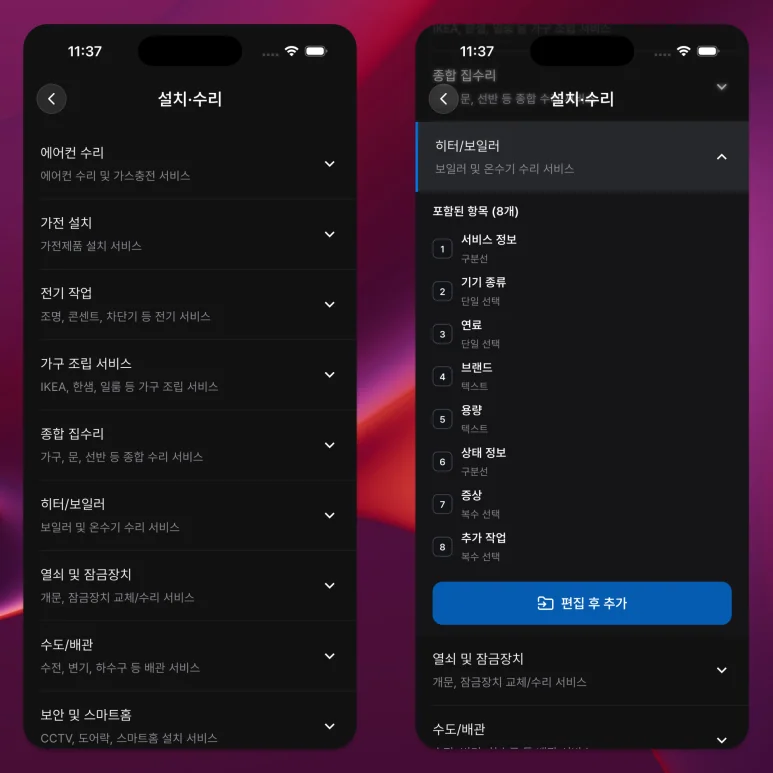
Examples cover consultations and contracts, classes and lessons, installation and repair, facility inspections, and production and quality checks.
The category name does not need to match your industry exactly. Choose the example whose fields are closest to what you need to record.
Selecting an example creates an editable copy. Remove fields you do not need, then rename and reorder the rest.
2. Build It Yourself When You Know the Fields You Need
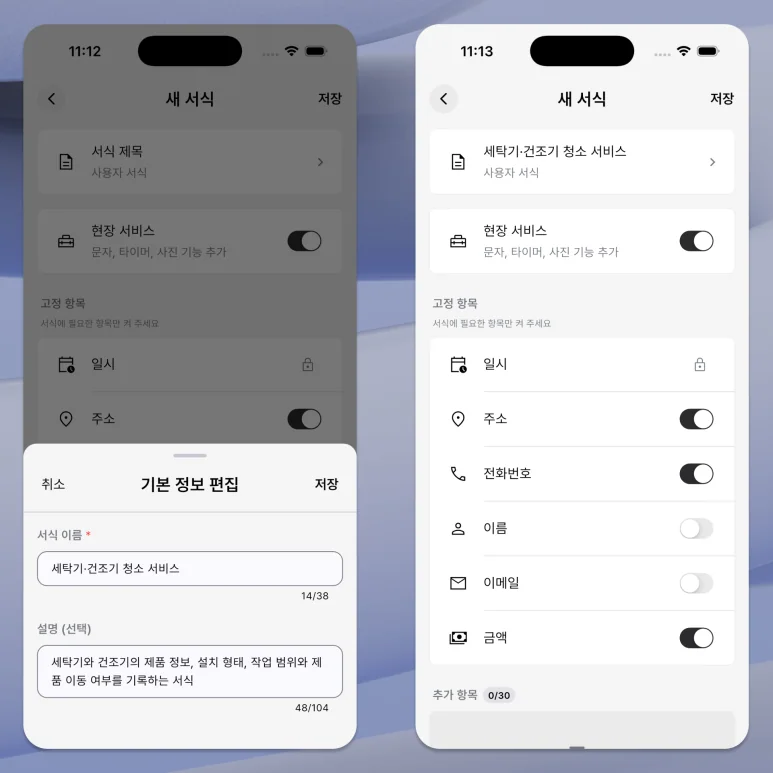
You can create a new form under work forms in More and select basic information and additional items.
Enable only the basic fields you need, such as name, phone number, email, address, and amount.
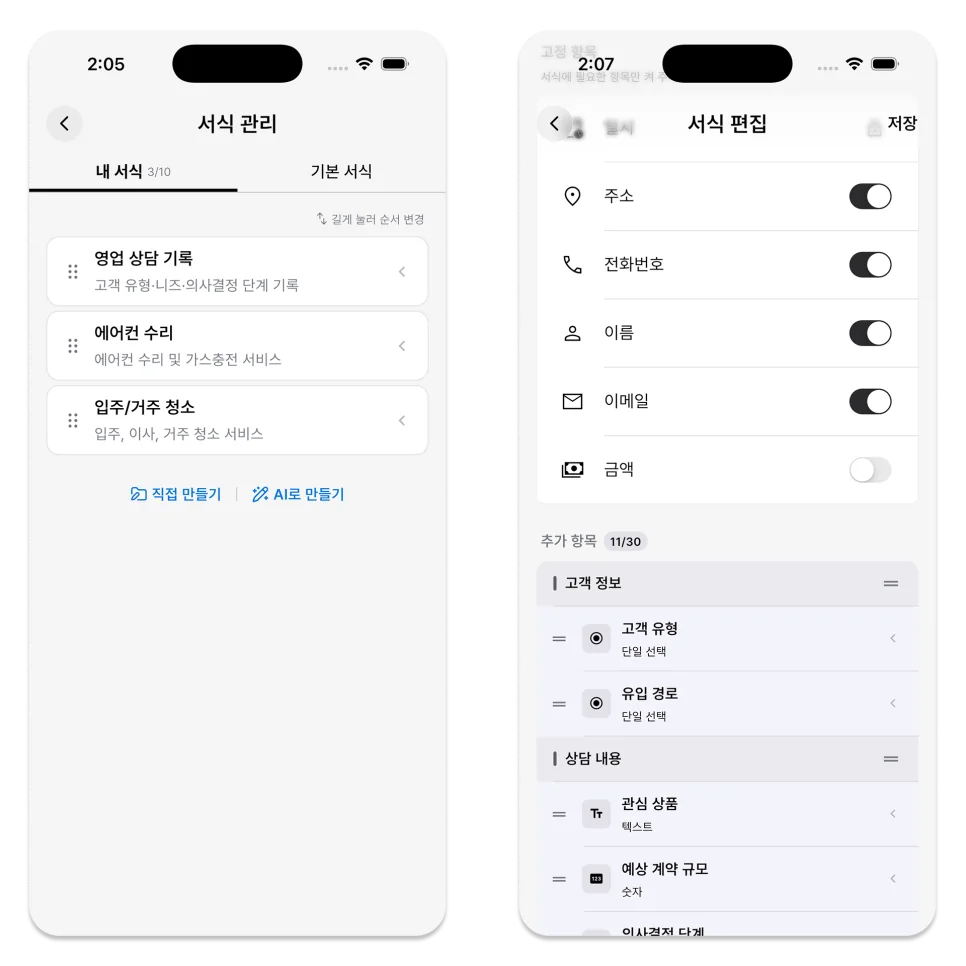
For custom fields, choose the input type that fits the record: text, number, choice, or checklist.
3. Ask AI for a Draft When You Are Unsure
After selecting Create with AI, you can explain in sentences what you do and what you want to record.
Describe the work and the records it needs, for example: ‘For each site inspection, record the visit date, equipment condition, and inspection result.’

The AI result is an editable draft, not a finished form. Review every field name, required setting, and position before saving it.
4. Keep Required Fields to a Minimum
Required fields must be entered before completing the task.
Require only information whose absence would block completion or make the result unclear. Leave situation-dependent details optional.
Making everything mandatory can make it difficult to complete even simple tasks.
5. Create One Test Schedule
After saving the form, create a test schedule similar to the actual one and check the input order.
- Are field names easy to read on site?
- Do any choices overlap or appear to be missing?
- Are the timer and photos needed?
- Will the completed document show the right information?
Fix what the test exposes before using the form for real work.
A good form asks questions that can be answered during the work.
A work form turns details once left to memory into clear questions and choices.
You can pick a similar example from ILJI and shorten it, create your own, or start from an AI draft.
Write down three things you must check on the next job. That is enough to shape a first form.