When someone asks, “Are you free on Thursday afternoon?”, it is natural to check the calendar first. A blank afternoon can make a booking look possible.

But the morning visit may finish far away, and a report promised for Friday may still need doing. Available booking time is not the same as empty calendar space.
Separate Fixed Appointments From Flexible Work
A customer visit with an agreed time is fixed. Preparing information, checking costs, and getting ready for next week may be movable. Knowing the difference helps you decide what can change when an urgent request arrives.
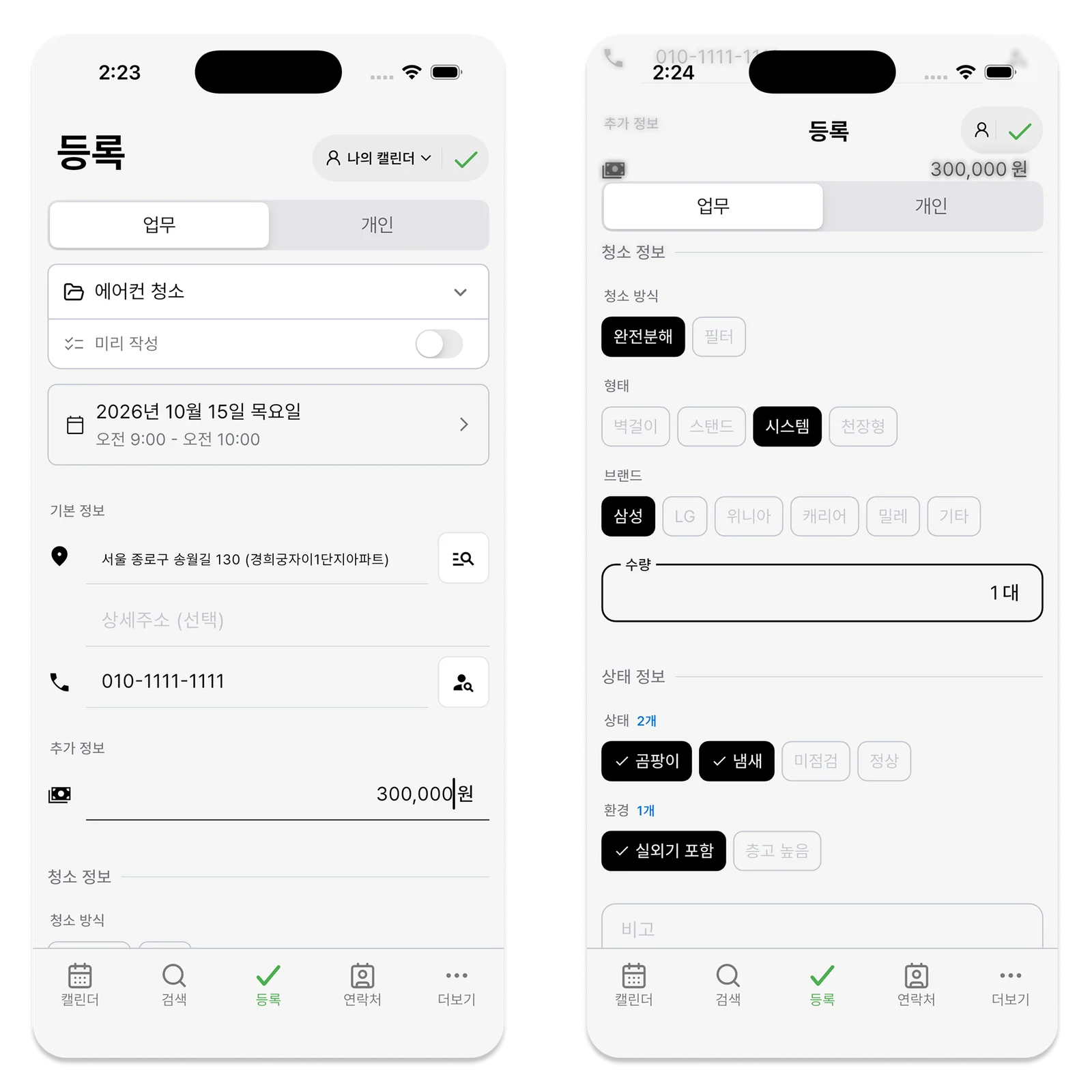
Count the Whole Time a Booking Takes
An hour-long inspection may need two or three hours once travel, preparation, customer explanation, and notes are included. Use your previous entries to estimate the time. Start with rough durations for two or three common types of work rather than trying to create a perfect average.
Look at the Next Day’s Flexibility Too
If Wednesday and Thursday are full but Tuesday afternoon is open, Tuesday may be the buffer that absorbs an unexpected change. Treat every empty hour as available for sale and one delay can disrupt the whole week.
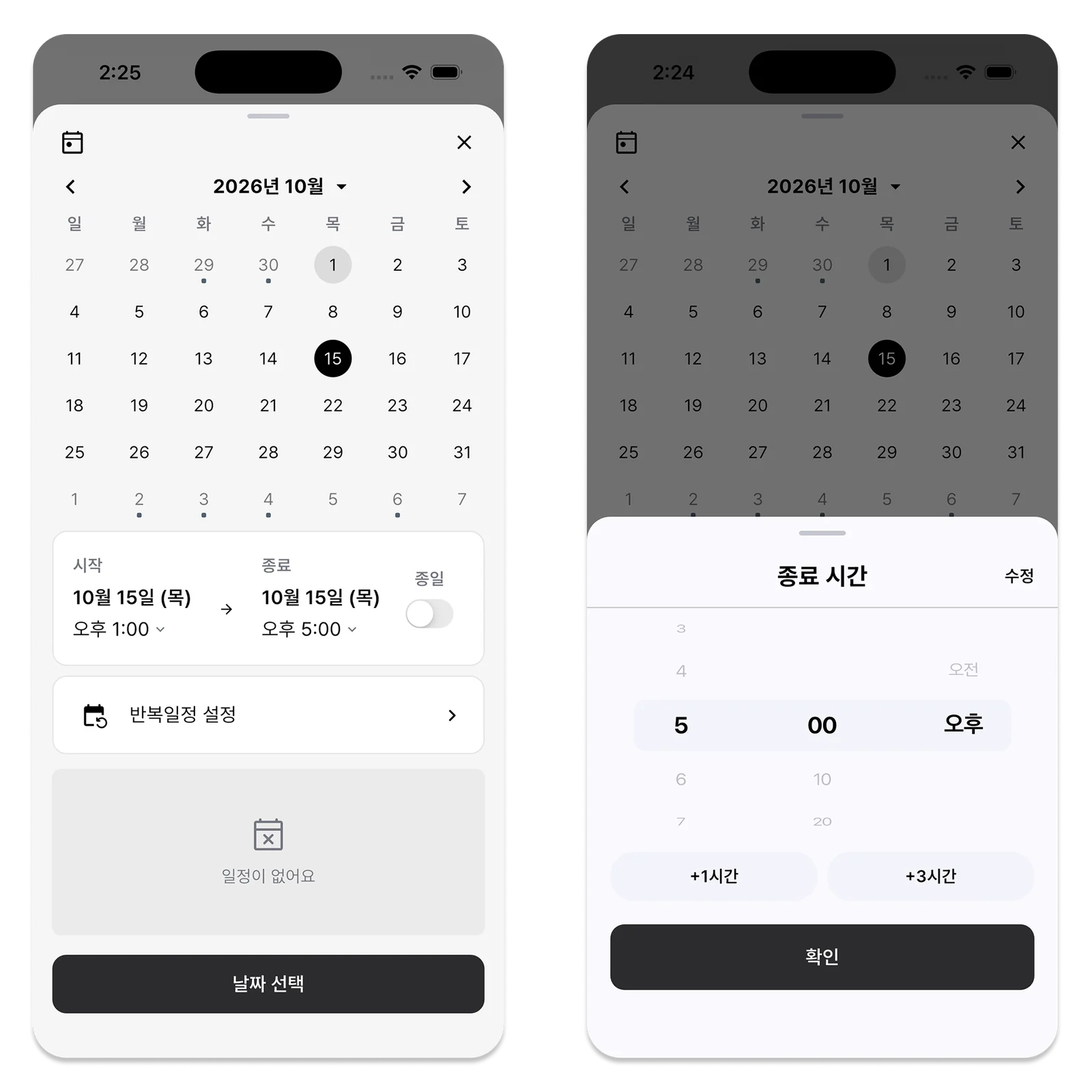
Start With the Total Time You Can Work This Week
Working alone means estimates, admin, costs, and customer calls are yours as well as the visits. Decide roughly how much time you can work, then subtract confirmed appointments and essential desk work. Exclude family or personal commitments from the start.
The remainder is closer to your upper limit for new bookings. A three-hour opening cannot fit 90 minutes of travel, 90 minutes on site, and 20 minutes of notes. Estimate the work from preparation through wrap-up before saying yes, even if the customer-facing visit is described as one hour.
A Booking That Fits May Still Be Poorly Placed
A physically possible appointment may work badly with the rest of the week. If Monday and Wednesday already include one area, a distant Tuesday visit adds travel. Where the customer has flexibility, consider location and work type alongside urgency and agreed deadlines.
Do not keep a customer waiting just to find the shortest route. Capacity planning is about offering promises you can keep, not finding reasons to refuse work. If accepting one more job puts existing promises at risk, the week is already over capacity.
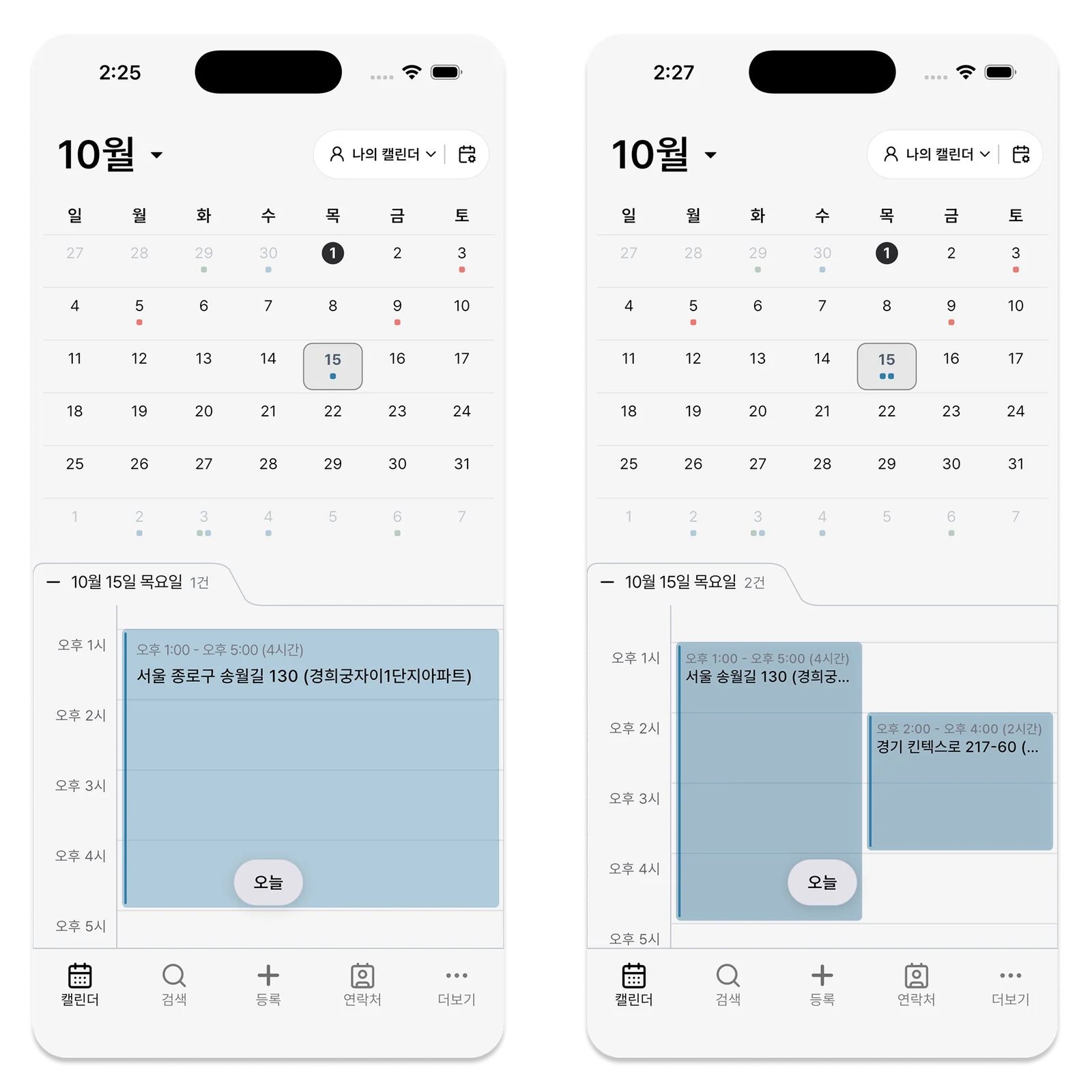
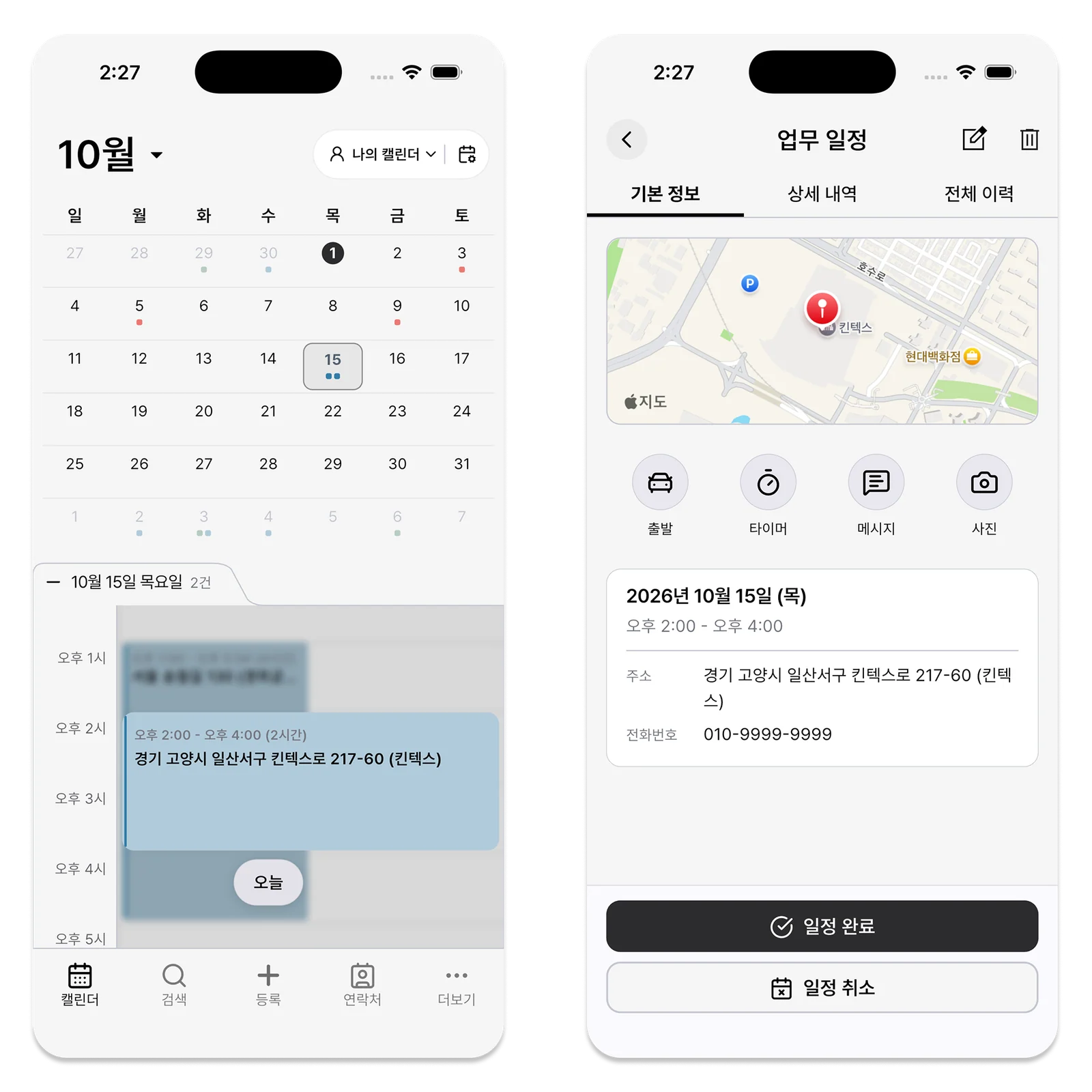
Choose Where to Keep a Buffer
Visits can run long and customers can change times. That does not mean every afternoon must stay empty. Look at recent weeks and leave a little flexibility on days most affected by changes.
Reduce the buffer if your work rarely changes. Give end-of-day notes and next-day preparation their own place too: they are work, not unused space. Before confirming a new booking, decide whether that work can really move.
Offer Alternatives Instead of an Unrealistic Yes
If this week cannot accommodate a request, offer two or three possible dates. Photos or basic information may help preparation, but do not promise remotely what needs an on-site check. Explain when you can visit and what you will confirm beforehand.
More bookings combined with late reports and missed follow-up calls signal overload. Review those commitments as well as visit counts, then use actual time from similar work to plan the next week.
Turn Your Booking Criteria Into a Few Simple Sentences
Recalculating everything for every inquiry slows your replies. Try provisional rules such as “allow half a day including travel for a first visit” or “up to two short checks in the same area per day.” Revise them when actual work proves them too generous or too tight.
Give the customer clear dates and estimated time, while explaining what remains uncertain until you see the site. One overconfident promise can disrupt other customers when you work alone. These rules explain what you can handle, not how to accept work mechanically.
Estimates and invoices have deadlines even without a customer visit. Put essential admin on the weekly calendar instead of pushing it into leftover hours. Repeatedly late wrap-up is a sign to reduce booking capacity.

Reviewing Booking Capacity in ILJI
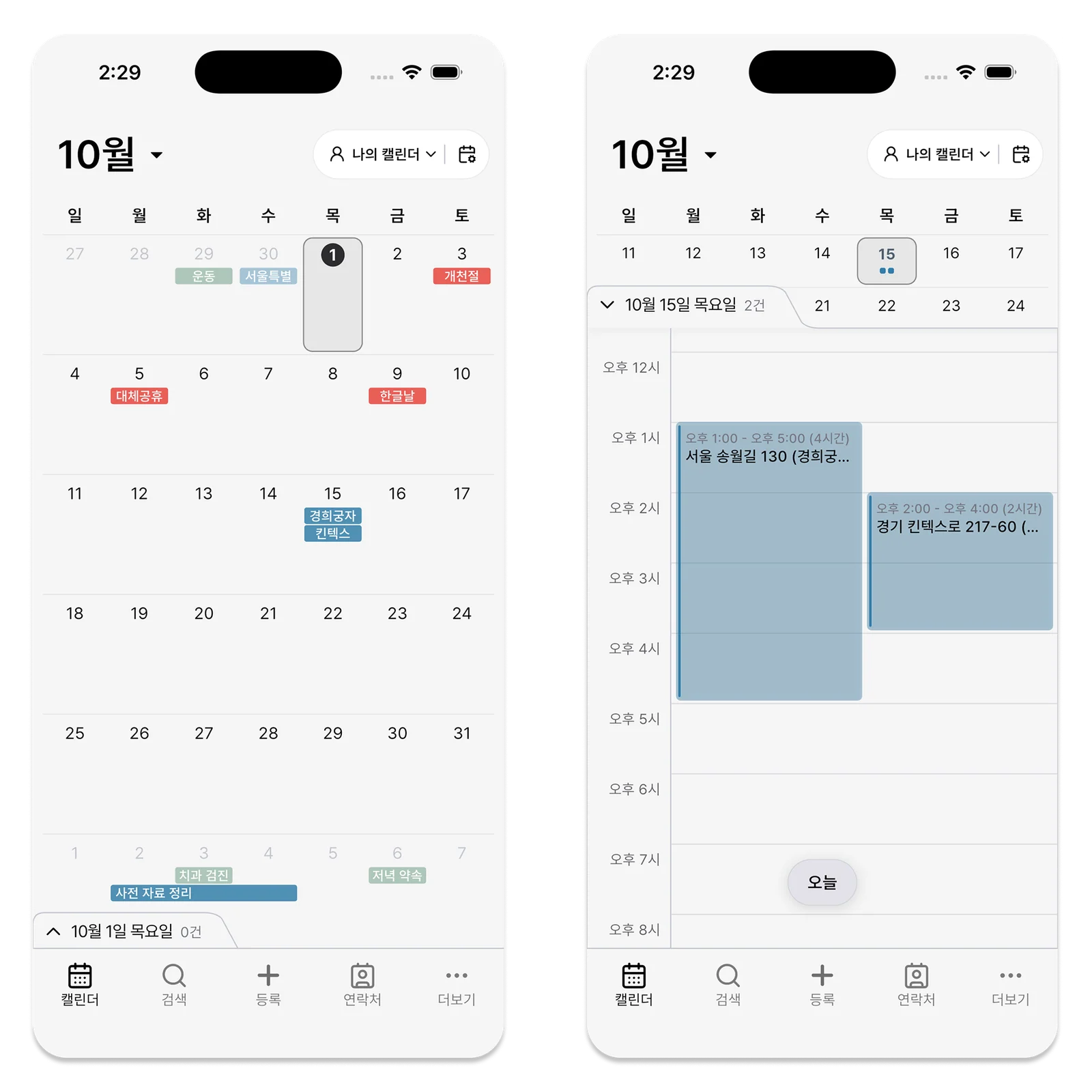
ILJI lets you distinguish personal and work events and review time in the monthly calendar and daily timeline.
For events made with a Field Service form, compare saved timer results with estimated time for the next booking. Check the work around an opening, not just the opening itself, when deciding whether to accept a request.