Reminders and D-Day both help you remember a date. They serve different purposes.
A reminder alerts you before a schedule starts. D-Day shows how many days remain until an important date or have passed since it.

1. Use a Reminder When You Need to Act Before the Start
Use a reminder when you need to prepare or leave at a set time, such as 10 minutes before a meeting or one hour before departure.
From ILJI's More, you can open Reminder Settings and set a default reminder time for your personal calendar.
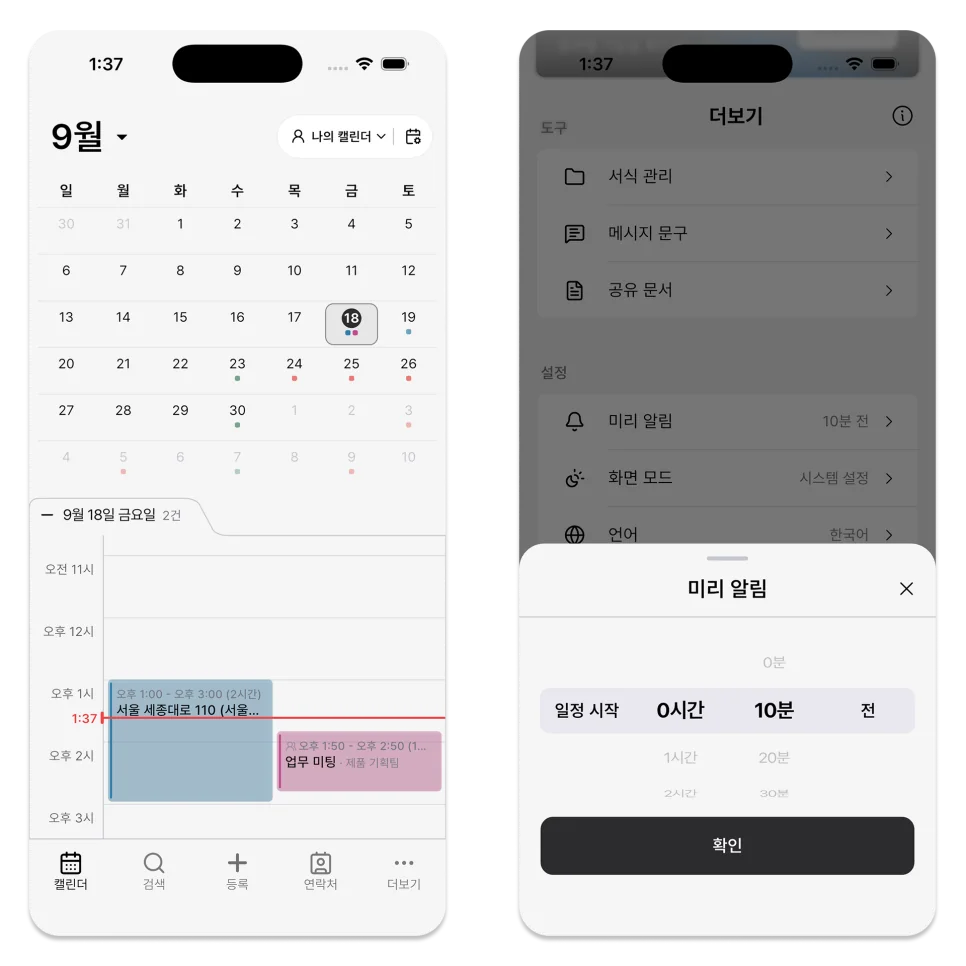
When registering or editing a schedule, check the date, start time, and selected notifications.
When the time or recurrence changes, notifications are scheduled again from the updated time.
2. Use D-Day to Track Time Remaining
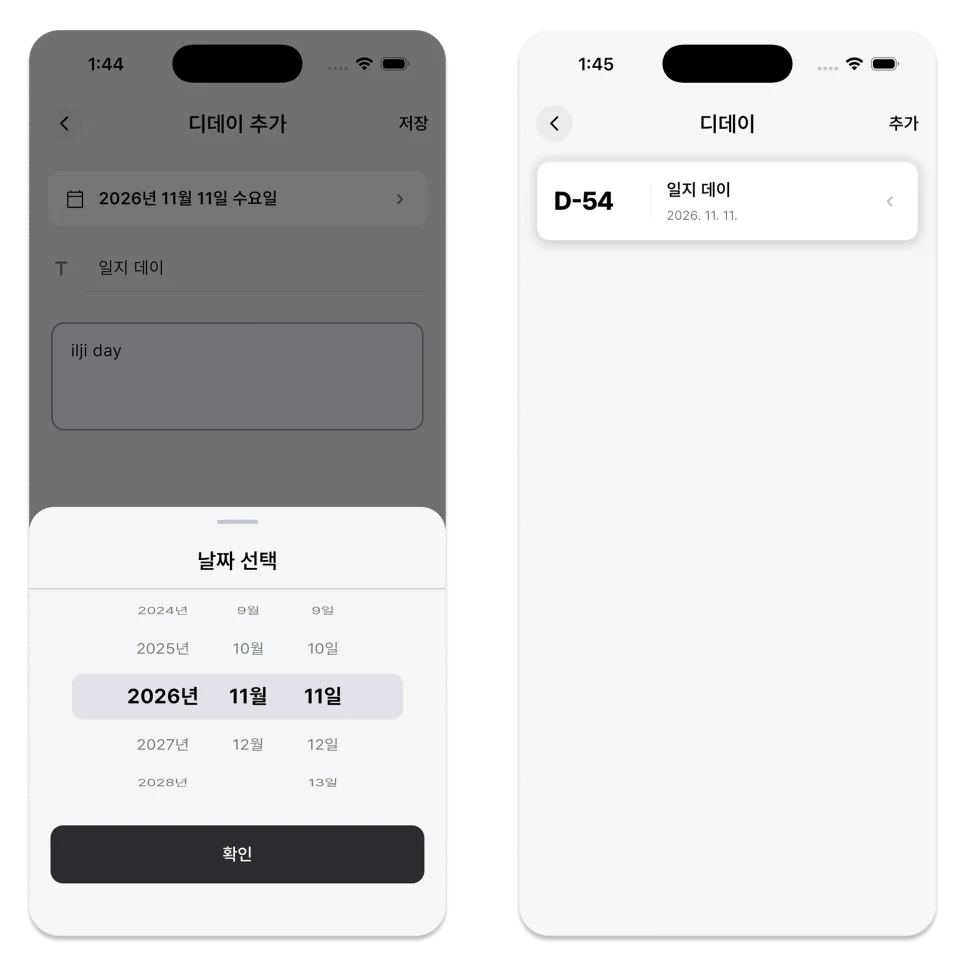
Use D-Day if you want to keep track of the number of days remaining until an important date, such as an exam date, contract end date, event date, or personal anniversary.
You can add a D-Day in My Calendar Settings and enter a title, target date, and whether or not it will repeat.
D-Day is managed separately from the schedule, so if you need a specific time or location for that day, it is better to register the schedule as well.
3. Each Member Can Choose Team Schedule Notifications
Even if you use the same team calendar, not everyone needs to receive the same range of notifications.
Use the bell icon in team calendar settings to choose one of three options.
- All notifications: Every schedule in the team calendar
- Assigned to me: Only schedules assigned to you
- Off: No schedule notifications from that team calendar
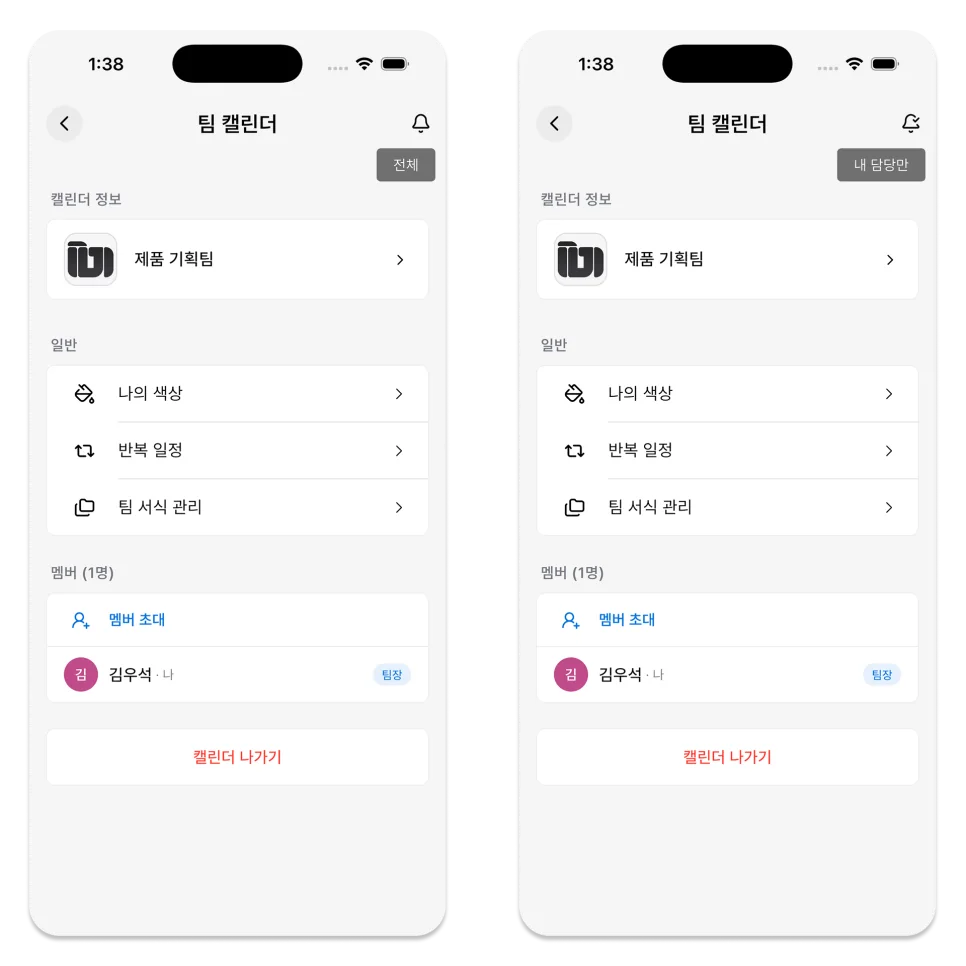
This setting is chosen by each team member to suit their own way of working.
4. What to Check When Notifications Do Not Arrive
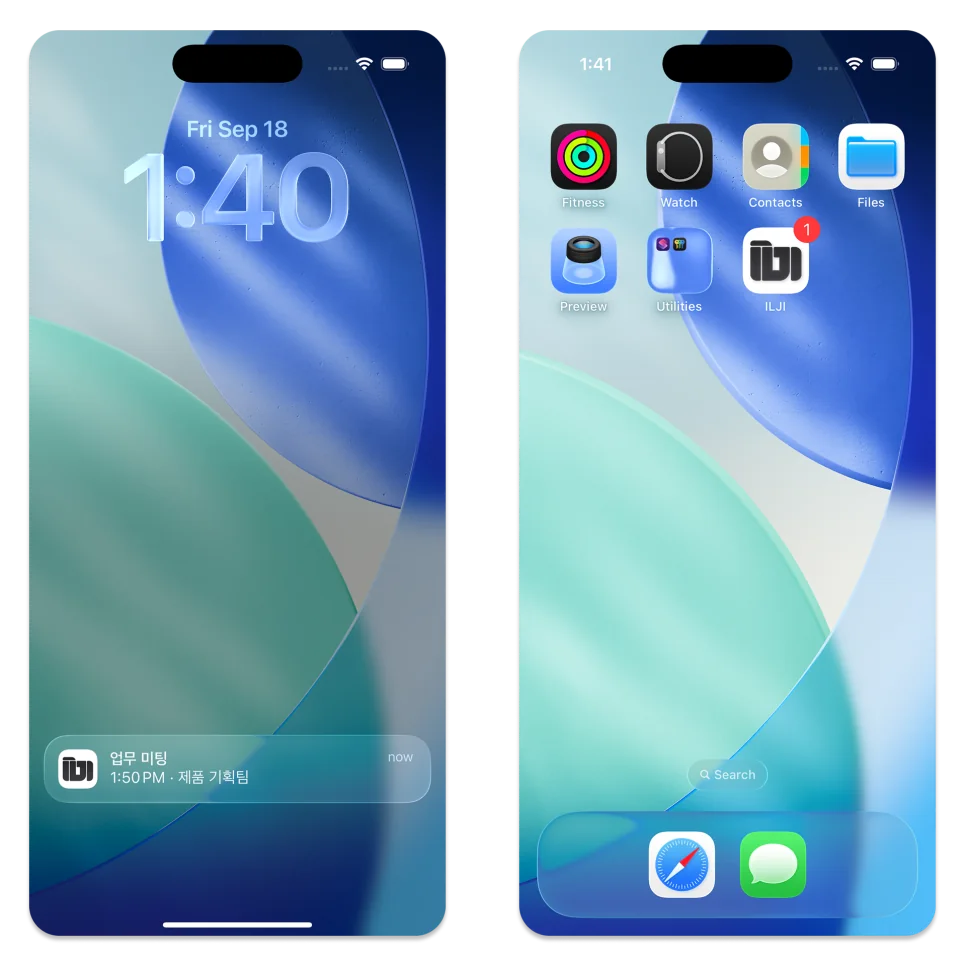
Check both the schedule settings and the device settings when a notification does not arrive.
- Check whether the schedule's start time has already passed.
- Confirm that the schedule has a reminder.
- Allow ILJI notifications in the device settings.
- Check whether a sleep or focus mode is hiding notifications.
- For an edited recurring schedule, confirm the new date and time.
Notifications and D-Day do not need to be used for the same purpose.
Select Reminder if you need to act before a certain time, or D-Day if you want to see how long until an important date.
You can also use them together if your schedule requires both.
Add a reminder to the next appointment that needs advance action. Set D-Day for a date that needs longer preparation.